For over a long time, one name is very common in WordPress search optimization, which is Yoast SEO. Most people install it because they see the famous green light and think it is the only way to rank on Google. However, the internet has changed a lot since 2010. Today, many business owners are looking for something different.
Some find that Yoast has too many advertisements in the dashboard. Others feel it has become too heavy and slows down their server. Whatever your reason, you should know that there are many powerful options available. In this guide, we will explore the best alternatives to Yoast SEO. We will look at tools that are faster, cheaper, and more modern.
Why Should You Look for an Alternative?
Before we look at the specific tools, it is important to understand why someone would leave a famous plugin. Yoast is a great “teacher” for beginners. It tells you where to put your keywords and how to write better sentences. But as you grow, you might find its limitations frustrating.
One major reason is the cost. To get features like multiple keyword tracking or internal link suggestions, you must pay every year for just one site. Many of the alternatives we will discuss today offer these features for free or at a much lower price point.
Another reason is “bloat.” When a plugin offers too many features (that most people wouldn’t even use) and has thousands of lines of code, it can sometimes make your WordPress admin area feel sluggish. Modern alternatives are often built with newer coding standards. This keeps your website light and fast. If you want a clean workspace without constant “Premium” upsells, an alternative might be exactly what you need.
1. Rank Math: The All-In-One Powerhouse
Get 15% OFF on the Rank Math pricing plan
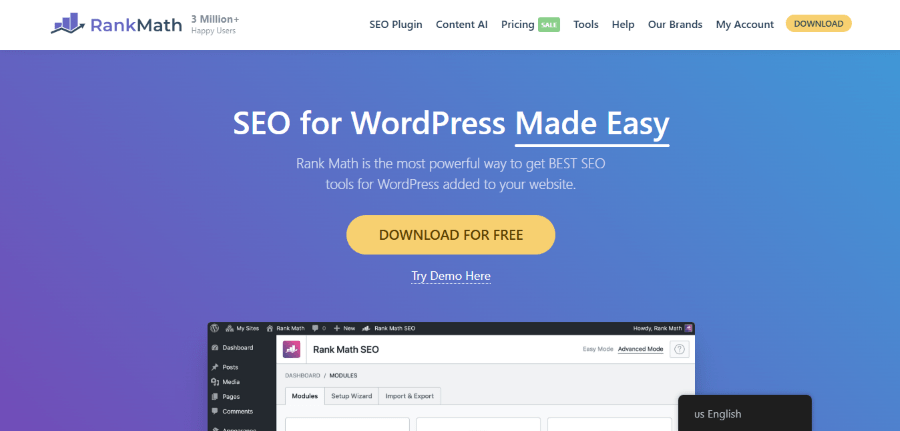
Rank Math is a WordPress plugin that combines multiple search engine tools into a single interface. It is designed to replace the need for several separate plugins by offering features like rank tracking and schema generation in one place. It serves as a comprehensive toolkit for users who want to manage every part of their search presence from their dashboard.
Rank Math includes a redirect manager, a 404 monitor, and a schema generator all in one package. In the past, you would have to pay for a separate plugin to handle these tasks. Now, you can do it all for free or with a very affordable pro plan.
Detailed Features
- AI Content Assistant: This tool uses artificial intelligence to scan the web for you. It tells you which words people are searching for right now. It is like having a researcher help you write every post.
- Smart Setup Wizard: Moving from Yoast to Rank Math is very easy. The setup wizard can import all your old settings with one click. You do not lose any of your hard work.
- Google Integration: You can see your traffic data from Google Search Console and Google Analytics right inside your WordPress dashboard. You do not have to keep opening different tabs to check your progress.
Pricing Details
- Pro: $7.99 per month (billed annually) for use on unlimited personal websites.
- Business: $24.99 per month (billed annually) for up to 100 client websites.
- Agency: $54.99 per month (billed annually) for up to 500 client websites.
Who it is for: The professional blogger or small business owner who wants every possible feature without paying for multiple different tools.
2. SEOPress: The Clean and Quiet Choice
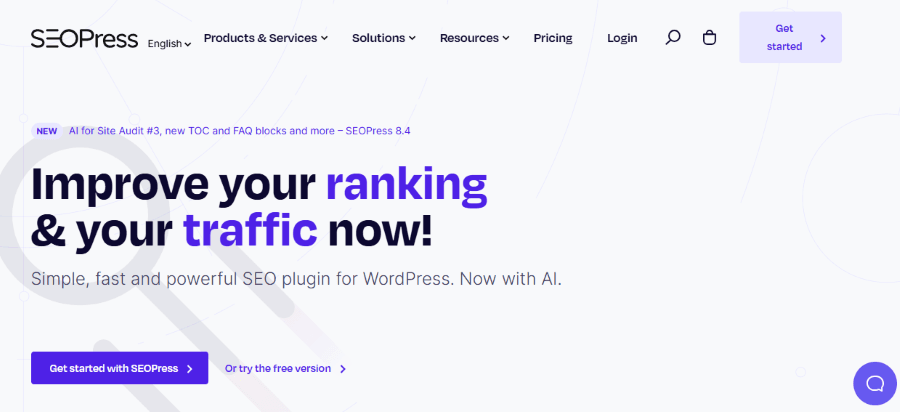
SEOPress is a simple, fast plugin for managing the metadata and technical settings of a WordPress site. It is built to be lightweight, meaning it does not add unnecessary code that could slow down your pages. It provides a focused environment for users who want to optimize their site without dealing with frequent marketing messages.
SEOPress is based in France and has a very strong following in the developer community. It is built to be fast and simple. If you are a designer who wants a clean dashboard for your clients, this is likely your best option.
Detailed Features
- No Ads: Even the free version has zero advertisements. This is very rare in the world of WordPress plugins.
- Breadcrumbs: It handles your site navigation paths easily. This helps Google understand how your pages are organized.
- WooCommerce SEO: If you run an online store, SEOPress makes it easy to optimize your product pages so they appear in Google Shopping.
- White Labeling: You can replace the SEOPress name and logo with your own. This makes it look like you built a custom SEO tool for your clients.
Pricing Details
- Free: Generous version with no ads for basic settings.
- PRO (1 site): $49 per year for a single website license.
- PRO (5 sites): $59 per year for up to five websites.
- PRO (Unlimited): $149 per year for an unlimited number of websites.
Who it is for: Agencies and freelancers who want a professional tool that does not distract their clients with advertisements.
3. SureRank: The Modern and Simple Challenger

Get up to 33% OFF on the SureRank pricing plan
SureRank helps users monitor their position in search results and improve their content in real-time. It is built to work within the standard WordPress block editor, allowing you to view your search data while creating new posts. It emphasizes a modern interface that is easy for non-technical users to understand.
The interface is very sleek. It uses the modern WordPress block editor style. This means it feels like a natural part of your website rather than an add-on. It focuses on the most important tasks and ignores the technical settings that most people never use.
Detailed Features
- Live Rank Tracker: Most plugins tell you what you should do. SureRank tells you how you are actually doing. It tracks your Google rank every day and shows you a graph of your progress.
- Content Optimizer: As you write, it gives you a score out of $100$. It tells you exactly which words to add to improve your score.
- Link Assistant: It scans your entire site and identifies pages that are not linked to anything. This helps you build a better content network so Google can find all your pages.
Pricing Details
Annual Plan:
- Free Version: Available on the WordPress repository with basic features.
- Pro Plan: $149 per year for a 10-site license.
- Business Plan: $249 per year for a 100-site license.
Lifetime Plan:
- Pro Plan: $599 pay once for a 10-site license.
- Business Plan: $999 pay once for a 100-site license.
Who it is for: Business owners who use the Astra theme or SureCart and want an SEO tool that is incredibly easy to navigate.
4. WP Meta SEO: The Time-Saving Expert
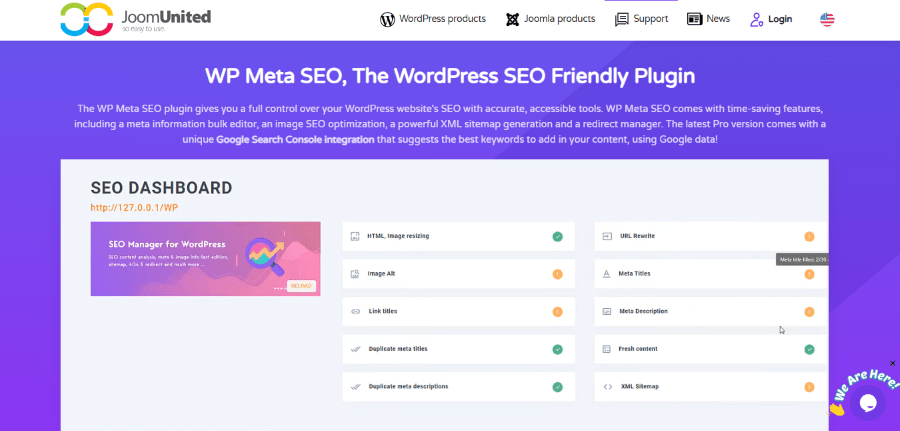
WP Meta SEO is an efficiency tool that allows WordPress users to edit search settings for many pages at once. It provides a central dashboard where you can view your site’s overall health and fix errors in bulk, rather than opening posts individually. It is primarily used to save time during large website audits.
This plugin gives you a bird’s eye view of your entire website. It shows you which images are missing descriptions and which titles are too long. Instead of clicking through dozens of menus, you can fix everything from one simple screen.
Detailed Features
- Bulk Meta Editor: This is the most powerful part of the plugin. It lists every post and page on one page. You can type in your new titles and descriptions and hit “Save” once.
- Image Optimization: Many people forget that images help you rank. This tool can automatically resize your images and fill in the “Alt Text” for your entire library in seconds.
- 404 and Redirect Manager: It scans your site for broken links. If it finds a page that no longer works, it helps you point the user to a new page so you do not lose your search ranking.
- Google Search Console Integration: It pulls data directly from Google. This helps you see exactly which keywords people are typing to find your business.
Pricing Details
- Free: Available on WordPress.org.
- Pro: $49 for 1 year of support and updates.
Who it is for: Managers of large websites or news portals who need to fix technical SEO issues quickly across hundreds of pages.
5. The SEO Framework: For Performance Experts
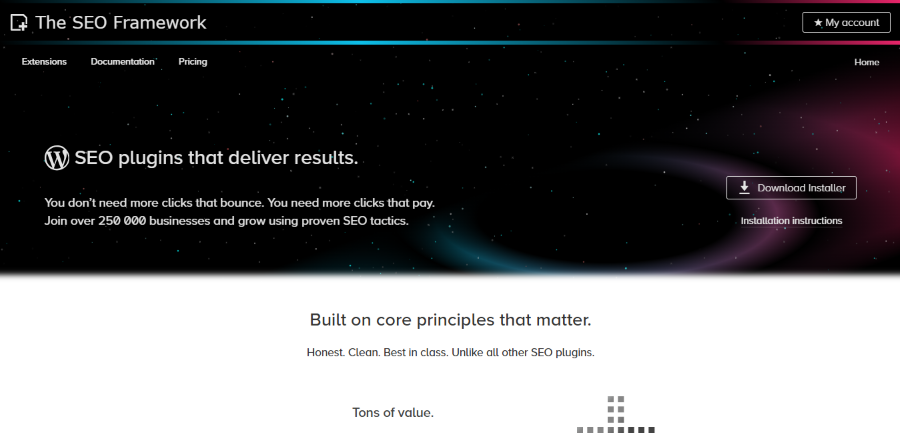
The SEO Framework is an automated plugin that uses a built-in expert system to optimize a WordPress site. It is designed to work immediately upon activation, reading your page content and generating the correct tags without requiring manual input. It focuses on privacy and speed by avoiding data tracking and heavy scripts.
This plugin is incredibly small and fast. It does not use your database to store unnecessary information. It follows every single rule that Google suggests without adding any extra fluff. It is widely considered the fastest SEO plugin on the market today.
Detailed Features
- Automatic Optimization: It is the only plugin that can truly be automated. It reads your pages and creates the best titles for you. You do not have to fill out a box for every single post if you are in a rush.
- Visual Health Bar: Instead of a complex red/green system, it uses a simple color bar. This bar tells you if your page is ready or if it needs a quick fix.
- Privacy Focus: It does not track you. It does not send your data to a corporate server. Everything stays on your website.
Pricing Details
- Free: Includes all core features and free extensions for unlimited sites.
- Pro: $7 per month (billed annually) for use on 2 sites with all premium extensions.
- Business: $17 per month (billed annually) for up to 20 sites.
- Agency: $27 per month (billed annually) for up to 200 sites.
Who it is for: People who care deeply about website speed and those who want a plugin that works automatically in the background.
6. All in One SEO (AIOSEO): The Original Alternative
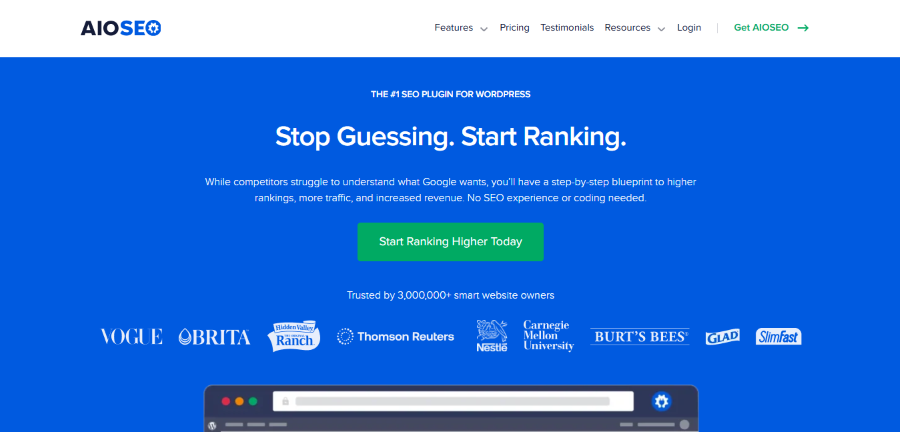
Before there was Yoast, there was All in One SEO. It is the original plugin for search optimization. A few years ago, it was bought by a new company and completely rebuilt. Now, it is a very modern tool with millions of users.
AIOSEO is best known for its “Audit Checklist.” When you first install it, it scans your site and gives you a grade. It is like getting a report card for your website. It tells you what is broken and how to fix it in order of importance.
Detailed Features
- Local SEO: The best tool for local businesses. If you own a pizza shop or a dental office, AIOSEO helps you show up in Google’s “Map Pack”.
- TruSEO Score: This provides a very deep analysis of your content. It checks for factors such as sentence length, passive voice, and keyword density.
- Social Media Preview: You can see exactly how your post will look on Facebook and X before you publish.
Pricing Details
- Basic: $99 per year for 1 site.
- Plus: $199 per year for 3 sites.
- Pro: $399 per year for 10 sites (best for most businesses).
- Elite: $599 per year for 100 sites.
Who it is for: Local business owners who need to be found by customers in their specific city or neighborhood.
7. Squirrly SEO: Your Virtual SEO Consultant
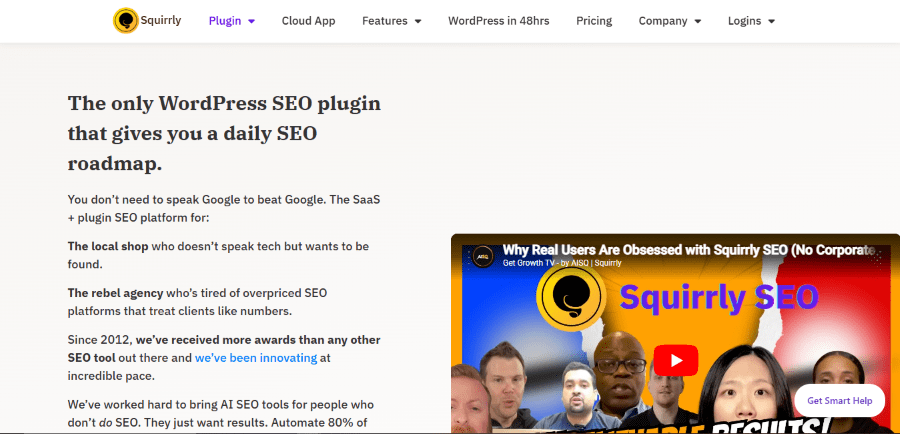
Squirrly SEO is different from every other plugin on this list. While others give you tools, Squirrly gives you a plan. It is powered by a massive AI system that has analyzed millions of websites.
When you use Squirrly, you are not just checking boxes. You are following a path to success. It gives you “missions” to complete. For example, it might tell you to “Improve the ranking of your home page by $10 this week.” It then tells you the steps to achieve that goal.
Detailed Features
- Focus Pages: Squirrly asks you which pages are the most important for your business. It then watches those pages very closely and tells you every time there is a chance to improve them.
- Cloud Power: Much of the heavy lifting happens on Squirrly’s servers. This means it does not slow down your WordPress site while it is doing its research.
- Keyword Research: You can find out how many people are searching for a specific topic without leaving your post editor.
Pricing Details
- Free: Limited version for testing.
- Pro: $9.99 per month for 5 sites.
- Web Dev Kit: $51.20 per month for 10 sites.
- Business: $71.99 per month for 7 sites.
Who it is for: People who feel lost when it comes to SEO and need a step-by-step strategy to follow every day.
Comparing the Costs
When choosing an alternative, the price is often the most important factor. Here is a quick look at how these tools compare for a single website over the course of one year.
- Yoast Premium: $\$99$ per year.
- Rank Math Pro: Roughly $\$84$ per year (for unlimited personal sites).
- SEOPress Pro: $\$49$ per year.
- AIOSEO Basic: $\$49.60$ per year.
- SureRank Pro: $\$99$ per year.
- WP Meta SEO: Roughly $\$49$ to $\$59$ per year.
- The SEO Framework: Free for most people, or $\$84$ for the professional version.
As you can see, you can often get more features for half the price of Yoast. If you have many websites, the savings become even larger. For example, Rank Math allows you to use its Pro plan on as many personal sites as you want for one low price. Yoast would require you to pay $\$99$ for every single site.
How to Switch Without Losing Your Rankings
Many people are afraid to leave Yoast because they think their Google rankings will disappear. This is a common myth. Your rankings are based on your content and your technical settings, not the name of the plugin you use.
Almost every alternative listed here has an “Import” tool. When you install Rank Math or SEOPress, the first thing they ask is, “Do you want to import your data from Yoast?” You click one button, and all your titles, descriptions, and settings move over instantly.
Rank Math wrote a helpful guide on how to switch from Yoast to Rank Math easily. Read the full guide here.
Once the data is moved, you can safely deactivate and delete Yoast. Your website will not notice a difference, and search engines will still see the same information. In many cases, because the new plugin is faster, your rankings might actually go up after you switch.
Final Thoughts: Which One is Right for You?
The “Best” SEO plugin is the one that you actually use. If a plugin is too complicated, you will ignore it. If it is too expensive, you will feel stressed about the bill.
If you want the most features for the lowest price, Rank Math is the clear winner in $2026$. It simply offers more for less.
If you have a massive website and need to clean up data in bulk, WP Meta SEO is your best friend. It saves you hours of manual work.
If you want a clean and quiet dashboard for your business, SEOPress is a fantastic choice. It is honest, affordable, and very powerful.
The world of SEO is no longer a one-horse race. You have the freedom to choose a tool that fits your budget, your technical skills, and your business goals. Take a look at these alternatives and see which one feels right for your WordPress site. Your journey to the top of Google does not have to be expensive or complicated.