Success with a WordPress membership site goes beyond just providing access to exclusive content or services. The idea is to make the process of becoming a member simple, keep the payments coming in securely, and make sure management is painless for the admins.
That is where WordPress membership plugins come in, making managing memberships, handling subscriptions, and protecting premium content easy as you build an online course, a community, or a subscription-based website. When choosing a tool, you must look for core membership features like automated billing, content dripping, and reliable support.
Choosing the best WordPress membership plugin can be hard because there are so many options. We have compared the 8 best WordPress membership plugins to help you find the perfect fit for your specific needs. Whether you want to sell a single course or build a massive social community, one of these plugins will get the job done.
1. ARMember
Get up to 70% OFF on the ARMember pricing plans
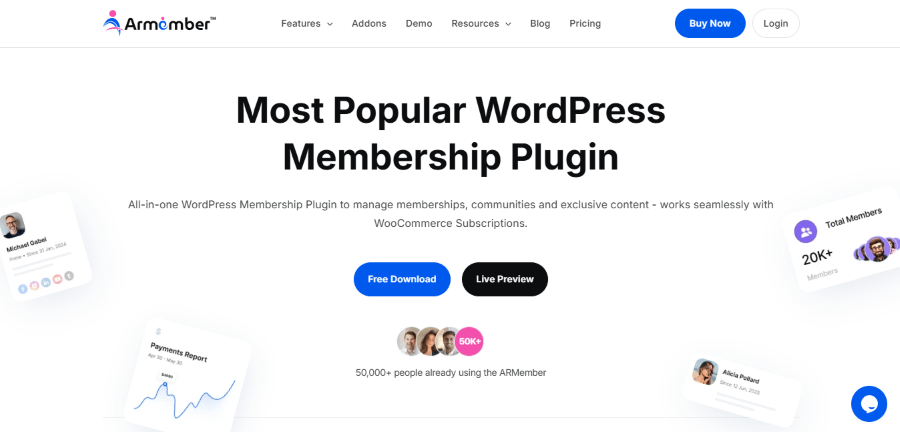
ARMember is developed by ReputeInfo, a dedicated team of WordPress enthusiasts led by founder and CEO Ankur Chotai. Ankur launched the company in 2005, and the “AR” in the name originally stood for “Auto Responder” from their first product, though it has since become a personal brand representing both Ankur and Repute. They built this plugin to provide a comprehensive, all-in-one system that eliminates the need for users to purchase multiple expensive extensions.
ARMember is a complete membership management solution that handles everything from registration to complex payment cycles. It is designed for people who want a lot of features without needing to buy dozens of extra add-ons. The plugin includes a built-in form builder so you can make your signup pages look exactly how you want.
This membership plugin is great because it supports multiple membership levels with different pricing structures. You can offer free trials, one-time payments, or recurring subscriptions. It also includes unique features like “pay per post” and “gift memberships” which help you find new ways to make money from your content.
Key Features:
- Multiple Membership Plans: Create endless free or paid levels with full control over access permissions.
- Advanced Form Builder: Design custom registration and login forms using a real-time editor.
- Content Monetization: Link specific posts, pages, or courses directly to membership plans.
- Built-in Security: Protect accounts with two-factor authentication and auto lock for shared accounts.
- 21+ Payment Gateways: Native support for Stripe, PayPal, Mollie, and Razorpay.
Price:
- Standard Plan: $99 per year for one site.
- Professional Plan: $259 per year for two sites with all payment add-ons included.
- Enterprise Plan: $999 per year for 10 sites with 52+ premium add-ons included.
Who is it for? ARMember is perfect for solo creators or small business owners who want a professional look and a lot of built-in features for a lower price.
2. Restrict Content Pro
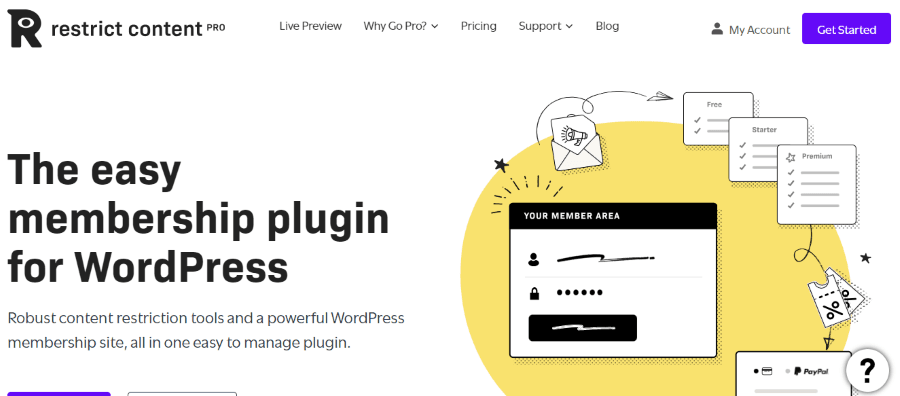
Created by the well-known WordPress developer Pippin Williamson and the team at Sandhills Development, Restrict Content Pro is now part of the StellarWP family by Liquid Web. The plugin was built with a “code-first” philosophy, prioritizing a lightweight experience that doesn’t slow down your site.
Restrict Content Pro is famous for being clean and easy to use, offering a simple membership that does not bloat your WordPress website with things you do not need. Instead, it gives you a simple way to lock your content and manage your subscribers. It is very easy to set up unlimited membership levels like “Bronze,” “Silver,” and “Gold” to organize your users.
One of the best things about this WordPress membership plugin is its reporting system. You can easily see how much money you are making and which membership level is the most popular. It also integrates with payment gateways like Stripe and PayPal with very little effort.
Key Features:
- Easy Paywall Setup: Display content previews with an offer to join to see the full post.
- Unlimited Subscription Packages: Create free, trial, and premium membership levels effortlessly.
- Discount Codes: Generate unlimited coupon codes based on flat rates or percentages.
- Customer Dashboard: Let members manage their own accounts and view their payments.
- Developer Friendly: Includes a complete API for custom payment gateways and advanced hooks.
Price:
- 1 Site: Starts at $99 per year.
- 5 Sites: Starts at $149 per year.
- Unlimited Sites: Starts at $249 per year.
Who is it for? This plugin is the right WordPress choice for developers or site owners who want a fast, lightweight system that stays out of the way.
3. Paid Memberships Pro
Get 50% OFF on Paid Memberships Pro pricing plan.
This plugin was founded by the husband and wife duo Kim and Jason Coleman, who have been active members of the WordPress community for over a decade. They built the platform on an “open source first” model, believing that every creator should have access to the basic tools needed to create a membership business.
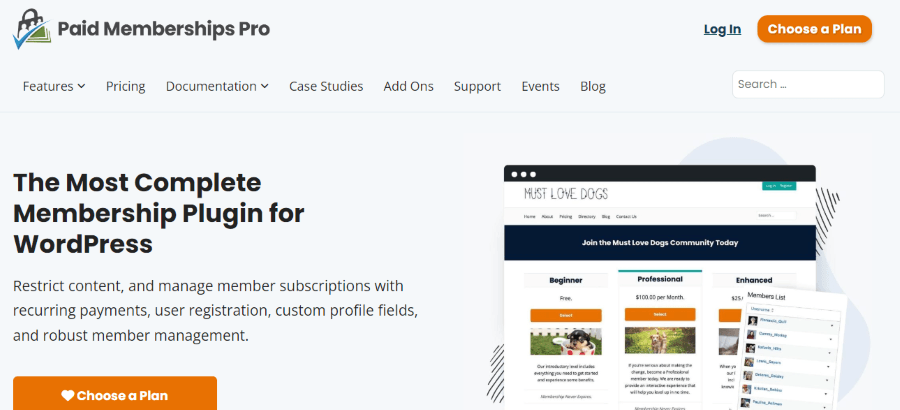
Paid Memberships Pro is a robust membership plugin that offers a very generous free version. Unlike some other tools, the free version actually gives you enough features to run a successful membership site. It allows you to create unlimited membership levels and accept payments through popular gateways.
Paid memberships pro offers a wide range of “Plus” add-ons that can turn your site into a social network or a directory. The plugin also handles “drip content,” which means you can release your lessons or articles over time instead of all at once. This keeps your subscribers coming back every week.
Key Features:
- Content Dripping: Schedule when members get access to specific content based on their start date.
- Member Directories: Create searchable public or private profiles for your community.
- Flexible Pricing: Support for one-time payments, recurring subscriptions, and even donations.
- Detailed Reporting: Track sales, revenue, signups, and cancellations with interactive charts.
- Admin Tools: Manually add, import, or export members and manage roles without code.
Price:
- Core Plugin: Free to use.
- Standard Plan: $174 per year for 1 site with 22+ add-ons and premium support.
- Plus Plan: $299 per year for 2 sites with 31+ add-ons and premium support.
- Lifetime Plan: $3000 per year for Lifetime use on 2 sites and Lifetime access to all PMPro software.
Who is it for? This is the best membership choice for people on a tight budget who want to start for free and scale up as they grow.
4. WooCommerce Memberships
As an official extension from the team at WooCommerce (part of the Automattic family), this plugin is backed by the same engineers who power a massive portion of the world’s e-commerce. It was specifically designed to bridge the gap between traditional online selling and recurring member access.
If you already run an online store, WooCommerce Memberships is likely the best WordPress membership plugin for you. It is not a standalone tool but rather an extension for the WooCommerce ecommerce plugin for WordPress. It allows you to tie your memberships directly to the products you sell in your store.
You can use this plugin to offer special “member-only” discounts or give your subscribers early access to new products. Since it works with WooCommerce, you get access to hundreds of different payment gateways and shipping options. It makes managing a membership site feel just like managing a regular online store.
Key Features:
- Seamless Integration: Memberships are tied directly to your store products and customer accounts.
- Purchasing Club: Restrict product viewing or purchasing so only members can buy certain items.
- Special Discounts: Offer member-only perks like free shipping or category-wide discounts.
- Membership Notes: Communicate directly with members via notes shared through email.
- Member Area: A dedicated space where users see their accessible content, products, and perks.
Price:
- Extension License: $199 per year.
- Optional Subscriptions: $199 per year for the separate WooCommerce Subscriptions extension to handle recurring billing.
Who is it for? This is for shop owners who want to add a loyalty program or a premium “Prime-style” membership to their existing store.
5. SureMembers
Get up to 53% OFF on the SureMembers pricing plans
SureMember is the latest innovation from Adam Preiser and Sujay Pawar, the creators of the popular Astra theme and the Brainstorm Force ecosystem. They created this tool specifically for the modern WordPress user who wants a fast, block-based experience to create membership access without the complex configuration hurdles found in older plugins.
SureMember is a newer membership plugin on the market that focuses on speed and ease of use. It was built by the team behind some of the most popular WordPress plugins, so it feels very modern. It uses a simple “access groups” system to control who can see your content based on membership level.
What makes SureMember special is how it handles content based on membership. You can lock down specific parts of a page or even entire categories with just a few clicks. It is very light on your server, which means your WordPress site will stay fast even as your member list grows.
Key Features:
- Role-Based Memberships: Use WordPress roles to manage access automatically without manual assignments.
- Block Level Protection: Protect individual parts of a page using the Gutenberg editor.
- Full Site Protection: Lock your entire website while keeping specific landing pages public.
- Teaser Content: Show snippets of locked content to encourage users to upgrade.
- Priority Control: Define which membership rules take over when a user has multiple levels.
Price:
- Starter Plan: $99 per year for one site.
- Business Plan: $199 per year for up to 10 sites.
- Pro Plan: $299 per year for up to 100 sites.
- Lifetime plan: $1299 per year for up to 100 sites.
Who is it for? SureMember is ideal for low-tech professionals who want the simplest possible setup without any confusing menus.
6. MemberPress
Get 50% discount on the MemberPress pricing plans
Founded by Blair Williams, MemberPress has grown to become the most recognizable name in the WordPress membership space. Williams and his team at Caseproof have spent years refining the plugin to ensure it can scale from small blogs to massive corporate training portals.
MemberPress is often called the all-in-one WordPress membership plugin because it does absolutely everything. It includes a full learning management system (LMS) so you can build and sell membership and online courses without needing another tool. It also has a “ReadyLaunch” feature that automatically creates beautiful pricing pages for you.
MemberPress is the best for creating a complex membership site because it handles everything from coupons to automated emails. It also integrates perfectly with Zapier, which lets you connect your membership site to over 5,000 other apps. This is a great way to automate your workflows and save time.
Key Features:
- CoachKit Integration: Build unlimited coaching programs with milestones and client tracking.
- ReadyLaunch Page Maker: Create high-converting and mobile-responsive pages in minutes without design skills.
- Corporate Accounts: Sell bulk memberships to organizations and manage parent or sub accounts easily.
- Paywall Power: Fine-grained control to restrict access to pages, posts, custom post types, and files.
- Automated Tax Calculations: Built-in support for VAT and taxes through the TaxJar integration.
Price:
- Basic Plan: $399 per year for use on one site.
- Plus Plan: $699 per year for use on up to two sites.
- Pro Plan: $999 per year for use on up to five sites.
Who is it for? This is the right membership plugin for serious entrepreneurs who want a powerful, professional system to run their entire business.
7. Ultimate Member
Created by Calum Allison, Ultimate Member was launched from the need for a plugin that prioritized the social and community aspect of membership. The founders focused on creating a front-end experience that allows users to connect without ever seeing the WordPress dashboard.
Ultimate Member is a bit different because it focuses heavily on the “community” part of a membership site. While it can restrict content, its main goal is to let your users create profiles and interact with each other. It includes features like member directories, user roles, and custom registration forms. It is the best choice for those building a social network or forum where specialized membership tiers are needed to organize user interaction.
The core plugin is free, making it a great free WordPress membership option for those building a forum or a social site. If you want to add paid membership functionality, you can buy their extensions. It is very flexible and allows you to create different membership experiences for different types of users.
Key Features:
- Front End User Profiles: Add beautiful profiles that members can customize with bios and photos.
- Advanced Member Directories: Let users search for each other with custom filters and sorting options.
- Conditional Menu Visibility: Show different navigation links based on whether a user is logged in or out.
- Role Specific Permissions: Create multiple user roles with unique capabilities and redirect rules.
- Registration Management: Choose between auto approval, email activation, or manual admin review for new users.
Price:
- Core Plugin: Free to use.
- Extensions Pass: $276 per year for access to all current and future extensions.
Who is it for? Ultimate Member is perfect for building a community-focused site where user profiles and directories are the main attraction.
8. WishList Member
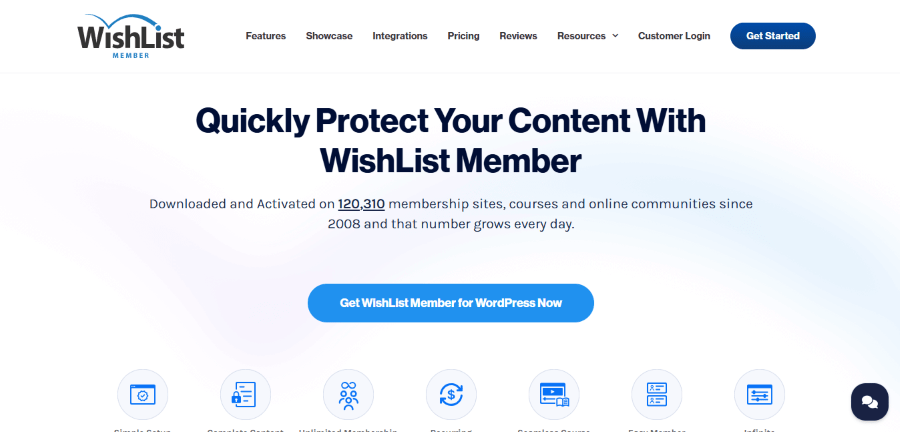
WishList Member was founded by Tracy Childers, who served as the company’s President for over 15 years. Following a 2023 acquisition, the product is now led by Blair Williams (the founder of MemberPress), who manages the plugin as part of the Caseproof suite of professional membership tools.
WishList Member has been around since 2012 and has been used on over 100,000 websites. It is a very reliable WordPress plugin that has stood the test of time. One of its best features is the “CourseCure” system, which helps you create courses and keep students engaged with badges and points.
This membership plugin for WordPress is known for its “logic” features. You can set up very specific rules for when someone joins or leaves a level. For example, you can automatically move a user from a “Free Trial” level to a “Paid Membership” level after 30 days. It gives you total control over the member journey.
Key Features:
- Modular Membership Levels: Build as many levels as you want with specific content access rules.
- Content Archiving: Move content to an archive so only those who were members at the time can see it.
- Logic Based Triggers: Automate actions like moving members between levels based on their behavior.
- Sneak Peak Snippets: Give non members a taste of gated content to encourage signups.
- Secure RSS Feeds: Let members view exclusive content safely in their favorite RSS readers.
Price:
- Single Site License: $147 per year.
- Multiple Sites: Options available for 2 sites ($197/year) or 5 sites ($297/year).
Who is it for? WishList Member is a great choice for experienced site owners who need specific, advanced membership rules and a proven track record.
More Considerations To Build a Membership Website
Membership websites have a lot of moving parts, and it takes a lot of effort to design, build and maintain it. That is why we are going to recommend a few plugins, and services you should consider to build the best membership WordPress website that offers a consistent experience to website administrators and its visitors.
- Page Builder: Breakdance, Brizy, Divi, WP Bakery
- Theme: WP Astra, KadenceWP
- Managed WordPress Hosting: HostWP.io with LiteSpeed Enterprise Servers
- Security Plugins: WP Security Ninja, Solid Security, WP Activity Log
- Performance Plugins: Perfmatters, NitroPack
- Backup Plugins: WPVivid
- Analytics: Analytify
- Others: LoginPress, MainWP
How to Choose the Best Membership Plugin for WordPress
When you look at the list of the best WordPress tools available today, it becomes clear that not all membership plugins on the market are created equal. Where the best WordPress membership plugins come into their own is in their ability to handle complex data while maintaining site speed. It is a common misconception, but most high-quality membership plugins do not store sensitive payment data directly on your server; instead, these plugins do not store sensitive credit card info locally, opting to pass that risk to secure gateways like Stripe or PayPal.
Matching Your Site Type to the Right Tool
There are many different types of membership sites, ranging from simple blogs to complex enterprise portals. If you want to create a membership website for a local club, a free membership plugin or a free WordPress membership plugin like the core version of Paid Memberships Pro might offer enough basic membership functionality to get you started. However, for a more popular membership model like a premium coaching business, you will likely need a membership plugin that lets you drip content and set up multiple membership levels.
Advanced Functionality and Design
For those with a high volume of users, WishList Member is a powerful membership solution known for its deep automation and reliability in the enterprise space. No matter which you choose, you need the ability to create multiple membership levels (such as Silver, Gold, and Platinum) to maximize your revenue. To make the user experience seamless, ensure your plugin is compatible with your chosen WordPress theme so that the login pages and member profiles look professional.
Final Verdict
When looking for the best WordPress membership plugins compared, you have to think about your specific goals. Different membership sites have different requirements. If you want to sell simple digital downloads, a lightweight tool like SureMember or Restrict Content Pro is perfect. If you want to run a massive online school, MemberPress is likely the better option.
Building a membership site is one of the best ways to create a steady income for your business. By picking the right WordPress membership plugin today, you are setting yourself up for a successful membership site in the future. Don’t let the technical stuff slow you down. Pick a tool that fits your skill level and start sharing your knowledge with the world.