


If you run events, workshops, webinars, conferences, or appointment-based businesses on WordPress, chances are you’ve heard of The Events Calendar.
For years, it has been one of the most recognized event plugins in the WordPress ecosystem. Many agencies, businesses, nonprofits, and community websites relied on it for event listings, recurring schedules, ticketing, and calendar displays.
However, recent changes around StellarWP products moving under the Liquid Web ecosystem have created uncertainty for many WordPress users.
Products that once had clear independent branding now feel increasingly consolidated under Liquid Web. Users are noticing changes in dashboards, account systems, upgrade prompts, and branding transitions. This has left many long-time customers wondering what the future looks like for plugins like The Events Calendar, Kadence, SolidWP, Restrict Content Pro, and others.
Whether these concerns are temporary or part of a larger platform shift, many users are now actively exploring alternatives.
If you are one of them, here are the best The Events Calendar alternatives worth considering.
Why Users Are Looking for Alternatives to The Events Calendar
The Events Calendar still works well for many websites, but depending on your workflow, you may need something more flexible.
Common reasons users switch include:
- wanting built-in appointment booking
- easier ticket sales and payment integrations
- simpler UI and less plugin bloat
- better recurring events support
- WooCommerce compatibility
- automation features like reminders and confirmations
- clearer pricing or product direction
Not every business needs the same solution.
A conference website has very different requirements compared to:
- a doctor clinic
- coaching business
- gym
- webinar platform
- restaurant reservation system
That is why choosing the right plugin matters.
1. Amelia
Get up to 50% OFF on Amelia
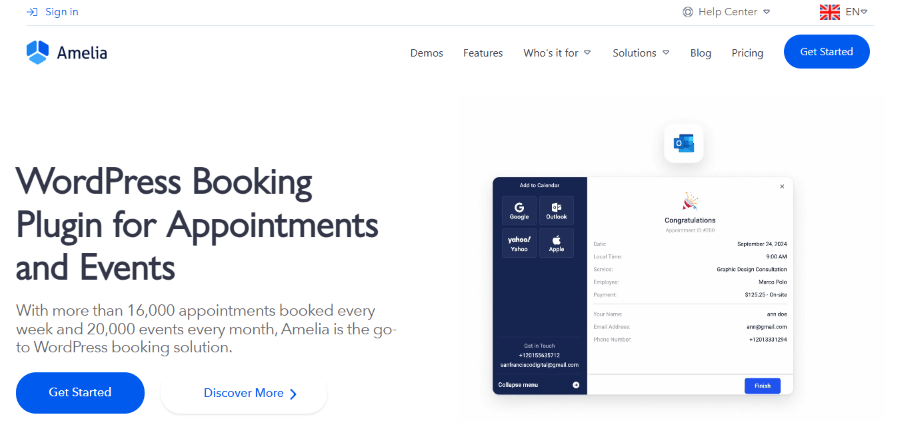
Amelia is one of the strongest alternatives if your primary focus is appointments, bookings, and automation.
Unlike The Events Calendar, Amelia is less about simply displaying events and more about helping businesses automate scheduling workflows. It is widely used by clinics, agencies, salons, consultants, gyms, and educational businesses.
The interface is polished, modern, and beginner-friendly.
Key Features of Amelia
- Automated Notifications: The system sends instant emails and SMS messages to both the customer and the employee to confirm bookings or send reminders.
- Staff Management: You can create individual schedules for different employees, including their working hours, breaks, and days off.
- Multiple Payment Options: It integrates with popular tools like PayPal and Stripe so you can collect payments at the time of booking.
- Group Bookings: You can set up events where multiple people can join the same session, which is perfect for yoga classes or group seminars.
- Google Calendar Sync: Employees can see their website appointments directly in their personal Google Calendars to avoid double booking.
Amelia Pricing Plan
Amelia offers several pricing tiers to suit different business sizes.
- Starter: $49 per year. This plan is for one domain and includes all the core features needed for appointment booking.
- Standard: $99 per year. This adds support for multiple locations and custom service durations for more complex businesses.
- Pro: $285 per year. This plan allows you to use Amelia on up to five different websites.
- Agency: $679 per year. This plan allows you to use Amelia on unlimited websites.
Who is Amelia For?
Amelia is best for service-based professionals like doctors, consultants, and gym owners. If you need a professional-looking system that manages your staff and collects payments automatically, this is one of the top Events Calendar Alternatives for you.
Verdict:
If your workflow is appointment-heavy, Amelia is a major upgrade over The Events Calendar.
2. Eventful

Get up to 30% OFF on Eventful
Eventful takes a different approach than a full calendar replacement: instead of migrating away from The Events Calendar, it plugs directly into it and adds the modern display layer — carousels, sliders, grids, and timelines — that users are switching plugins to get.
Eventful is developed by ThemeAtelier, a WordPress plugin and theme studio that builds focused add-ons rather than all-in-one suites. Their approach is to let site owners keep the core tools they already trust (like The Events Calendar) and layer on the missing pieces, so migrating event data or retraining staff on a new admin panel is never required.
Eventful is a display and layout add-on for The Events Calendar. It doesn’t manage bookings or tickets — instead, it turns existing TEC event data into sliders, carousels, grids, timelines, and filterable lists, with a shortcode/block generator and live preview so no coding is needed.
Key Features of Eventful
- 8 Layout Styles: Carousel, slider, grid, minimal list, timeline, masonry, list, and table views for showcasing events anywhere on your site.
- Advanced Live Filtering: Visitors can filter events by category, tag, venue, organizer, or keyword with AJAX live search, no page reload required.
- Shortcode Generator with Live Preview: Pick a layout, adjust 300+ styling options, and get a ready-to-paste shortcode or PHP snippet instantly.
- Full Typography & Color Control: 840+ Google Fonts plus unlimited color customization for every element, so displays match your brand exactly.
- Page Builder Native: Works as a Gutenberg block, Elementor widget, or shortcode, with support for Divi, WPBakery, and Beaver Builder.
Eventful Pricing Plan
Eventful offers a free version and a Pro version with flexible Yearly or Lifetime licensing — save up to 30% at checkout.
Yearly
- Single Site: $49/year, now $34.30/year
- Five Sites: $99/year, now $59.40/year — best value
- Unlimited Sites: $179/year, now $89.50/year
Lifetime (one-time payment)
- Single Site: $149, now $74.50
- Five Sites: $249, now $99.60 — best value
- Unlimited Sites: $499, now $149.70
All plans include full Pro features, automatic updates, and a 14-day money-back guarantee.
Who is Eventful For?
Eventful is for site owners who are happy with The Events Calendar’s core scheduling but want the same visual flexibility the paid alternatives are promoting — without moving event data anywhere. It’s a strong fit for agencies managing client sites on TEC, churches and community groups with an existing events archive, and anyone wary of a full plugin migration during the StellarWP/Liquid Web transition.
Verdict: If you like your Events Calendar setup and just want it to look modern, Eventful gets you there without switching plugins.
3. Modern Events Calendar
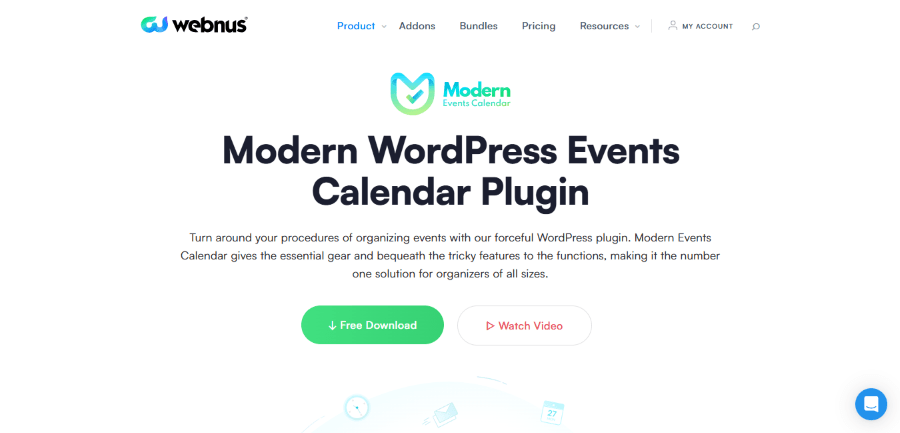
Modern Events Calendar is probably the closest direct replacement to The Events Calendar.
It is purpose-built for events and offers strong visual flexibility with multiple calendar layouts, recurring events, ticketing, and frontend submissions.
Many users switch simply because MEC gives them more design control.
Modern Events Calendar is created by Webnus, a company that has been active in the WordPress industry for over a decade. The team at Webnus is focused on design excellence and providing a massive amount of variety in how content is displayed. They believe that every website is different, so they provide hundreds of options for their users. The company has built a large following by offering a free version of its plugin that is more powerful than many paid products.
Modern Events Calendar, often called MEC, is an all-in-one solution for displaying events in many different formats. Whether you want a simple list, a large grid, or a full page calendar, MEC has a design that fits. It is famous for its clean look and its ability to import events from other popular calendar plugins. It provides a huge range of settings that allow you to control every tiny detail of how your events appear to the public.
Key Features of Modern Events Calendar
- Wide Range of Views: You can choose from over 50 different ways to display your calendar to match your website design.
- Event Booking System: The pro version allows you to sell tickets and manage bookings directly within the calendar.
- Weather Module: You can show the local weather for each event location to help your guests prepare for the day.
- Import and Export: It is very easy to move your events from Google Calendar, Facebook, or other WordPress plugins into MEC.
- Frontend Submission: You can let your users submit their own events to your site, which you can then review and approve.
Modern Events Calendar Pricing Plan
MEC offers a very capable free version and a pro version with even more power.
- 1 Site: $99 per year.
- 5 Site: $199 per year.
- 10 Site: $299 per year.
- 100 Site: $799 per year.
- Unlimited Site: $999 per year.
Who is Modern Events Calendar For?
This plugin is for the business owner who wants the most beautiful and flexible calendar display possible. It is a top Events Calendar Alternative for those who want total control over the visual presentation of their schedule.
Verdict:
One of the best direct The Events Calendar alternatives available today.
4. LatePoint
Get up to 53% OFF on Latepoint
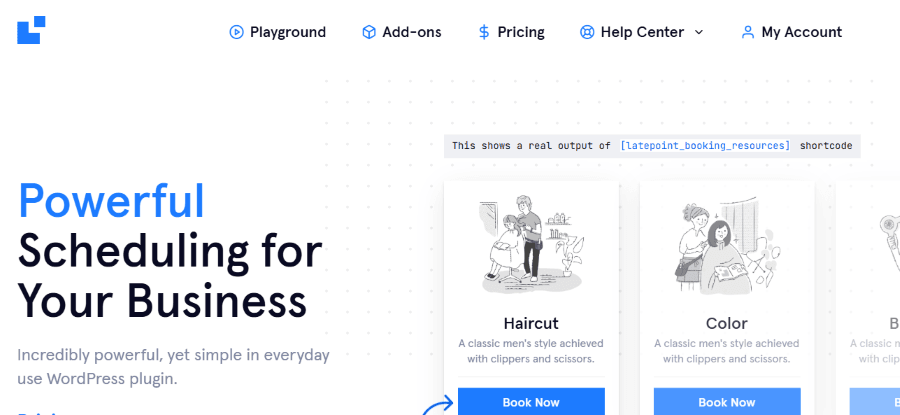
LatePoint is another clean appointment booking plugin that focuses heavily on speed and user experience.
Its booking flow is extremely fast and modern.
Many businesses prefer it because it feels lightweight compared to older booking plugins.
Key Features of LatePoint
- Fast Booking Interface: The booking steps are designed to be completed in seconds, which reduces the chance of customers leaving your site.
- Customer Dashboard: Clients can log in to their own portal to view their upcoming appointments or change their personal details.
- Custom Fields: You can add your own questions to the booking form to collect specific information from your clients before you meet.
- Agent Schedules: Each staff member can have their own profile with a photo and a custom bio to help customers choose the right person.
- Coupon System: You can create special discount codes to encourage new customers to book a service with you.
LatePoint Pricing Plan
LatePoint uses a straightforward pricing model based on the level of support and updates you need.
- Starter: $99 per year. This includes the core plugin for one website with one year of updates.
- Scale: $249 per year. This adds premium addons like text message reminders and custom fields.
- Agency: $499 per year. This provides all features and updates forever without any recurring fees.
Who is LatePoint For?
LatePoint is perfect for small business owners who want a modern and fast booking system. It is ideal for barbers, photographers, and tutors who need a simple way to stay organized without a steep learning curve.
Verdict:
Simple, modern, and fast.
5. FluentBooking
Get 20% OFF on FluentBooking
WPdiscounts
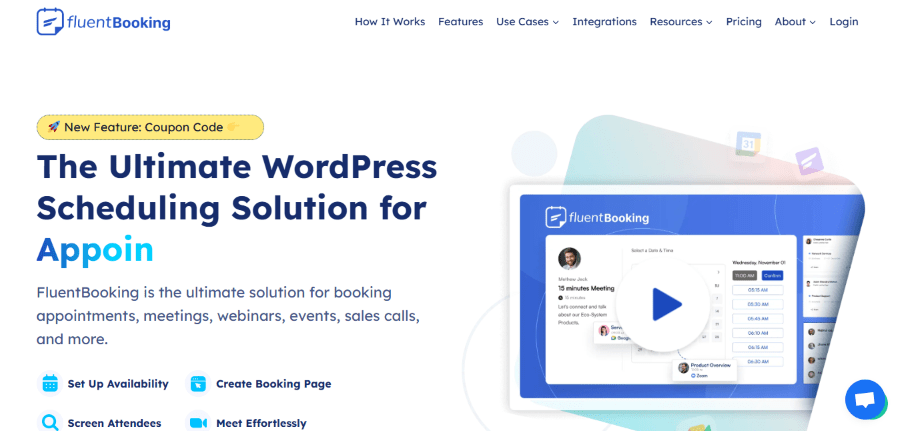
FluentBooking is newer but rapidly gaining attention. It is not a direct event plugin replacement, but excellent for scheduling workflows.
FluentBooking is the creation of WPManageNinja, a company founded by Shahjahan Jewel. Based in Bangladesh, this company has become a powerhouse in the WordPress community by creating tools that focus on speed and deep integration. Shahjahan and his team are known for listening closely to their users and releasing frequent updates. Their goal with FluentBooking was to create a self-hosted alternative to expensive external tools like Calendly.
FluentBooking is a powerful scheduling plugin that lives inside your WordPress dashboard. It is designed for professionals who spend a lot of time in meetings and need a way to share their availability with others. Unlike traditional event calendars, it focuses on one-on-one or group scheduling based on your actual availability. It works perfectly with the other Fluent tools, making it a great addition for anyone already using their form or email marketing plugins.
Key Features of FluentBooking
- Unlimited Bookings: Unlike many external services, FluentBooking does not charge you more as you get more appointments.
- Meeting Buffers: You can automatically add extra time before or after each meeting to ensure you have a break.
- Team Scheduling: You can manage schedules for multiple team members and let the system assign meetings based on who is free.
- Direct Integration: It connects directly with Zoom and Google Meet to automatically create video links for your appointments.
- Availability Rules: You can set very specific rules for when you are available for different types of meetings.
FluentBooking Pricing Plan
FluentBooking offers competitive pricing, especially for those who want to avoid monthly subscription fees.
- Single Site: $79 per year. This gives you full access to all features for one website.
- 5 Sites: $199 per year. This is designed for small agencies or business owners with multiple projects.
- 50 Sites: $399 per year. This plan is for large organizations that need to deploy the tool across many different domains.
Who is FluentBooking For?
FluentBooking is for the professional who wants to take full control of their schedule without paying monthly fees to a third-party service. It is the Best The Events Calendar Alternative for those who need deep integrations with video conferencing tools.
Verdict:
Excellent if your use case is scheduling, not event listings.
6. Eventin
Get up to 70% OFF on Eventin
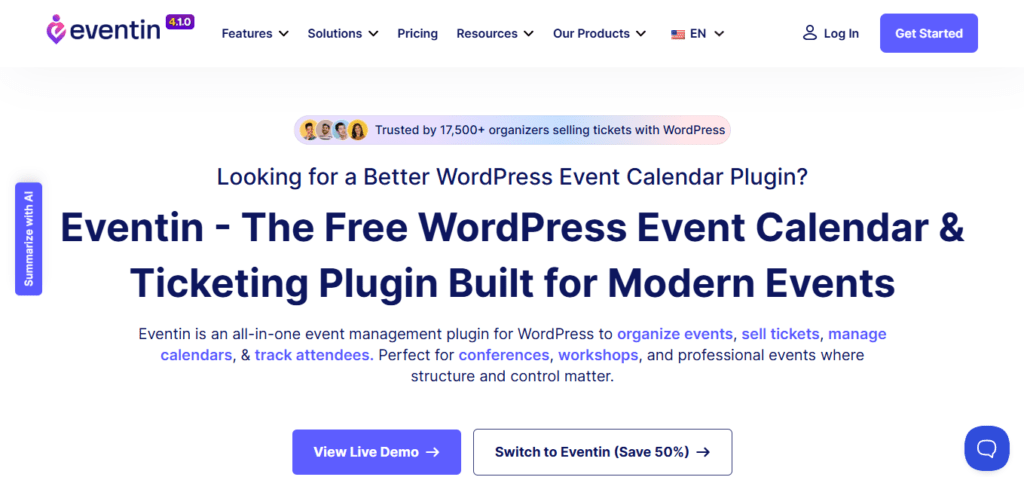
Eventin is a powerful option for event-heavy websites, especially if you sell tickets or host virtual events.
It supports Zoom integration, speaker profiles, attendee management, QR ticketing, and WooCommerce support.
It feels more modern than many legacy event plugins.
Eventin is developed by ThemeWinter, a team of creative designers and programmers. They specialize in building themes and plugins that are visually striking and packed with features. The company focuses on the needs of event organizers who want to create a professional presence for their conferences or local meetups. ThemeWinter is known for providing tools that help business owners scale their operations through better organization and digital sales.
Eventin is a comprehensive event management and ticketing plugin. It allows you to create detailed event pages with maps, schedules, and speaker profiles. One of its unique features is the ability to handle both physical and virtual events, including integrations for Zoom meetings. It also includes a robust system for selling tickets and checking in guests, making it a complete solution for anyone who hosts organized gatherings.
Key Features of Eventin
- Multivendor Support: You can allow other people to list their events on your website and take a commission from their sales.
- QR Code Ticketing: The system generates unique QR codes for every ticket sold, which can be scanned at the door for quick entry.
- Speaker and Organizer Profiles: You can create dedicated pages for the people involved in your event to provide more value to your attendees.
- Recurring Events: You can easily set up events that happen every week or month without having to recreate the page every time.
- Detailed Analytics: The plugin provides reports on ticket sales and attendee numbers so you can track your success.
Eventin Pricing Plan
Eventin offers affordable options for those looking to start selling event tickets today.
- Standard: $99 per year. This plan covers one website and includes all the essential event management features.
- Premium: $299 per year. This adds more advanced features like the multivendor support and deeper integrations.
- Agency: $599 per year. This is for professionals who build event websites for many different clients.
Who is Eventin For?
Eventin is for the event organizer who needs more than just a calendar. If you plan to sell tickets and manage speakers for a conference or a workshop, this is an excellent choice for your project.
Verdict:
Great choice for event organizers who need more than a simple calendar.
7. Sugar Calendar
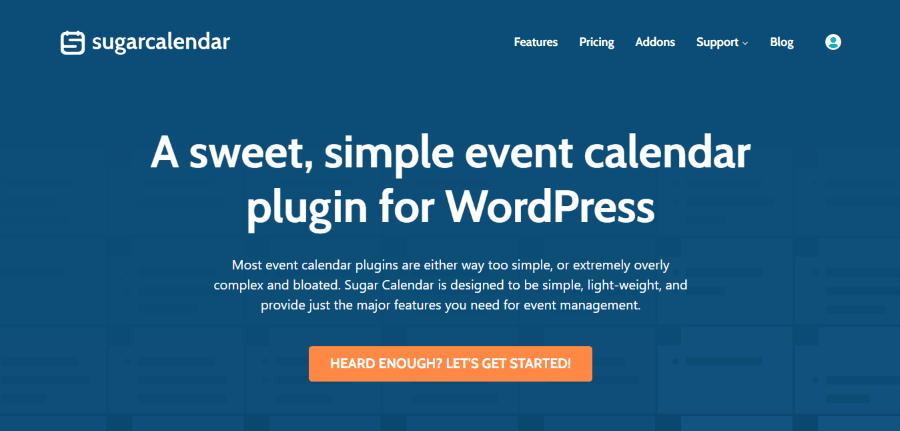
Sugar Calendar takes the opposite approach: simplicity. If you find The Events Calendar too heavy or over-engineered for your needs, Sugar Calendar is worth considering.
Sugar Calendar was originally created by Sandhills Development, a company led by the well-known developer Pippin Williamson. Pippin is famous for his philosophy of writing clean, simple code that does one thing very well. The plugin was later acquired by Strategy11, which is part of the larger Awesome Motive family. The new owners have stayed true to the original mission of keeping the plugin lightweight and easy for anyone to use.
Sugar Calendar is a simple and efficient event management plugin. It does not try to overwhelm you with thousands of settings you will never use. Instead, it focuses on providing a reliable calendar that is fast and easy to manage. It is a great choice for those who find other plugins too complicated and just want a straightforward way to list dates and times on their website. It is built to be “just enough” for the average small business or community group.
Key Features of Sugar Calendar
- Simple Interface: The management screen looks just like a standard calendar, making it very easy to add and edit events.
- Custom Formatting: You can easily change how dates and times are displayed to match your local region.
- Event Categories: You can organize your events into different groups so users can filter the calendar to find what they need.
- Lite Version Available: There is a free version that covers all the basics if you do not need advanced features like payments.
- Gravity Forms Integration: You can connect your calendar to your contact forms to create a more custom booking experience.
Sugar Calendar Pricing Plan
Sugar Calendar is one of the most affordable professional options available for WordPress users.
- Personal: $49 per year. This includes all the core pro features and support for one website.
- Professional: $99 per year. This adds more advanced addons like payment processing and recurring events.
- Ultimate: $449 one-time payment. This is for those who want to own the product forever and use it on as many sites as they like.
Who is Sugar Calendar For?
Sugar Calendar is for the user who values simplicity over everything else. It is the best choice for small clubs, churches, or personal blogs that need a reliable calendar without any extra bulk.
Verdict:
Minimalist and efficient.
The Real Value of Automated Booking Systems
Modern businesses no longer want to manage bookings manually through emails, spreadsheets, or phone calls. An automated booking system helps businesses save time, reduce scheduling conflicts, and improve customer satisfaction.
For example, automated reminders can reduce missed appointments. Integrated payment systems can simplify transactions. Calendar synchronization can prevent double bookings across multiple platforms. Many of the best Events Calendar alternatives now include automation features that help businesses operate more efficiently.
These tools are especially useful for agencies, consultants, healthcare providers, event organizers, educational platforms, and service-based businesses. Without automation, teams often spend extra hours managing repetitive administrative tasks.
With the right booking system in place, businesses can focus more on customer experience and growth.
The WordPress ecosystem is changing quickly.
The recent Liquid Web consolidation of StellarWP products has created uncertainty for many long-time users. While this may eventually settle down, it has already pushed many businesses to reevaluate the plugins they depend on.
That is not necessarily a bad thing.
Sometimes these moments are a good opportunity to audit your stack, remove plugin bloat, and choose tools that better match your actual workflow.
The Events Calendar is still a capable plugin, but it is no longer the only obvious choice.
There are now better options depending on whether you need event listings, ticketing, scheduling, or appointment automation.
If you are already considering a switch, this is a good time to compare your options carefully before renewing another license.