Running a job board on your WordPress website can turn into a profitable business or help you connect talented people with great opportunities. According to LinkedIn’s 2023 data, over 140 million job applications are submitted every week globally, and job boards continue to be one of the primary channels where employers and job seekers connect.
If you’re thinking about launching a recruitment platform, a niche job board for your industry, or simply adding a careers page to your company website, WordPress offers dozens of plugins that can help you get started without writing a single line of code
What Job Board Plugins Actually Do?
Before we dive into the best WordPress job board and job posting plugins, let’s clarify what these tools bring to the table.
Job board plugins transform your WordPress site into a functional recruitment platform. They allow employers to post job openings, job seekers to browse listings, apply for positions, and upload their resumes. The better plugins include features like advanced search filters, application tracking, email notifications, payment gateways for paid listings, and frontend submission forms.
Some plugins are lightweight and perfect for small business career pages. Others are feature-rich platforms capable of running full-scale job marketplaces where you can charge employers for premium listings and featured placements
Using Job Board Plugins vs Not Using Them: What’s at Stake?
When You Use a Job Board Plugin
You get a structured system that manages the entire recruitment workflow. Employers can post jobs independently, candidates can create profiles and save searches, and you can automate notifications and reminders. If you’re monetizing your job board, these plugins handle payment processing, subscription management, and featured listings without requiring custom development.
The right plugin saves you thousands of dollars in development costs and weeks of time. You can launch your job board in days rather than months.
When You Don’t Use a Job Board Plugin
Without a dedicated plugin, you’re left with manual processes that don’t scale. You might try using regular WordPress posts for job listings, but you’ll quickly run into limitations. There’s no application system, no way to collect resumes, no candidate management, and no automation whatsoever.
You’ll spend hours managing emails, sorting through applications in your inbox, and manually updating job listings. If you want to charge for job postings, you’ll need to set up separate payment systems and manually verify transactions. This approach works fine if you’re posting two jobs per year. For anything more, it becomes unmanageable fast.
Now, let’s look at the best WordPress job board and job posting plugins available today.
1. WP Job Openings
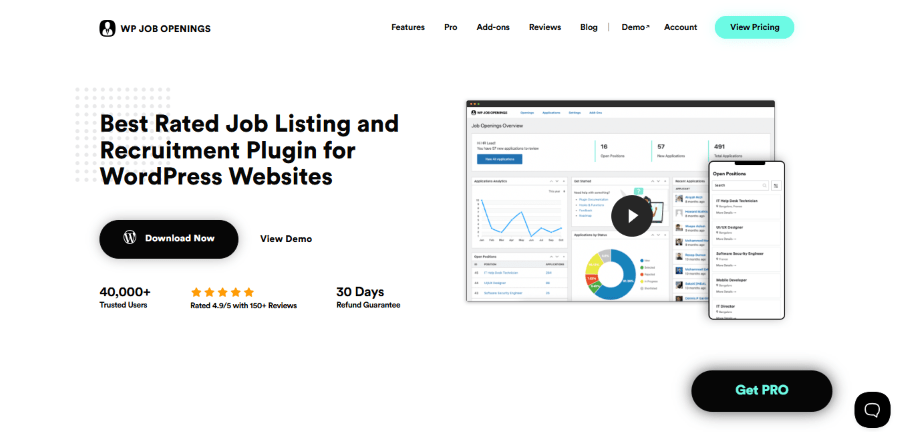
WP Job Openings is arguably the most modern and “clean” solution currently available. It focuses on providing a high-quality user experience (UX) that matches the look of high-end corporate career pages.
Deep Dive into Features
- Two Modern Layouts: Choose between a sleek “Grid” view or a professional “List” view right out of the box.
- AJAX Filtering: Users can filter jobs by category, type, or location instantly without the page reloading.
- HR Role: Create a specific user role for your HR manager so they can manage jobs without having full access to your website’s technical settings.
- SEO Ready: Includes built-in Google Structured Data (Schema) to ensure your jobs appear in Google Job Search results.
Pricing Details
- Free Version: Extremely generous, including almost everything needed for basic hiring.
- Pro Pack (Individual): Starts around $69/year for a single site, adding features like a custom form builder and applicant rating.
- Lifetime Plan: Offers a one-time payment option (starting around $199) for those who want to avoid subscriptions.
Pros and Cons
- Pro: The interface is incredibly intuitive for both admins and applicants.
- Pro: Works with almost any theme without needing custom CSS.
- Con: Advanced management features (like shortlisting or exporting) require the Pro version.
Who is this for?
This is for the business owner who wants their “Careers” page to look like a $10,000 custom build without the high price tag.
2. WP Job Manager
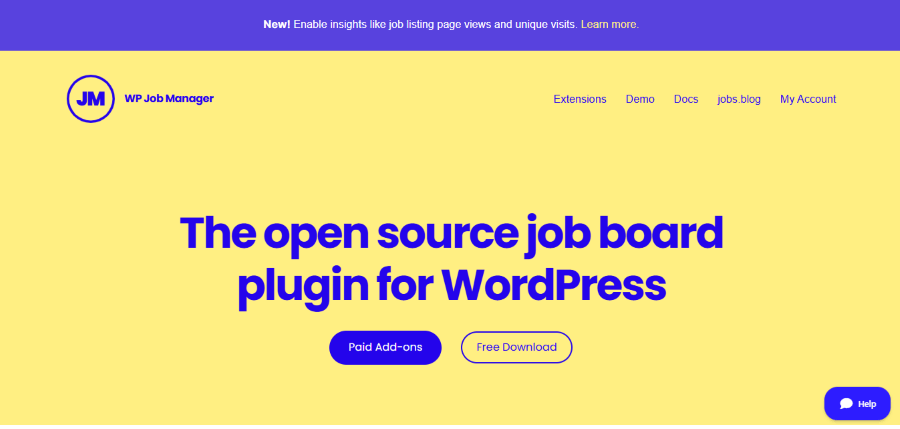
WP Job Manager is the “king” of the mountain. It is built by Automattic, which is the company that basically runs the WordPress world. Because of this, you know the plugin will always work and will never be abandoned.
Deep Dive into Features
- Shortcode System: Place job lists or single jobs on any page just by typing a tiny bit of text in brackets.
- Frontend Submissions: Employers can fill out a form on your site to post jobs without ever seeing your WordPress dashboard.
- Search and Filter: Job seekers can easily find work by filtering for keywords, locations, and job types.
- Developer Friendly: The code is open and easy to change if you want to add custom features later.
Pricing Details
- Core Plugin: Free to download and use on any site.
- Core Add-on Bundle: Costs about $159 per year and includes 11 popular extensions.
- Individual Add-ons: Usually cost between $29 and $79 each if you only need one or two specific features.
- Support: Includes professional support from the Automattic team with any paid purchase.
Pros and Cons
- Pro: It is very lightweight. It won’t slow down your site.
- Pro: Huge community support. Thousands of people use it.
- Con: You have to buy many separate add-ons to get “standard” features.
Who is this for?
This is for the person who wants the most “official” tool and doesn’t mind spending a little money on bundles to get it perfect.
3. WP Job Portal
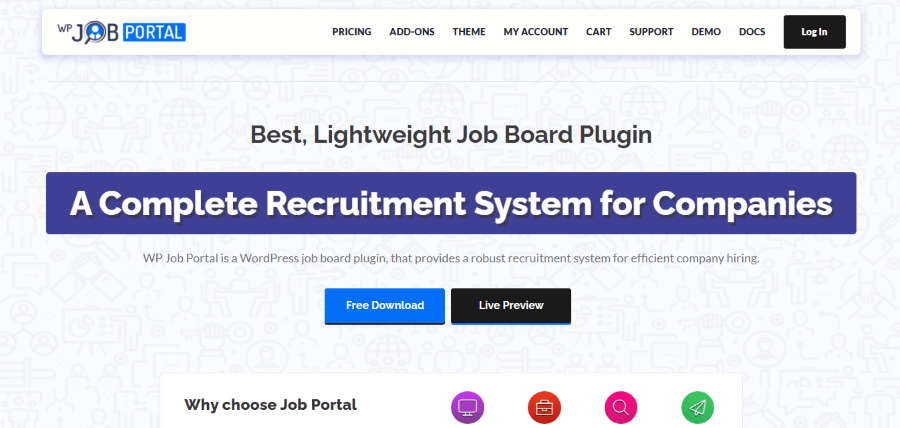
WP Job Portal is like a Swiss Army knife. While some plugins only do one thing, this one tries to do everything. It turns your site into a mini-version of Indeed.
Deep Dive into Features
- Advanced Resume Builder: Allows job seekers to create and save professional resumes directly on your website.
- Employer Profiles: Companies get their own dedicated pages to show off their office culture and social media links.
- Job Alerts: Candidates can sign up to get email notifications the moment a matching job is posted.
- Mobile Friendly: The entire portal is designed to look great on phones and tablets.
Pricing Details
- Free Version: Available on the WordPress repository for basic needs.
- Pro Version: Starts at $39 for a single site license.
- AI Features: Advanced AI sorting and suggestions are available in higher tiers around $129 per year.
- Lifetime Plan: Sometimes offered for a one-time fee for long-term users.
Pros and Cons
- Pro: Excellent “Resume Search” for employers.
- Pro: Very professional “Dashboard” for users to track applications.
- Con: The interface can be a bit overwhelming for beginners because there are so many buttons.
Who is this for?
This is for someone who wants to run a professional recruitment agency or a high-end niche job board.
4. easy.jobs
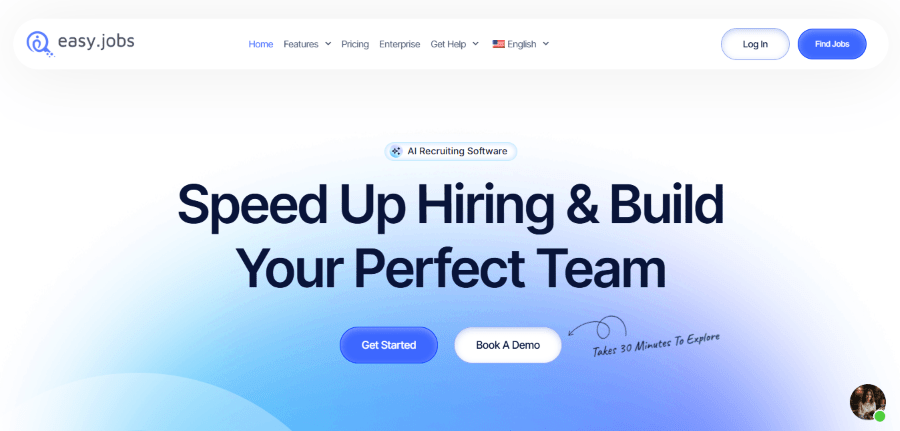
Easy.jobs is the “Tesla” of job plugins. It is modern, high-tech, and uses some very smart automation to help you hire people.
Deep Dive into Features
- Visual Pipeline: Manage candidates by dragging their names through stages like “Screening” and “Hired.”
- AI Screening Tool: The software can automatically rank candidates based on how well they fit your description.
- Team Collaboration: Multiple team members can leave notes and ratings on a single candidate.
- Remote Management: Special tools designed specifically for hiring and managing remote workers.
Pricing Details
- Free Plan: Supports one active job and basic features.
- Startup Plan: Starts at $239.98 per year for 10 active jobs.
- Growth Plan: Costs around $499.98 per year for 25 active jobs.
- Scale Plan: Start from $1,499.94 per year for 100 active jobs basically for large corporations with massive hiring needs.
Pros and Cons
- Pro: Incredible “Team Collaboration” tools.
- Pro: The AI features save hours of reading resumes.
- Con: It is a “SaaS” product, so you are relying on their servers to stay online.
Who is this for?
This is for a real company with a real HR team that needs to manage a serious hiring process.
5. Job Manager & Career
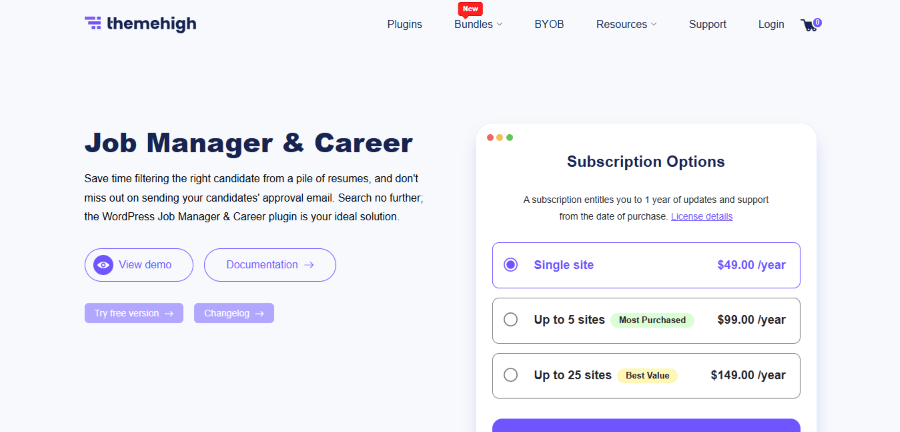
This plugin comes from ThemeHigh, a company famous for making checkout page editors. They took that expertise and applied it to job applications.
Deep Dive into Features
- Conditional Fields: Create “smart” forms where new questions appear based on previous answers.
- Email Templates: Set up beautiful, automatic emails to keep candidates updated on their status.
- Application Tracking: A clean dashboard where site owners can review and rank every applicant.
- Visual Builder: Drag and drop different fields to create your perfect job application form.
Pricing Details
- Free Version: Basic functionality is available for free.
- Premium Single Site: Costs $49 per year for full features and support.
- Premium 5-Site Plan: Costs $99 per year for agencies or businesses with multiple sites.
- Premium 25-Site Plan: Costs $149 per year for large-scale operations.
Pros and Cons
- Pro: Best form builder in the business.
- Pro: Great email notification system.
- Con: Not as many “social” features as other plugins.
Who is this for?
This is for the “Efficiency Nerd” who wants to filter out bad applicants before they even finish the form.
6. JobBoardWP
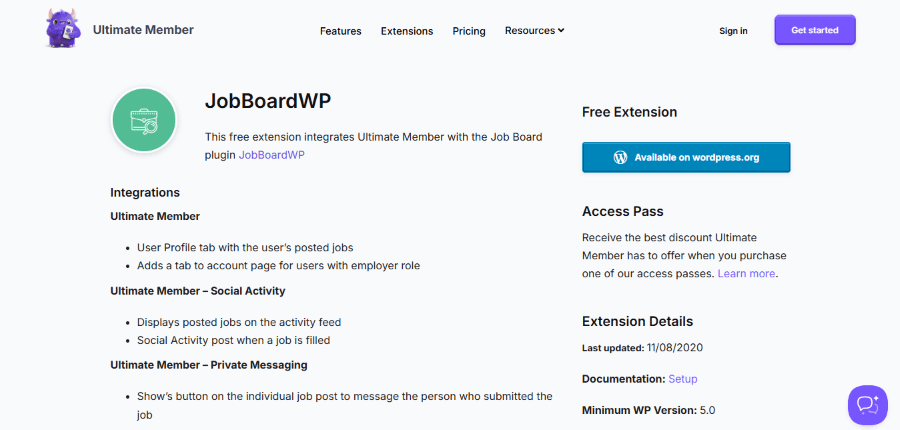
JobBoardWP is the “new kid on the block” that is quickly becoming a favorite. It is built by the Ultimate Member team, so they know a lot about how users interact with websites.
Deep Dive into Features
- Gutenberg Optimized: Designed to work perfectly with the modern WordPress block editor.
- Google Structured Data: Automatically helps your jobs show up in Google search result boxes.
- Modern Interface: Uses a very clean, flat design that looks like a modern tech startup site.
- Performance Focused: Built to load incredibly fast, which is great for SEO and user experience.
Pricing Details
- Core Plugin: Free for everyone.
- Extensions: Individual extensions for things like Stripe payments are priced competitively.
- Updates: Regular updates are included with any paid plan.
Pros and Cons
- Pro: Very fast loading times.
- Pro: Works perfectly with membership sites.
- Con: It has fewer third-party integrations than WP Job Manager.
Who is this for?
This is for the blogger who already has a lot of registered members and wants to offer them a place to find work.
7. Job Board Manager
If you like to have lots of choices for how things look, Job Board Manager by PickPlugins is a solid choice. It focuses on the “archive” page, which is the list of all jobs.
Deep Dive into Features
- Geolocation Support: Helps users find jobs specifically in their local area using zip codes or city names.
- Unlimited Listings: There is no limit on how many jobs you can host on your site.
- Bookmark System: Allows job seekers to “heart” or save jobs to their profile for later.
- Social Sharing: Built-in buttons to help employers share their job listings on Twitter or LinkedIn.
Pricing Details
- Free Plugin: Available for everyone on the WordPress plugin store.
- Pro Version (Annual): Usually starts from $99 for up to 3 Sites.
- Lifetime Plan: Costs around $149 for a one-time payment with no recurring fees.
- Bundle Options: PickPlugins often offers bundles if you use their other tools.
Pros and Cons
- Pro: Very affordable “Lifetime” pricing.
- Pro: Great for categorizing many different types of jobs.
- Con: The documentation is not as pretty or easy to read as some others.
Who is this for?
This is for the budget-conscious professional who wants a lot of features without a monthly subscription.
8. Simple Job Board
Simple Job Board is perfect for those who hate complicated technology. It is designed to be “set it and forget it.”
Deep Dive into Features
- Custom Application Forms: You decide exactly what questions to ask and what files applicants should upload.
- Anti-Spam Security: Includes features to block robots from filling your board with fake job listings.
- Clean Design: It uses a very neutral style that won’t clash with your current website theme.
- File Uploads: Candidates can easily attach PDF or Word resumes to their applications.
Pricing Details
- Main Plugin: 100% free to download and use.
- Basic Add-ons: Costs around $15 each for things like Google Maps or search filters.
- Advanced Add-ons: Features like “Frontend Job Posting” usually cost around $35.
- No Subscriptions: You pay for the add-ons once and keep them.
Pros and Cons
- Pro: Extremely easy to set up.
- Pro: Very clean and won’t clash with your website design.
- Con: If you buy 10 different add-ons, it can become more expensive than other options.
Who is this for?
This is for the small business owner who just needs to hire a new receptionist once or twice a year.
9. JobWP
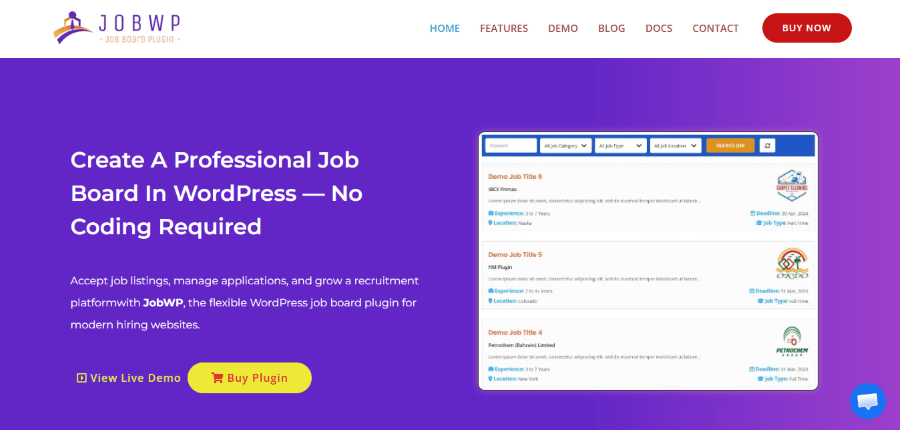
JobWP is all about the “Front End.” This means they care deeply about what the person visiting your site sees. It is built to look amazing on mobile phones and tablets.
Deep Dive into Features
- Responsive Grid: Automatically adjusts your job list to look perfect on any screen size.
- Salary Toggle: Allows you to show salary ranges clearly in different formats (hourly vs yearly).
- Map Integration: Displays job locations on a map to help people see where the work is.
- Quick Apply: A simplified process that lets users apply in just a few clicks.
Pricing Details
- Free Plugin: Available for basic job listing needs.
- Single Site License: Costs $49 for the full premium experience.
- Business License: Costs $99 for up to five websites.
- Developer License: Costs $199 for an unlimited number of websites.
Pros and Cons
- Pro: Best mobile experience of all the plugins.
- Pro: Very easy to install and get running.
- Con: It doesn’t have as many “Enterprise” features like AI or team chat.
Who is this for?
This is for the local business owner who knows most of their applicants will be applying from their phones.
10. WordPress Job Board (by BestWebSoft)
BestWebSoft makes plugins that are like “Old Reliable.” They might not be the fanciest, but they almost never break.
Deep Dive into Features
- Translation Ready: Easily change all the text to match your local language.
- Currency Support: Set up different currencies for salary listings depending on your country.
- Detailed Job Meta: Add custom info like “Required Education” or “Years of Experience” easily.
- Stable Code: Built following the strictest WordPress standards to prevent site crashes.
Pricing Details
- Free Version: Includes all the basic features needed to run a simple board.
- Pro Annual: Costs $30 per year for advanced features and updates.
- Pro Lifetime: Costs $300 for a one-time payment if you never want to pay again.
- Membership: Available as part of the BestWebSoft “All Plugins” bundle for $250.
Pros and Cons
- Pro: Extremely stable code.
- Pro: Great for multi-language websites.
- Con: The design looks a bit “dated” compared to modern competitors.
Who is this for?
This is for someone who wants a simple, cheap, and solid board that will work for years without needing much attention.
How to Make Money with Your Job Board
Once you pick one of the Best WordPress Job Board and Job Posting Plugins, you need to decide how to make it pay for itself. Here are three simple ways to do it:
1. Paid Listings
- Charge an employer a flat fee (like $50) for a 30-day post.
- Upsell “Featured” spots for an extra $20.
- Offer bulk packages where they get 5 posts for the price of 4.
2. Resume Access
- Let employers post jobs for free to get them interested.
- Charge a subscription fee to see candidate contact info.
- This works best if you have a “niche” list of highly skilled workers.
3. Membership Fees
- Charge job seekers a small fee to see “Premium” high-paying jobs.
- This only works if your jobs are exclusive and not found on free sites.
Technical Tips for a Better Job Board
Using the Best WordPress Job Board and Job Posting Plugins is only half the battle. You also need to make sure people can find your site.
- Use Location Data: Always make sure your jobs have a city and state. People rarely search for “Jobs.” They search for “Jobs in Chicago.”
- Write Long Descriptions: Don’t just say “We need a cook.” Describe the kitchen, the hours, and the food. Longer descriptions help Google understand the page better.
- Keep it Fresh: Delete old jobs. If a job seeker clicks on 10 jobs and 9 of them are already filled, they will never come back to your site.
Comparison Table: At a Glance
| Plugin | Best For | Price Level | Difficulty |
| WP Job Manager | General Use | Mid-Range | Medium |
| WP Job Portal | Agencies | High | Hard |
| Simple Job Board | Small Biz | Low/Free | Very Easy |
| easy.jobs | Modern Hiring | Monthly Sub | Medium |
| JobPress | Total Site Flip | One-time Fee | Easy |
Implications: To Use or Not to Use?
If you decide to use these products, your website becomes a valuable asset. You are helping people find work. You are helping businesses grow. You are building a community that trusts you.
If you choose NOT to use these products, you are leaving money on the table. You are also missing out on a huge SEO opportunity. Job listings are some of the most searched terms on the internet. By not having a board, you are letting your competitors win the search engine war.
Conclusion: Final Thoughts
If you’re adding a simple careers page to your business website where you post your own job openings, Simple Job Board or WordPress Job Board by BestWebSoft give you what you need without unnecessary complexity.
For developers who want a solid foundation they can customize and extend, WP Job Manager remains the reliable choice with its extensive ecosystem of add-ons.
If you’re building a job marketplace where you’ll charge employers for listings and need both employer and candidate dashboards, WP Job Portal or JobWP provide the comprehensive features required.
Those who need a full applicant tracking system with team collaboration should look at easy.jobs, which offers capabilities beyond what traditional WordPress plugins provide.
And if design matters significantly to your project, Job Manager & Career by ThemeHigh or JobBoardWP offer modern interfaces that look professional without custom development.
The good news is that most of these plugins offer free versions you can test before committing to premium plans. Install a few, experiment with the features, and see which interface feels right for your project. The best WordPress job board and job posting plugins are the ones that match your specific needs, not necessarily the ones with the longest feature lists.