If you are setting up a donation system for your WordPress site, you need a tool that is easy for your supporters to use, but you also need to keep your costs low and your data organized. GiveWP, Donorbox, and Paymattic are three of the most popular ways to handle digital giving today. While they all help you collect money, they are built for very different types of organizations and technical setups.
If your checkout process feels broken or slow, people will simply close the tab. On the other hand, if your fees are too high, your cause loses out on vital funding. Your choice between GiveWP, Donorbox, and Paymattic determines how much work you have to do manually and how much of your hard-earned money stays in your pocket. Picking the right solution gives your donors peace of mind while making your daily tasks much easier. If you settle for a poor fit, you might end up with a slow website, lost donor details, and a nightmare when it is time to file your taxes.
In this detailed comparison, we will look at how these three heavyweights stack up so you can stop guessing and start growing.
Why You Need a Proper Donation Solution
Most of the donors prefer to give online with a credit or debit card, making digital fundraising tools essential for modern nonprofits. Without a proper donation system on your website, you are leaving money on the table and making it harder for supporters to contribute to your cause.
The right donation plugin can help you:
- Accept secure payments through multiple gateways
- Set up recurring donations for predictable revenue
- Track donor information and build lasting relationships
- Create professional, branded donation forms that build trust
The wrong choice, however, can saddle you with high fees, limited features, or a complicated setup process.
GiveWP vs Donorbox
When people search for a way to take tips or donations on WordPress, the most common battle is GiveWP vs Donorbox. While they both help you collect money, they work in completely different ways.
GiveWP:
Get 15% OFF on all plans of GiveWP
SubscriberDiscount15
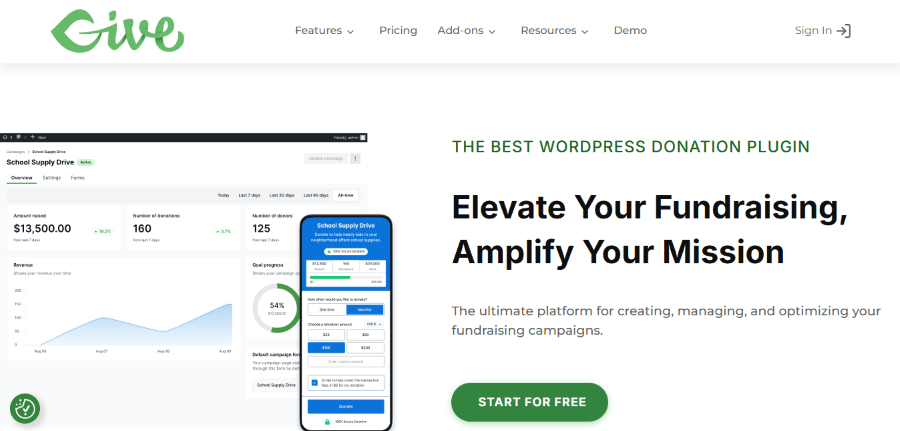
GiveWP is a dedicated WordPress plugin. This means everything happens inside your own website dashboard. You do not send users to another website to finish their gift.
Key Features of GiveWP:
- Customizable Forms: You can make your donation forms look exactly like the rest of your website. No awkward branding from another company.
- Donor Management: It keeps a database of everyone who has given you money directly inside WordPress. You can see their history and generate tax receipts with one click.
- Add-ons for Everything: Want to let donors cover the credit card fees? There is an add-on for that. Want to integrate with Mailchimp? There is an add-on for that too.
- Peer-to-Peer Giving: This is a big one. You can let your supporters create their own “fundraising pages” to raise money on your behalf.
Pricing: GiveWP follows a “freemium” model. The basic plugin is free, but you will likely want the paid bundles to get the best features. Plans usually start around $149 per year and can go up to $499 per year for the “Pro” version, which includes peer-to-peer tools.
Who is it for? GiveWP is perfect for the “power user” who wants total ownership. If you want your branding to be perfect and you do not mind managing a plugin, this is your best bet.
Donorbox:
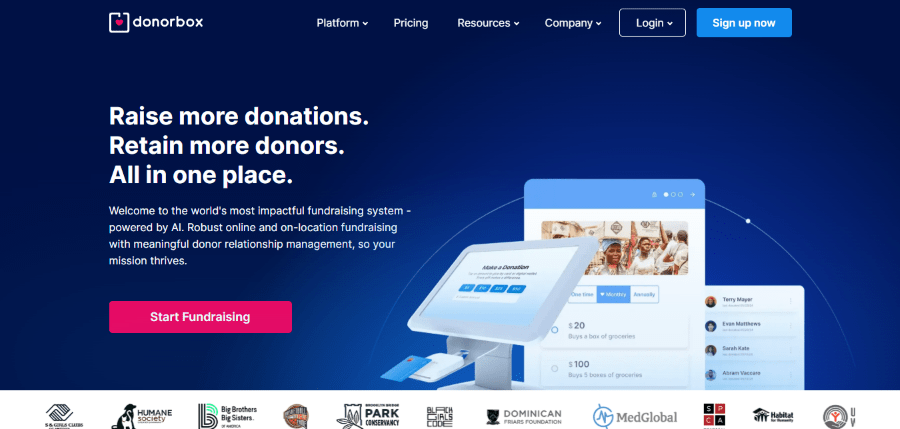
If GiveWP is a heavy-duty toolbox, Donorbox is a sleek, ready-to-use kit. It is a SaaS (Software as a Service) platform. You create the form on their website and then “embed” it onto your WordPress site.
Key Features of Donorbox:
- Ultra-Fast Checkout: Their forms are famous for being very quick. They support Apple Pay, Google Pay, and PayPal, which makes it easy for people to give on their phones.
- Recurring Donations: Donorbox makes it very simple for a donor to check a box and give every month.
- Company Gift Matching: They have a neat feature that checks if a donor’s employer will match their donation. This can double your money without any extra work.
- Multi-Currency Support: If you have fans all over the world, Donorbox handles different currencies much better than most basic plugins.
Pricing: Donorbox is “free” to start, but they take a 2.95% platform fee on top of credit card processing fees for the standard plan. If you start making a lot of money, that 1.5% can add up to more than a GiveWP yearly subscription. They also have “Premium” plans starting at $150 per month for larger organizations.
Who is it for? Donorbox is for the professional who wants to set it up in ten minutes and never think about it again. It is great for low-tech users who do not want to worry about plugin updates breaking their checkout page.
GiveWP vs Paymattic
Now let’s look at a rising star in the WordPress space. When comparing GiveWP vs Paymattic, we are looking at two native WordPress plugins that take very different approaches to how you build your forms.
Paymattic:
Get 20% OFF on all plans of Paymattic
WPdiscounts
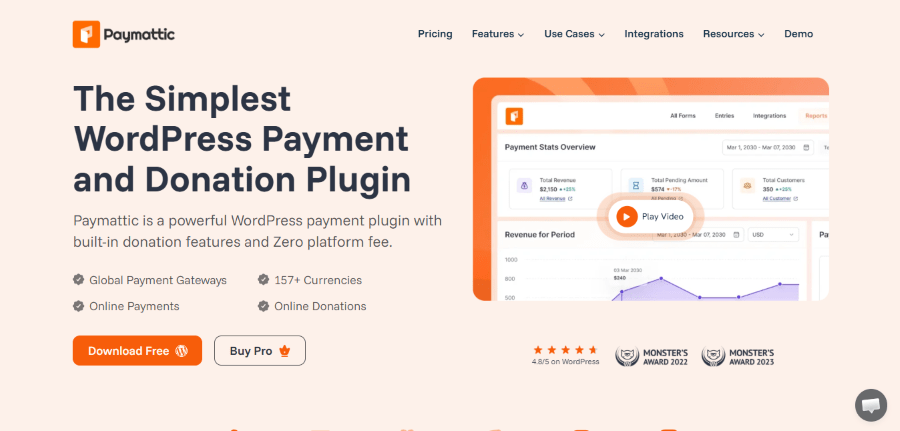
Paymattic is a lightweight yet extremely powerful plugin for WordPress. While GiveWP is built strictly for donations, Paymattic is designed to handle both donations and general product payments. It is like a Swiss Army knife for your website.
Key Features of Paymattic:
- Fast Loading: Paymattic is built to be incredibly light. It won’t slow down your website, which is great for your SEO rankings.
- Advanced Form Builder: Unlike GiveWP, which uses a structured form builder, Paymattic gives you more of a drag-and-drop experience. You can add custom fields for almost anything.
- LMS Integration: If you sell courses through plugins like LifterLMS or Tutor LMS, Paymattic can handle those payments smoothly.
- Subscription Management: It makes handling recurring gifts or monthly subscriptions very easy without needing a dozen extra add-ons.
- Detailed Analytics: You get beautiful charts and graphs right in your dashboard to see how your campaigns are performing.
Pricing: Paymattic is very affordable for small businesses and growing nonprofits. Their Pro plans usually start around $19.99/month. They also offer lifetime deals starts at $599, which can save you a fortune in the long run.
Who is it for? Paymattic is for the budget-conscious professional who needs versatility. If you want to take donations but also sell a physical book or a digital course on the side, Paymattic is the better choice because it handles both with ease.
Comparing the Impact: GiveWP vs Paymattic
In a direct GiveWP vs Paymattic comparison, the choice comes down to your primary mission. GiveWP is a nonprofit specialist. It has features like “Tribute Giving” (donating in memory of someone) that are essential for serious charities. Paymattic is a generalist. It is faster to set up and much more flexible if you need your forms to do things other than just collect gifts.
Detailed Comparison: Why Your Choice Matters
Choosing your platform is a big deal. If you pick a tool that is too complex, you will spend your weekends reading support forums instead of talking to donors. If you pick a tool that is too simple, you might outgrow it in six months.
Ease of Use
- Donorbox is the winner for absolute beginners. You sign up, copy a piece of code, and paste it.
- Paymattic is the middle ground. The interface is very modern and intuitive. If you have ever used a contact form plugin, you will feel right at home.
- GiveWP requires the most setup. You have to configure gateways like Stripe or PayPal and manage various settings to get the look just right.
Customization and Branding
- GiveWP gives you 100% control over the visual style within the WordPress ecosystem.
- Paymattic offers excellent pre-built templates that look professional right out of the box. You can customize them heavily without knowing a single line of code.
- Donorbox allows some color changes, but the layout remains consistent with their brand style.
The Cost of Growth
Let’s do some quick math. If you raise $50,000 in a year:
- GiveWP: You might pay $360 for a solid bundle of add-ons. Total cost: $360.
- Paymattic: You pay $59 for the Pro version. Total cost: $59.
- Donorbox: At a 1.5% fee, you would pay $750 to Donorbox. Total cost: $750.
As you can see, Paymattic is the clear winner for organizations that want to keep their overhead as low as possible. GiveWP is a fair middle ground for those who need specialized nonprofit features. Donorbox becomes the most expensive option as you get more successful.
Implications: What Happens if You Get it Wrong?
If you don’t use a professional tool and try to just put a basic PayPal link on your site, you lose vital data. You won’t know who your recurring donors are, you won’t have their email addresses for future newsletters, and your donors will feel like they are using an outdated system. This lack of professional polish can actually stop people from giving.
On the flip side, using one of these three products automates your life:
- Automation: No more manual spreadsheets. Your website handles the receipts and the database for you.
- Trust: Professional forms make people feel safe giving you their credit card numbers.
- Efficiency: You spend less time on tech and more time on your mission or your business.
Final Verdict
If you want a hands-off, fast setup and don’t mind the 1.5% fee, go with Donorbox. It is reliable and works perfectly on mobile phones without any effort on your part.
If you want total control and specialized nonprofit features like peer-to-peer fundraising, go with GiveWP. It is the industry standard for a reason and turns your WordPress site into a massive fundraising machine.
If you want the best value for your money and a tool that can handle both donations and simple product sales, go with Paymattic. It is fast, affordable, and incredibly flexible for the modern online business owner.
The best part? You don’t have to pick just one forever. Many people start with Donorbox for simplicity and move to a plugin like Paymattic or GiveWP once they want to save on fees and have more control. The most important step is just to start. Your cause is too important to wait for the perfect moment. Pick the tool that fits your current skill level and start growing your community today.