The way we do business has changed forever, and many business interactions have moved online. In 2026, a massive 70% of professionals are working in a hybrid or remote setup at least part of the week.
This shift has turned video tools from a “nice to have” into a total necessity for anyone running a website. Whether you are a teacher hosting a digital classroom or a lawyer meeting clients from home, your website needs to handle face-to-face talk without breaking a sweat.
Adding a WordPress video conference plugin is the fastest way to turn your site into a professional hub where people can meet, learn, and buy your services.
Not every plugin is built to handle the demands of a modern 2026 workflow. With users now expecting lightning-fast load times, crystal-clear audio, and seamless mobile integration, “good enough” simply won’t cut it for your brand. You need a solution that feels like a natural extension of your website, not a clunky third-party afterthought.
In this guide, we’ve cut through the noise to bring you the top-rated WordPress video tools that prioritise security, ease of use, and most importantly, a flawless experience for your visitors. We’ll look at everything from lightweight Jitsi integrations to robust Zoom-syncing powerhouses so you can stop troubleshooting tech and start connecting with your audience.
Implications of Using vs Not Using These Products
When you use the top WordPress plugins, you keep your visitors on your own site. This builds trust. If you are looking for the best way to grow, keeping people on your WordPress website is key. Without these plugins for 2026, you have to send people to third-party apps. This can be confusing for your customers. They might get lost or forget to come back to your page.
The 2026 Selection Guide: What Makes a Plugin Future-Proof?
In 2026, a video plugin is no longer just a window for a camera feed; it’s the digital front door to your business. To ensure your website remains competitive, we evaluated the top contenders based on four “Next-Gen” pillars that define a professional setup today:
- Native AI Capabilities: Does the plugin offer real-time AI transcription, automated meeting summaries, or smart noise cancellation? In 2026, these are no longer “premium” add-ons; they are expected standards for high-level productivity.
- Monetisation & Workflow Sync: For store owners and educators, seamless WooCommerce integration is vital. The best plugins allow you to automate the journey from a paid booking to a live session without manual intervention.
- Privacy-First Security: With global data laws becoming stricter (GDPR 2.0), your tool must offer end-to-end encryption. Using a plugin that keeps data on your own server or a secure private cloud is the ultimate way to protect your brand’s reputation.
- The “No-App” Experience: Modern users hate downloading extra software. We’ve prioritised “frictionless” tools that run directly in mobile and desktop browsers, ensuring your clients are only one click away from meeting you.
1. eRoom – The Best Zoom WordPress Plugin
eRoom is a WordPress plugin that connects your website to Zoom, Google Meet, and Microsoft Teams. Instead of switching between different apps, you can create and manage all your meetings and webinars directly from your WordPress admin dashboard.
It is built for anyone who needs to host virtual sessions, from teachers and consultants to remote business owners.
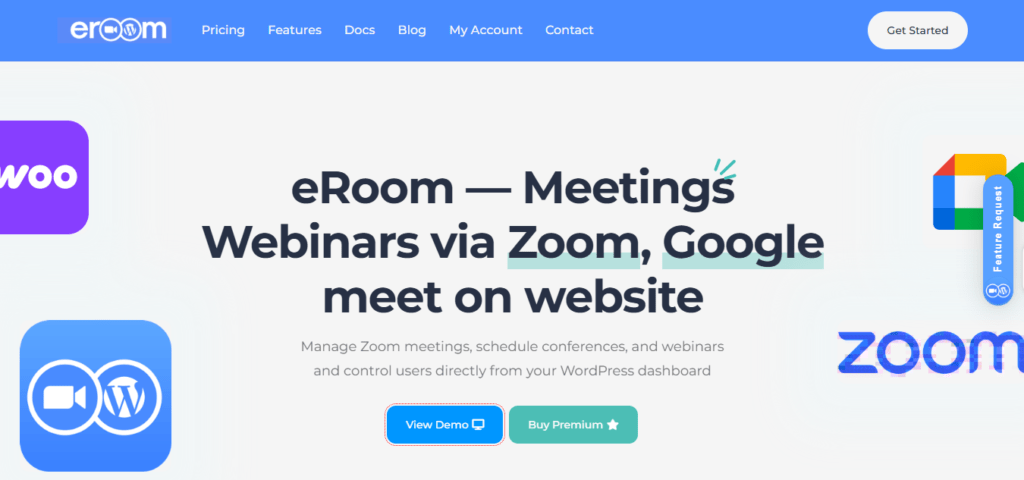
Key Features:
- Three Integrations in One: Works with Zoom, Google Meet, and Microsoft Teams. You can choose the platform that works best for your users.
- Sell Meeting Access: Connect with WooCommerce to turn meetings into products. You can charge users to join your webinars or private sessions.
- Recurring Sessions: Set up a meeting once and schedule it to repeat daily, weekly, or monthly with a few clicks.
- Calendar Sync: Send meeting details to Google Calendar or iCalendar automatically so no one misses a session.
- Direct Dashboard Control: You don’t need to log into Zoom or Meet separately. Everything from scheduling to managing users happens inside WordPress.
- Shortcode Support: Place your meeting links or registration boxes on any page or post using simple shortcodes.
- Messaging System: Let participants send messages during webinars to keep the session interactive.
- Pricing Options: Offers both yearly and lifetime plans, backed by a 14-day refund policy and technical support.
Pricing: The plugin is free to download. The basic version starts at $4.9 per month.
Who is this for? This is the best solution for users who want to manage Zoom meetings directly through their website.
2. WPPOOL(FlexMeeting) – The Free WordPress Alternative
FlexMeeting is the definitive choice for those who want to power up their website with professional video conferencing without leaving the WordPress ecosystem. By leveraging the high-performance Jitsi Meet engine, FlexMeeting eliminates the need for expensive third-party subscriptions. It is a “plug-and-play” solution designed specifically for educators, remote teams, and online marketplaces who want full control over their branded meeting environment.
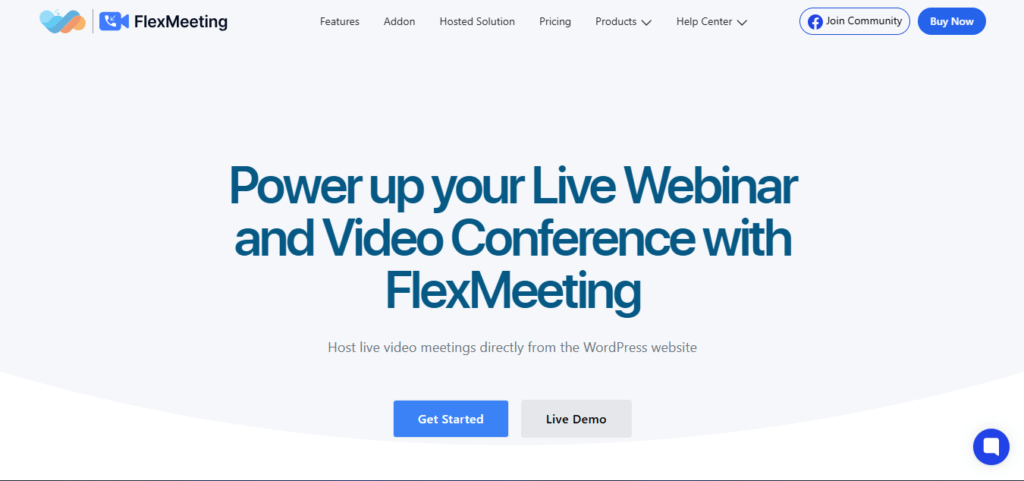
Key Features:
- Instant WordPress Integration: Launch your meetings in four simple steps using dedicated Gutenberg blocks, Elementor widgets, or universal shortcodes that work across any page builder.
- LMS & E-commerce Powerhouse: Designed to sync perfectly with Tutor LMS, LearnDash, and LearnPress, it allows you to host virtual classrooms and monetise your sessions directly through WooCommerce.
- Total Branding Control: Maintain your professional identity with Custom Domains and branded meeting URLs, ensuring your website is not a third-party app and remains the centre of the experience.
- Front-End Meeting Management: A standout feature that allows users and team members to create, customise, and manage their own meetings directly from the site’s front-end, keeping the WordPress admin dashboard secure.
- Multivendor Addon: Empower your site’s sellers or vendors to host and monetise their own webinars from their personal dashboards, a must-have for marketplace owners.
- Flexible Server Ecosystem: Choose your preferred infrastructure, ranging from free Jitsi servers and JaaS 8×8 to a fully Self-Hosted private server for maximum data privacy.
- Engagement & Collaboration Suite: Includes HD video, Screen Recording, custom user avatars, and “Presenter Overlay,” which lets you layer your video over shared content for a more personal “in-person” feel.
Pricing: The annual license is $99. It includes advanced features and support.
Who is this for? Small schools and agencies are looking for a private way to manage Zoom meetings and webinars without the high price tag.
3. WebinarPress – Host Massive Online Events
WebinarPress is a powerhouse for creators who want to host professional events without the friction of third-party platforms. Powering over 159,000 WordPress sites, it allows you to launch a webinar in 10 seconds flat. When you are hosting a one-time live event or building a 24/7 automated sales funnel, WebinarPress keeps your audience on your site, under your brand.
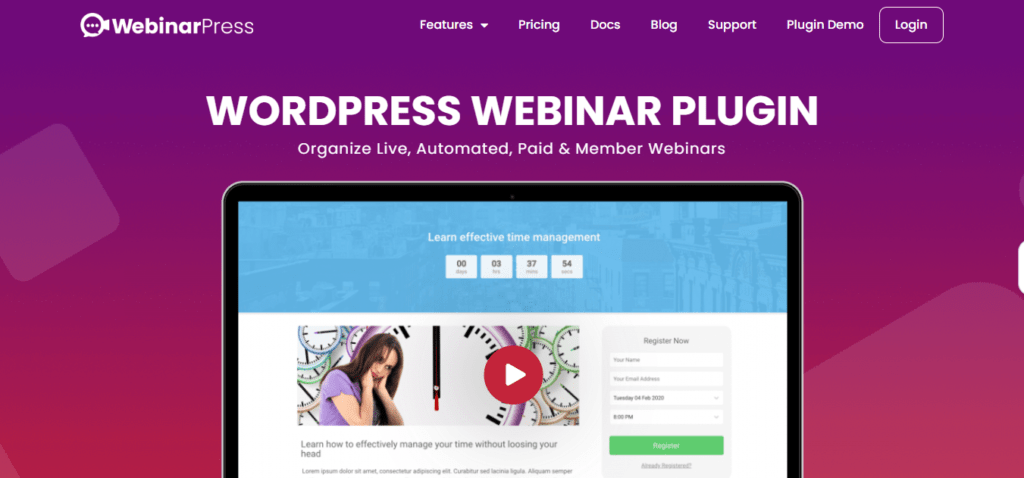
Key Features:
- Rapid Deployment: Create a webinar with just a few clicks. Simply title your event, choose your type (Live, Automated, or Recurring), and you’re ready to go.
- Evergreen & “Just-in-Time” Sessions: Build automated sales funnels that run 100% hands-free. With “Just-in-Time” scheduling, visitors can join a session the moment they arrive, maximising your conversion rates.
- Engagement & Interaction Suite: Keep your audience active with real-time chat, attendee “hand-raising,” and interactive polls. For automated webinars, questions are sent directly to your email, so you never miss a lead.
- Conversion-Driven Offers: Trigger time-limited Call-to-Action (CTA) buttons and special offers during your broadcast. Use the built-in scarcity tools to limit available places and drive immediate action.
- Professional Certification: Elevate your authority by automatically sending Certificates of Attendance to your viewers, a standout feature for educators and consultants.
- Seamless Monetisation: Fully integrates with WooCommerce, allowing you to charge for access using hundreds of payment gateways like PayPal, Stripe, and Square.
- Lead Sync & Automation: Automatically synchronise your attendees with popular mailing list providers and use Webhooks/Internal API to connect with tools like Zapier for advanced workflows.
Pricing: There is a free version of the plugin on the WordPress directory. The Pro version starts at $197 per year for a single site.
Who is this for? Educators and marketers who want to host webinars and events to build their email list or sell courses.
4. Consolto – Your Virtual Office Widget
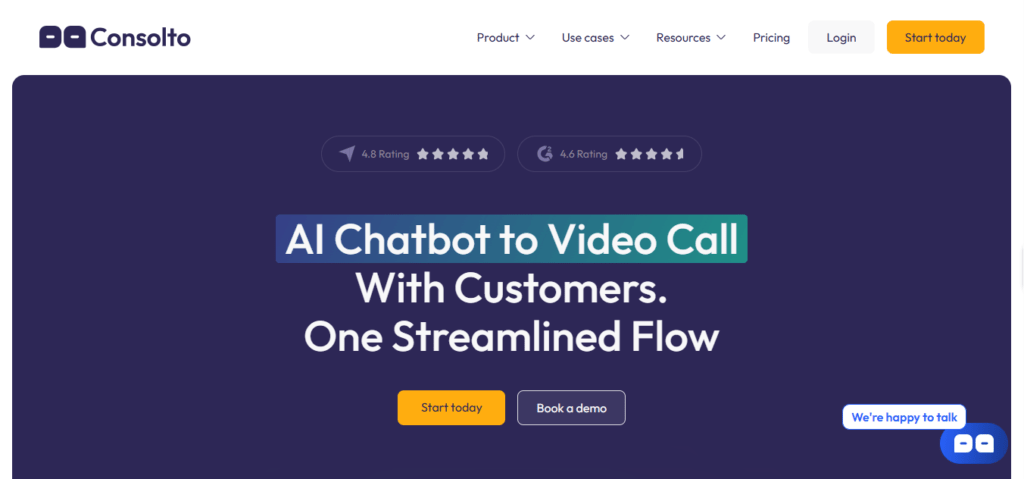
Consolto is the “all-in-one” antidote to fractured workflows. Instead of forcing customers to navigate a maze of separate tools like Zoom, Calendly, and WhatsApp, Consolto consolidates your entire customer-meeting operation into a single, high-performance widget. By removing the need for downloads or installations, it allows you to engage website visitors when their interest is at its peak, cutting the “click-to-call” process down to just two clicks.
Key Features:
- Ooni AI Chatbot: A sophisticated AI assistant that handles “small talk” and qualifies leads based on your specific business goals, allowing you to jump into the conversation exactly when it’s time to close the deal.
- Streamlined “End-to-End” Flow: Manage the entire customer journey from initial greeting and appointment scheduling to the video call and payment collection, all within one unified interface.
- Frictionless Video & Voice: Host HD video chats for 1×1 or group meetings directly in the browser. Features include two-way screen sharing, cloud recordings, and professional background blur effects.
- Integrated Monetisation: Eliminate the “billing chase” by securely receiving payments via Stripe or PayPal directly before or during your live sessions.
- Omnichannel Messaging: Centralise your communications by letting customers reach out via their preferred platforms, including WhatsApp and Facebook Messenger, without leaving your dashboard.
- Actionable CRM Insights: Unlike separate tools, where 50% of context data is often lost, Consolto keeps 100% of your meeting data, chat history, and files organised and ready for analysis.
- 75% Cost Reduction: By replacing your subscriptions for separate booking, video, and CRM tools, Consolto provides a premium enterprise experience at a fraction of the traditional cost.
Pricing: Plans start at $10 per month for the Smart plan. The Genius plan is $39 per month.
Who is this for? This is the best WordPress choice for consultants and lawyers who need to manage meetings and get paid for their expertise.
5. Agora.io– The Developer’s Choice
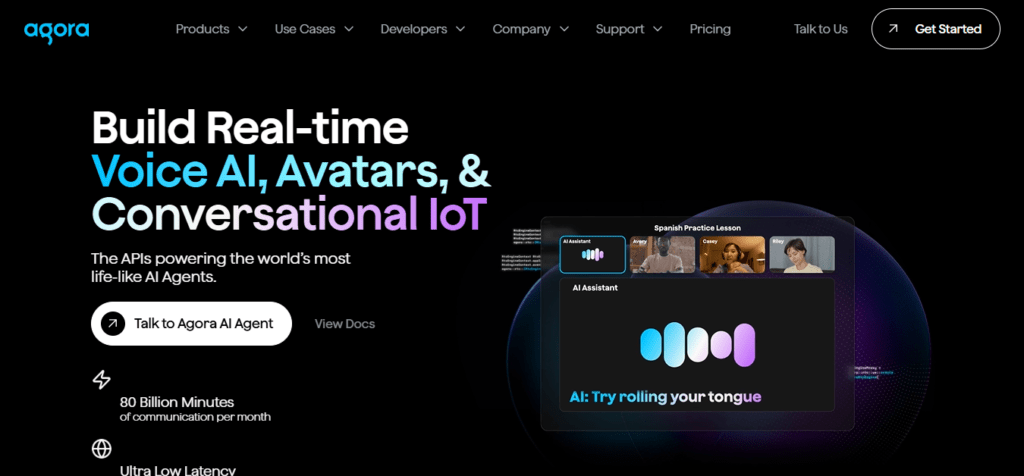
Agora.io is the gold standard for businesses looking to build the future of communication. Rather than a simple “out-of-the-box” plugin, Agora provides the high-performance APIs and SDKs that power the world’s most life-like AI Agents and digital avatars. Processing a staggering 80 billion minutes per month, it is the industry leader for developers who need ultra-low latency (<200ms) to bridge the gap between human interaction and Artificial Intelligence.
Key Features:
- Agentic AI & LLM Integration: Seamlessly connect any Large Language Model (LLM) to enable real-time voice conversations. Agora’s engine handles interruptions and noise suppression, allowing AI agents to flow naturally like a human.
- Realistic Live Avatars: Bring your digital agents to life with virtual avatars that are perfectly synced to speech audio, ensuring highly engaging and responsive human-to-AI interactions.
- Global Real-Time Network (SD-RTN™): Optimised for 3+ billion devices, Agora’s network ensures crystal-clear, lag-free voice and video even on slow connections or older hardware.
- Conversational IoT & Multi-Platform Support: Whether it’s a mobile app, a web browser, or a smart IoT device, Agora’s modular APIs support every channel with “carrier-grade” 99.999% uptime.
- Advanced “Agora Analytics”: Access real-time monitoring and diagnostics to measure the quality of experience, ensuring your users never face freezes or audio drops.
- Enterprise-Ready Compliance: Built for sensitive industries, Agora is fully compliant with SOC2, GDPR, and HIPAA, making it the primary choice for Telehealth and Education.
- The “Build for Free” Model: Start your project with 10,000 free minutes every month. This allows you to develop, test, and launch without any upfront costs, paying only as you scale.
Pricing: Agora offers the first 10,000 minutes every month for free. After that, it is usage-based.
Who is this for? Tech-savvy users who want to build a unique WordPress service for video communication.
6. 3CX – The All-in-One Professional Hub
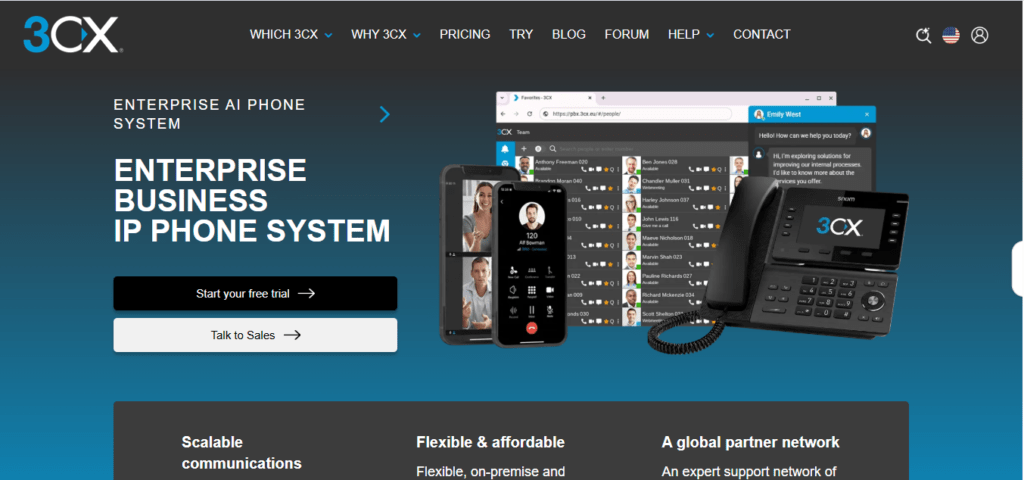
3CX is no longer just a communication hub; it is a sophisticated Enterprise AI Phone System designed for scalability and total privacy. Crafted specifically for companies with 25+ users, 3CX eliminates the “per-user” pricing model that drains corporate budgets, offering a single flat annual rate instead. When you need an on-premise setup or a secure private cloud, 3CX provides an all-in-one contact centre solution that scales on your own terms.
Key Features:
- AI-Powered Collaboration: Transition from a simple phone system to having an “AI Colleague.” 3CX integrates advanced AI to streamline business communications and enhance automated workflows.
- Ownership & Privacy: Unlike many competitors, 3CX ensures no data uploads to third parties. You maintain 100% control over your confidential calling and customer data, whether hosted or on-premise.
- Scalable Omnichannel Support: Simplify your workflow by managing calling, high-quality video, and live chat in one place. It fully integrates WhatsApp, Facebook, and SMS into a single enterprise dashboard.
- Zero “Per-User” Tax: 3CX disrupts the market by cutting licensing costs by up to 80%. You pay one flat annual license fee regardless of how many employees you add, making it the most cost-effective choice for growing teams.
- Global Expert Support: Gain peace of mind with a massive global partner network of over 10,000 experts across 190 countries, ensuring your enterprise deployment is seamless.
Pricing: 3CX offers a “Free Forever” version for up to 10 users. Their Basic plans start at $285 per year, which is the best solution because they do not charge per individual user.
Who is this for?
This is the best WordPress tool for sales teams and support centres that need a professional, unified way to communicate.
7. Formilla – Video for Customer Success
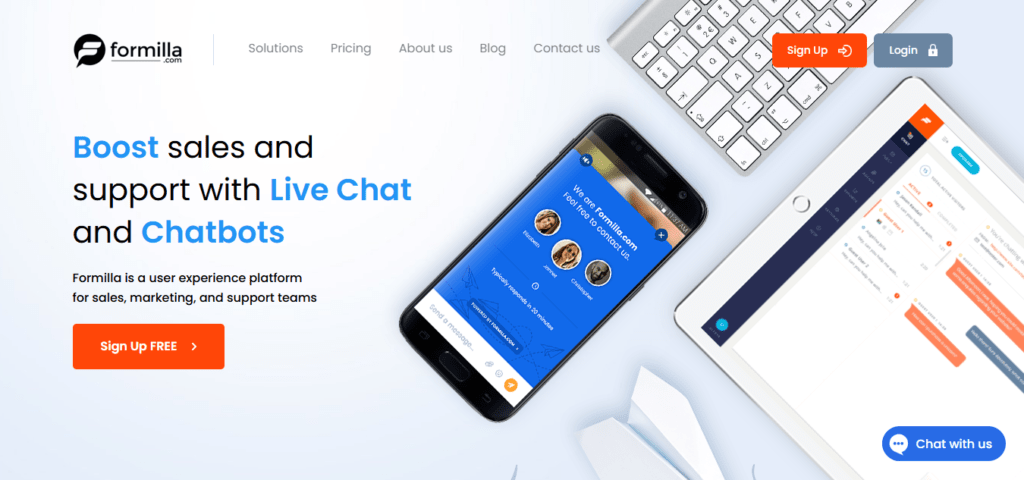
Formilla is a comprehensive user experience platform designed for sales, marketing, and support teams who want to do more than just “wait for a message.” Trusted by over 100,000 companies, Formilla combines AI-driven automation with human-centric support to capture leads and boost conversions 24/7. By integrating live chat, smart chatbots, and a massive library of marketing popups, it creates a seamless journey from the first click to the final sale.
Key Features:
- 24/7 Sales & Support Chatbots: Automate your lead qualification and customer service around the clock. Formilla’s bots handle FAQs and qualify visitors, ensuring your team only spends time on the most valuable conversations.
- “We Chat For You” Managed Service: A standout feature for 2026 if you don’t have the staff to monitor your site, Formilla provides professional agents to manage your live chat for you, acting as a direct extension of your brand.
- Proactive Popup Builder: Access a vast library of professionally designed marketing popups. Whether you want to grow your email list, trigger a “Click-to-Call,” or promote a specific URL, these perfectly timed popups are built to drive action.
- Insightful Customer Data: Empower your staff with real-time data. Your agents can see exactly what a visitor is looking at, allowing them to answer pre-sales questions with high-context, personalised information.
- Automated Email & Engagement: Beyond chat, Formilla handles the follow-up. Use automated email marketing to nurture leads and keep your brand top-of-mind long after the visitor leaves your site.
- Customizable UX Design: Every element of the Formilla platform is fully customizable to match your website’s branding, providing a consistent and professional look for your customers.
Pricing: They have a basic free plan. The Premium package is $17.49Per Month.
Who is this for? Store owners who want to provide a great user experience by offering instant video help.
8. Digital Samba– Privacy and Branding
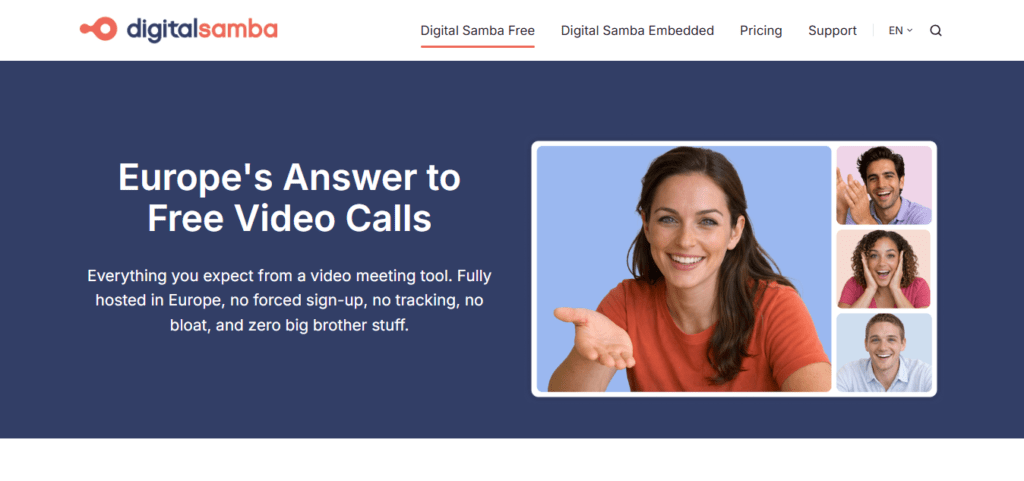
Digital Samba has positioned itself as the “sovereign” alternative to the data-hungry software giants of Silicon Valley. In 2026, it stands as the premier choice for organisations that demand absolute data privacy and GDPR compliance without sacrificing high-definition performance. Fully hosted and owned in Europe, Digital Samba offers a “lean and clean” environment that prioritises user sovereignty, making it the tool of choice for psychologists, legal professionals, and high-security government contractors.
Key Features:
- One-Click, Zero-Friction Access: Start professional HD video calls instantly with no account registration, no software downloads, and zero trackers. It is built to run flawlessly in any modern browser across all devices.
- Next-Gen Virtual Classrooms: Fresh from its BETT UK 2026 debut, the platform now features advanced educational tools including live polls, shared whiteboards, breakout rooms, and an “LTI-ready” infrastructure for seamless LMS integration.
- Sovereign Data Hosting: Unlike competitors reliant on US-based cloud providers, Digital Samba is 100% European-hosted. It guarantees that sensitive data never leaves European jurisdiction, protected by Optional End-to-End Encryption (E2EE).
- Embedded Video API & SDK: For developers, Digital Samba provides a robust “Video-Platform-as-a-Service” (VPaaS). Easily embed white-labeled, high-security video conferencing into your own healthcare app or corporate portal with just a few lines of code.
- High-Detail Screen Sharing: Optimised specifically for “co-coding” and technical reviews, their screen-sharing technology is Snappy and crisp, ensuring that even the smallest text remains legible during long collaborative sessions.
- AI-Generated Accessibility: The 2026 suite includes AI-powered real-time captions and transcription, ensuring global meetings are accessible and inclusive while maintaining a strict “no-profiling” data policy.
- Customizable “White-Label” Branding: For businesses that want a native feel, the platform allows for full UI customization including custom domains (CNAME), logos, and brand-specific colour palettes.
Pricing: They offer 10,000 free minutes per month. Paid plans are usage-based.
Who is this for? Professionals who need a secure, professional video conferencing plugin environment.
How to Install Your New Plugin
To get started, go to your WordPress dashboard using your admin login. Click on plugins and then “Add New“. Search for your chosen WordPress plugin. After you click install, you will see it in your sidebar. Most Zoom plugins will ask you to connect your account. This plugin also usually provides a setup wizard to help you save time.
Frequently Asked Questions
Can I host webinars directly from my WordPress site?
Yes, many of the best WordPress webinar plugins, like WebinarPress, allow you to host webinars directly from your WordPress site.
Is there a free WordPress option for video calls?
Yes, plugins like WPPOOL offer a free WordPress version using Jitsi.
Do these plugins work with booking plugins?
Some booking plugins have integration with Zoom or come with their own built-in video tools like Consolto.
Choosing between these plugins for 2026 depends on your goals. If you want a full suite, 3CX is great. If you want the best WordPress webinar plugins, WebinarPress is the winner. For Zoom plugins, eRoom is the best solution. By picking the right WordPress video conference plugin, you will grow your business and improve your WordPress website for every visitor.