
WordPress is becoming easier for AI agents to work with. WordPress 6.9 introduced the Abilities API, which gives WordPress, themes, and plugins a standard way to expose actions that AI systems can discover and use. The official WordPress MCP Adapter then connects those abilities to AI clients through the Model Context Protocol.
For WordPress users, this changes AI’s role. Instead of only asking an AI assistant to suggest code, content, or settings, you can give it controlled access to your website and ask it to perform specific tasks. That can include editing pages, managing WooCommerce products, changing settings, working with page builders, or checking site data.
The Best WordPress MCP Plugins are not all built for the same job, though. Some focus on easy setup and everyday content work. Others are designed for agencies, WooCommerce stores, developers, or page-builder workflows. The following Top WordPress MCP Plugins cover several of those approaches so you can compare what each one actually offers.
Best WordPress MCP Plugins
1. StartWP
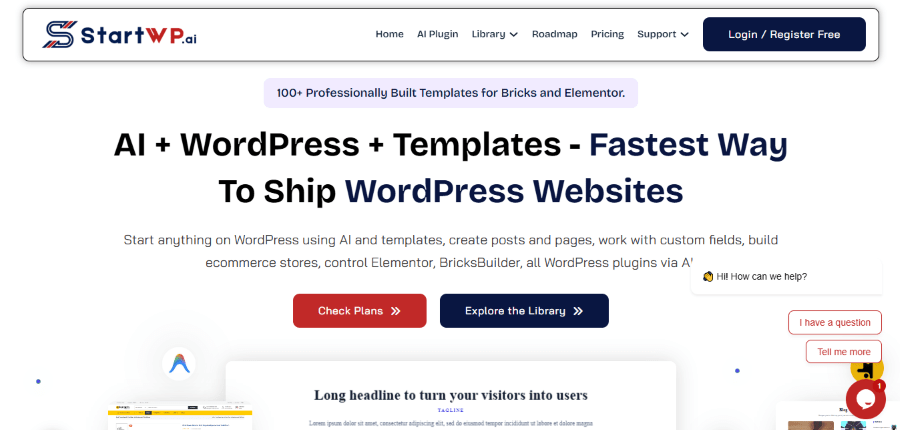
StartWP is an open-source AI plugin for WordPress that connects AI assistants directly to a WordPress website. It also includes MCP support, allowing AI clients such as Claude, ChatGPT, Cursor, Claude Code, and other compatible tools to interact with WordPress. Instead of using AI only to generate content or code, StartWP lets users give AI controlled access to WordPress so it can create and edit content, manage media, work with plugins and themes, and change site settings.
One of StartWP’s main strengths is its focus on controlling what an AI agent can do. It provides Ask Mode, Do Mode, and Custom Mode so users can decide how much access to give the AI. It also supports dry-run previews for potentially destructive actions, activity logging, and reverting file edits. StartWP connects with the WordPress Abilities API and can expose supported abilities to AI while keeping control over which actions are allowed.
StartWP Key Features
- MCP support for AI clients such as Claude, ChatGPT, Cursor, Claude Code, and other compatible applications.
- Ask, Do, and Custom permission modes for controlling AI access.
- WordPress Abilities integration for exposing supported WordPress actions to AI.
- AI management of posts, pages, custom post types, media, plugins, themes, users, taxonomies, comments, and settings.
- Page-builder support for Elementor, Bricks, Divi, Beaver Builder, Oxygen, and Gutenberg.
- Dry-run previews before applying potentially destructive changes.
- Activity logging and the ability to revert file edits.
- Scoped MCP tokens, OAuth 2.0 PKCE, rate limits, and IP allowlisting.
- Support for bringing your own AI provider API key.
- Skills that give AI reusable instructions for specific WordPress workflows.
StartWP Pricing
- Free: $0, with the AI plugin available for unlimited WordPress websites.
- Annual, One Site: $49/year.
- Lifetime, One Site: $99 one-time.
- Annual, Unlimited Sites: $149/year.
- Lifetime, Unlimited Sites: $299 one-time.
The free AI plugin uses a bring-your-own-key model, so users connect their preferred AI provider and pay that provider for API usage. StartWP does not charge a separate AI usage fee.
StartWP Pros and Cons
Pros: Free, open-source AI plugin; MCP support; detailed permission controls; WordPress Abilities integration; support for multiple page builders; dry-run previews; activity logging; and direct WordPress management.
Cons: Users are responsible for AI provider API costs, and advanced workflows may require additional configuration of AI providers, permissions, and MCP clients.
For Whom StartWP Is Built For
StartWP is built for WordPress users, freelancers, developers, and agencies that want to manage WordPress through AI while keeping control over what the AI can access and change. It is also useful for developers who want to connect WordPress with MCP-compatible coding tools and AI assistants.
2. WPVibe
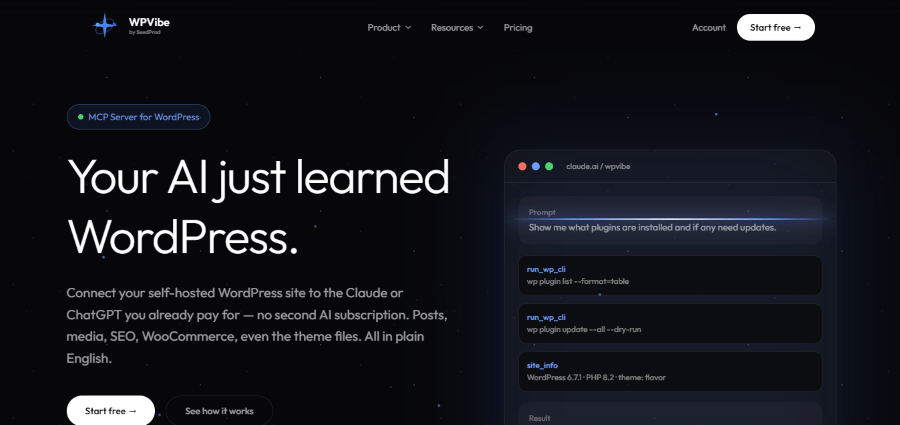
WPVibe is a hosted MCP server combined with a free WordPress plugin. It connects WordPress with AI clients such as Claude, ChatGPT, Cursor, and Claude Code without requiring users to run their own MCP server. After connecting a site, the AI can work with WordPress content, settings, media, plugins, themes, WooCommerce, and other parts of the website.
One of WPVibe’s main strengths is that it goes beyond basic post and page editing. Its WordPress toolkit includes REST API access, WP-CLI support, theme editing, WooCommerce operations, and page-builder workflows. It also provides tested skills for Elementor, Divi, Bricks, Breakdance, Beaver Builder, SeedProd, and Gutenberg. You can prepare theme work as a draft, preview it, and then publish it after review.
WPVibe Key Features
- AI access to posts, pages, media, users, menus, settings, and plugin data.
- WP-CLI commands for tasks such as plugin management, cache work, search and replace, and site checks.
- Page-builder support for Elementor, Divi, Bricks, Breakdance, Beaver Builder, SeedProd, and Gutenberg.
- WooCommerce tools for products, variations, categories, orders, and coupons.
- Draft-based theme editing with private previews and backups.
- OAuth connection with no separate MCP server to manage.
WPVibe Pricing
- Free: $0 forever, with the full feature set and support for multiple WordPress sites.
- Pro: $99/year.
- Power: $299/year.
- Agency: $599/year.
- Scale: $899/year.
The paid plans mainly increase the amount of daily work the AI can perform and add support or agency-oriented features.
WPVibe Pros and Cons
Pros: Easy hosted setup, strong page-builder coverage, WooCommerce support, WP-CLI access, and multi-site workflows.
Cons: The hosted model means your connection depends on WPVibe’s service, and paid plans are needed when the free usage allowance is not enough.
For Whom WPVibe Is Built For
WPVibe suits WordPress freelancers, website owners, and agencies that want to manage several parts of a site through AI without dealing with server-side MCP infrastructure.
3. Easy MCP AI
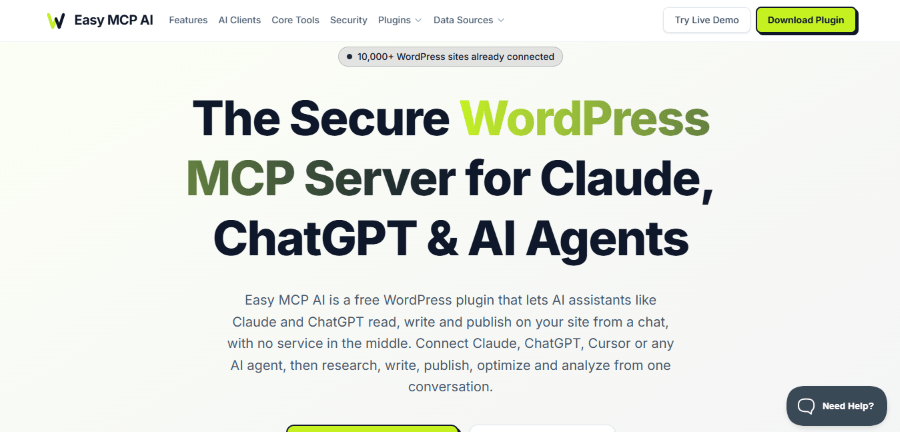
Easy MCP AI takes a different route. It runs the MCP server directly inside WordPress using PHP, so there is no hosted relay or separate Node.js process between the AI client and your website. Users can connect AI clients such as Claude, ChatGPT, Cursor, and other MCP-compatible applications directly to WordPress.
The plugin also supports broader site management. Its tools cover WordPress content, media, users, menus, WooCommerce, SEO plugins, and external data sources. It can work with services such as Google Analytics, Google Search Console, Semrush, SE Ranking, DataForSEO, and Ahrefs when you connect the required third-party accounts and credentials.
Security is a major part of the product. Easy MCP AI supports OAuth 2.1 with PKCE, token-specific tool permissions, WordPress capability checks, token expiration, IP allowlisting, audit logs, and settings that can force AI-created posts or pages into draft status.
Easy MCP AI Key Features
- Runs fully inside WordPress with a PHP-based architecture.
- Direct MCP connection with no hosted relay.
- Content, media, user, menu, theme, plugin, and WooCommerce operations.
- Integrations with major SEO plugins and analytics services.
- OAuth 2.1 with PKCE and token-level permissions.
- Audit logs and draft controls for safer publishing workflows.
Easy MCP AI Pricing
Easy MCP AI is free and does not require a second subscription for the plugin. Third-party SEO and data services may have their own API costs.
Easy MCP AI Pros and Cons
Pros: No plugin subscription, self-hosted architecture, strong permissions, direct connections, and broad SEO and analytics integrations.
Cons: Some connected services require separate paid API accounts, and self-hosted MCP connections may require more setup than a managed service.
For Whom Easy MCP AI Is Built For
It is a practical choice for site owners who want direct AI access to WordPress without sending their site connection through a hosted MCP service.
4. Saddle
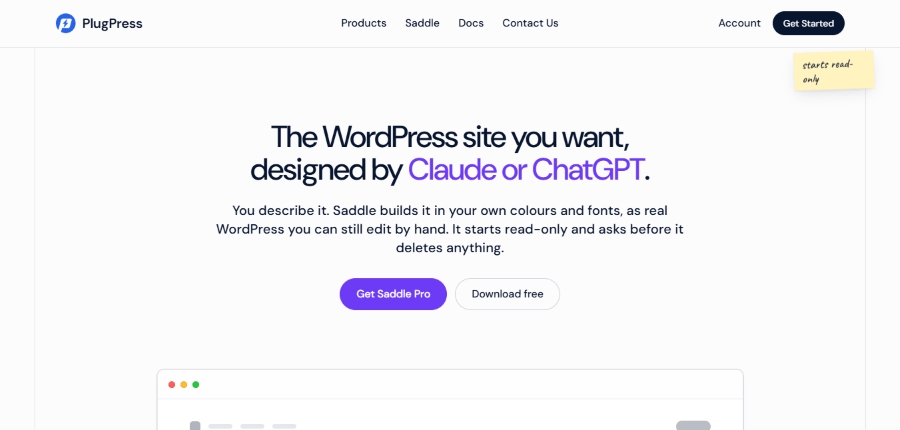
Saddle is a WordPress MCP plugin from PlugPress that focuses heavily on turning natural-language requests into real WordPress work. It connects AI applications such as Claude, ChatGPT, Cursor, Claude Code, and Gemini CLI to a WordPress site. The free plugin starts in read-only mode and asks for approval before destructive actions.
Saddle is particularly interesting for visual WordPress work. With Pro, it can build pages in Divi using native Divi modules, global colors, presets, and Theme Builder features. It can also write posts and pages, read existing theme styles, add images from Unsplash, and check pages before publication. Its verification tools can review design elements such as colors, spacing, fonts, and contrast.
Saddle Key Features
- Natural-language WordPress editing through MCP.
- Native Divi page and Theme Builder authoring with Pro.
- Reads existing theme colors and fonts for new pages.
- Pre-publish page verification.
- SEO title, description, and focus keyword handling with supported SEO plugins.
- Unsplash image search and media library insertion.
- Approval prompts before deletions.
- Site memory for recurring workflows.
Saddle Pricing
- Free: Free WordPress plugin.
- 5 Sites: $60/year.
- 10 Sites: $84/year.
- 20 Sites: $108/year.
The Pro plans include product updates and priority support. A three-day trial is available for the paid plans.
Saddle Pros and Cons
Pros: Strong control over destructive actions, native WordPress output, useful design checks, and attractive pricing for multi-site users.
Cons: Many of its deeper page-building capabilities center on Divi, so users with other stacks may not get the same level of builder-specific functionality.
For Whom Saddle Is Built For
Saddle suits freelancers, designers, and WordPress users who want AI to create or update editable pages while keeping control over important site changes.
5. Respira
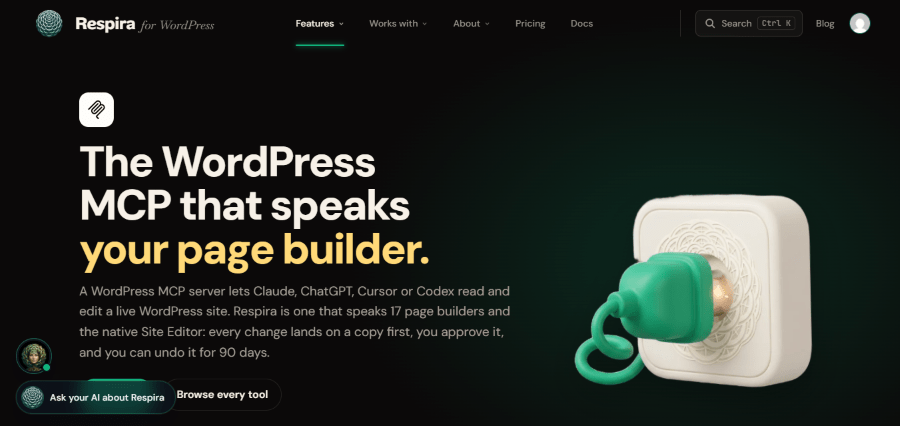
Respira is built around controlled AI editing rather than simply giving an AI agent unrestricted access to WordPress. It connects AI assistants such as Claude, ChatGPT, Cursor, Codex, and other MCP clients to WordPress while using a duplicate-first workflow. The AI prepares the change on a copy, the user reviews it, and the original site is only changed after approval.
Respira also has strong page-builder support. Its site lists support for builders and editors including Elementor, Divi, Bricks, Gutenberg, WPBakery, Beaver Builder, Breakdance, and others. Changes are written in the builder’s own format rather than being treated as generic page content. The platform also offers activity records, site memory, design rules, rollback, and WooCommerce workflows.
Respira Key Features
- Duplicate-first editing with approval before live changes.
- Rollback and snapshots for AI-driven edits.
- Native workflows for multiple WordPress page builders.
- WooCommerce operations through an optional add-on.
- Site memory for rules and recurring workflows.
- Audit and activity tracking.
- Browser and desktop MCP workflows.
Respira Pricing
- Maker: €71/year or €9/month for one site.
- Builder: €150/year or €19/month for five sites.
- Studio: €451/year or €57/month, with larger site capacity.
- WooCommerce add-on: €95/year on Maker and Builder. WooCommerce is included with Studio.
Respira also offers a seven-day trial for Maker without a credit card. It states that AI usage fees are not added by Respira because customers use the AI subscription they already have.
Respira Pros and Cons
Pros: Strong safety workflow, builder-native editing, rollback, agency features, and no separate AI usage fee from Respira.
Cons: Its paid plans are more focused on professional workflows, and WooCommerce features add another cost on the lower plans.
For Whom Respira Is Built For
Respira is a strong fit for agencies, freelancers, and teams that need AI editing with review, approval, and rollback safeguards across different WordPress setups.
6. Royal MCP Pro
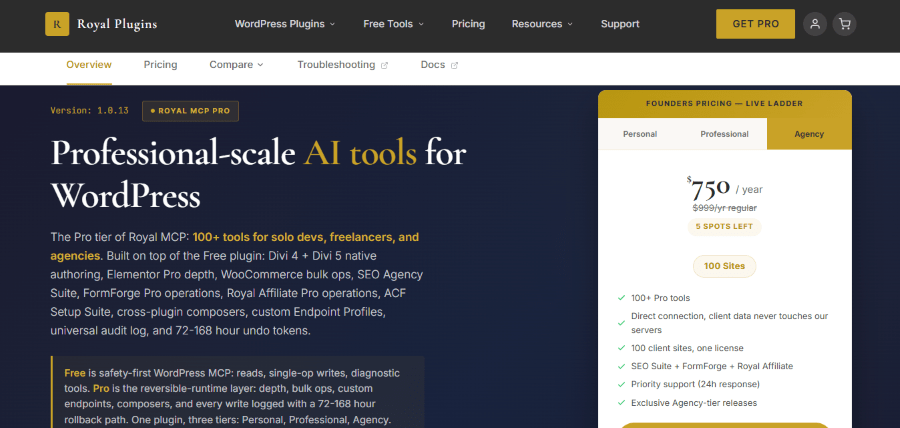
Royal MCP Pro combines an MCP runtime with governance tools designed for production WordPress work. The Pro version builds on the free Royal MCP plugin and adds deeper support for Divi, Elementor, WooCommerce, SEO, forms, ACF, and cross-plugin workflows.
Its biggest focus is control over AI changes. Royal MCP Pro provides preview and commit steps for destructive operations, an audit log, scoped endpoint profiles, role-based OAuth controls, and reversible changes. It can also handle bulk WooCommerce operations and cross-plugin workflows that combine several WordPress tasks into one process.
Royal MCP Pro Key Features
- Native Divi and advanced Elementor workflows.
- Bulk WooCommerce product, stock, order, coupon, and variation operations.
- SEO workflows across major SEO plugins.
- Custom Endpoint Profiles for limiting AI access.
- Audit logs with export options.
- Approval and commit steps before destructive changes.
- Undo support for reversible operations.
- Cross-plugin workflow automation.
Royal MCP Pro Pricing
The Royal MCP Pro product page currently lists:
- Personal: $79/year for one site.
- Professional: $249/year for five sites.
- Agency: $750/year for 100 sites.
Royal Plugins also has a general pricing page that currently advertises Royal MCP Pro from $79/year, so the exact checkout price should be confirmed before purchase.
Royal MCP Pro Pros and Cons
Pros: Strong governance features, detailed audit controls, reversible workflows, deep WooCommerce support, and useful tools for agencies.
Cons: The Pro version is aimed at advanced workflows, and the current pricing shown across Royal Plugins pages is not fully consistent.
For Whom Royal MCP Pro Is Built For
It is designed mainly for developers, freelancers, and agencies that need tighter governance over AI access and changes across client websites.
7. AI Engine Pro
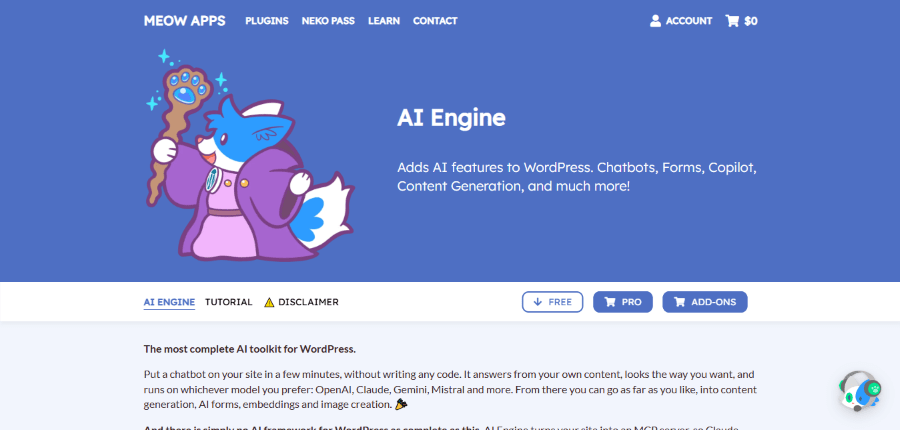
AI Engine Pro from Meow Apps is broader than an MCP plugin alone. It is an all-in-one AI framework for WordPress that includes chatbots, content generation, image tools, AI forms, embeddings, assistants, analytics, and an MCP server. The free version already includes WordPress MCP functionality, while Pro adds advanced MCP tools for WooCommerce, database, theme, and plugin management.
That makes AI Engine useful for businesses that want one AI system to handle both visitor-facing features and administrative automation. Its Pro tools can let AI interact with WooCommerce, manage WordPress resources, and work with site-level functions. AI Engine also supports usage tracking and controls for monitoring AI activity.
AI Engine Pro Key Features
- WordPress MCP server for AI agents.
- AI chatbots with customization and image support.
- Content generation and editor assistance.
- AI forms and function calling.
- Embeddings and knowledge-base features.
- WooCommerce integration.
- Database, theme, and plugin management through advanced MCP tools.
- Usage insights, limits, and analytics.
- AI assistants for more complex workflows.
AI Engine Pro Pricing
Meow Apps offers both yearly and lifetime licensing. Current published pricing lists:
- Starter: $79/year for one website.
- Standard: $99/year for five websites.
- Professional: $179/year for 20 websites.
- Lifetime licenses: Available from $499 and above, depending on the number of sites.
The Meow Apps product page states that yearly licenses include ongoing support while active, while lifetime licenses include future updates but support for the first year. There is no trial, but the company states that refunds are available within two weeks.
AI Engine Pro Pros and Cons
Pros: Broad AI feature set, strong WordPress integration, MCP plus chatbots and AI tools, and flexible licensing.
Cons: MCP is part of a much larger AI suite, so users looking only for a dedicated MCP connection may not need all of its additional features. AI model usage is also separate from the plugin license.
For Whom AI Engine Pro Is Built For
AI Engine Pro is suited to WordPress businesses that want MCP access alongside chatbots, content tools, embeddings, forms, and other AI functions in one plugin.
8. Novamira
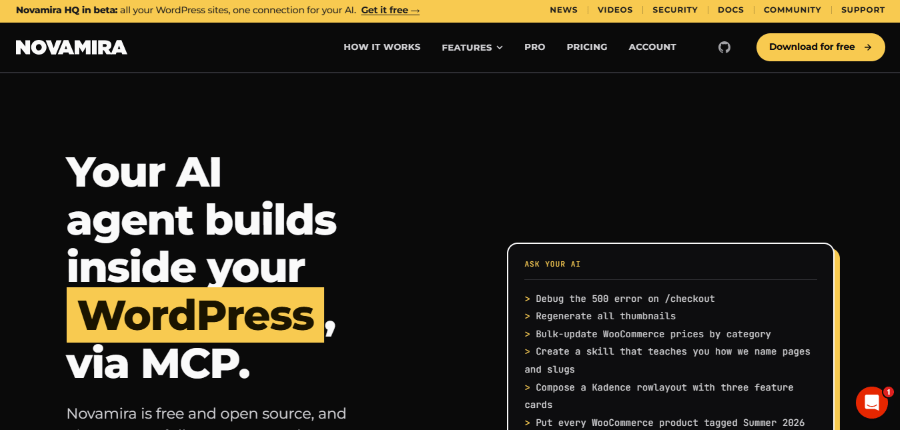
Novamira takes one of the most developer-focused approaches in this group. Instead of limiting AI to predefined WordPress actions, it gives an AI agent access to PHP execution, WP-CLI, database queries, and file operations inside WordPress. The company specifically positions it for development and staging environments rather than normal production use.
Its architecture is direct. The AI client connects to WordPress without a hosted proxy, and Novamira can inspect the site’s database, post meta, active plugins, theme structure, options, and filesystem before making a change. Pro adds specialized knowledge for builders and plugins such as Elementor, Bricks, Divi, WooCommerce, ACF, SEO tools, forms, and more, along with persistent memory between sessions.
Novamira Key Features
- PHP execution inside WordPress.
- WP-CLI access.
- Database queries and site inspection.
- File read, write, edit, and delete capabilities.
- Direct connection without a hosted proxy.
- Development and staging focused workflow.
- Pro specializations for builders and plugins.
- Persistent memory between AI sessions.
- Custom skills and reusable instructions.
Novamira Pricing
- Free: €0 forever and open source.
- Personal: €49/year for three sites, with €69 shown as the regular price.
- Agency: €149/year for 1000 sites.
- Agency Lifetime: €299 one-time for 1000 sites.
Novamira Pro includes updates and support for the stated license period. The vendor also says there is no charge based on AI actions or pages created.
Novamira Pros and Cons
Pros: Very broad development access, direct WordPress execution, builder and plugin expertise, memory, and open-source free core.
Cons: Its level of access requires technical knowledge, and Novamira explicitly recommends using AI abilities on development or staging sites instead of production.
For Whom Novamira Is Built
Novamira is aimed at developers and technically experienced WordPress professionals who want an AI agent to work deeply with the code, database, filesystem, themes, and plugins.
WordPress MCP Plugins Comparison
| Product | Architecture | Main Focus | Key Strength | Pricing |
| WPVibe | Hosted MCP + plugin | Full site management | Easy setup, WP-CLI, builders, WooCommerce | Free, Pro $99/year, Power $299/year, Agency $599/year, Scale $899/year |
| Easy MCP AI | Self-hosted PHP | WordPress, SEO, analytics | Direct connection and detailed permissions | Free |
| Saddle | WordPress plugin | AI-assisted page building | Divi and editable WordPress output | Free, Pro from $49/year |
| Respira | Plugin + MCP infrastructure | Safe AI editing | Duplicate-first workflow and rollback | From €71/year |
| Royal MCP Pro | Self-hosted | Agency automation | Governance, audit, undo, WooCommerce | From $99/year on product page |
| AI Engine Pro | Self-hosted AI framework | AI suite + MCP | MCP plus chatbots, content, forms, and embeddings | From $79/year |
| Novamira | Self-hosted | Development and staging | PHP, database, files, and developer workflows | Free, Pro from €49/year |
Implications of Using These WordPress MCP Plugins
Using an MCP plugin can change how routine WordPress work gets done. Instead of moving between the admin panel, database tools, page builders, and external services, you can describe a task to an AI client and let it perform the connected actions. That can make repetitive work more conversational and reduce manual steps. Products such as WPVibe and Easy MCP AI focus on broad website management, while Respira and Royal MCP Pro put more attention on approvals, audit trails, and reversibility.
The tradeoff is that AI access introduces another layer of permissions. A tool that can only read posts has a smaller impact than one that can modify WooCommerce products, edit theme files, run PHP, or access a database. For that reason, permission controls, approvals, backups, staging environments, and audit logs matter as much as the number of features offered.
Not using an MCP plugin keeps the traditional WordPress workflow in place. You continue to make changes manually or use separate integrations for automation. That can reduce the amount of access given to AI, but routine work may also require more repetitive actions. For simple websites, that may be acceptable. For sites with frequent content updates, multiple client installations, large WooCommerce catalogs, or complex development tasks, an MCP workflow can provide a different way to manage that workload.
How to Choose a WordPress MCP Plugin
The right choice depends on the kind of access you want to give your AI assistant.
For a simple hosted connection, WPVibe removes much of the server setup. Easy MCP AI is better suited to users who want the MCP server to stay inside WordPress. Saddle is focused on editable page-building workflows, while Respira emphasizes controlled changes and rollback. Royal MCP Pro is built around governance and larger operational workflows. AI Engine Pro makes more sense when MCP is only one part of a broader AI strategy. Novamira is the most developer-oriented option of the group, particularly for staging and development work.
Before connecting any MCP plugin to a production site, review the permissions it provides, understand what your AI client can access, and make sure you have a reliable backup and recovery process. The value of MCP is not simply that AI can change WordPress. The real benefit comes from giving the AI the right level of access for the work you actually need it to perform.
