

Most WordPress site owners don’t realize how much time they lose doing small repetitive tasks every day. Things like sending follow-up emails, connecting different tools, or managing user actions may not seem like a big deal at first, but they quickly add up and start holding your business back. At some point, doing everything manually just stops being practical.
That is exactly why marketing automation has become so important. In this guide, you will find a mix of WordPress plugins that can take over these tasks and help your site run more efficiently. Some are built to handle email and customer data, while others focus on connecting tools or automating actions across your website. The goal here is simple: help you find a solution that actually fits the way you work without making things more complicated.
Quick Comparison of Top WordPress Marketing Automation Plugins
If you are in a hurry, this table provides a snapshot of how these tools stack up.
| Plugin Name | Primary Use Case | Hosting Type | Starting Price |
| Bit Flows | Internal Workflow Automation | Self-Hosted | $142/year (or Lifetime) |
| FluentCRM | Email Marketing & CRM | Self-Hosted | $129/year |
| WP Fusion | CRM Data Sync & Personalization | Self-Hosted | $297/year |
| Ottokit | Cloud-based App Integration | Cloud-Hybrid | $108/year |
| Uncanny Automator | Connecting WP Plugins | Self-Hosted | $199/year |
| AutomatorWP | Gamification & User Activity | Self-Hosted | $149/year |
| Groundhogg | Full Sales Funnel & CRM | Self-Hosted | $240/year |
| Zapier | Universal App Connections | Cloud-Based | Free (Paid from $19.99) |
1. Bit Flows
Get 35% OFF on Bit Flows
WPDISCOUNTS35
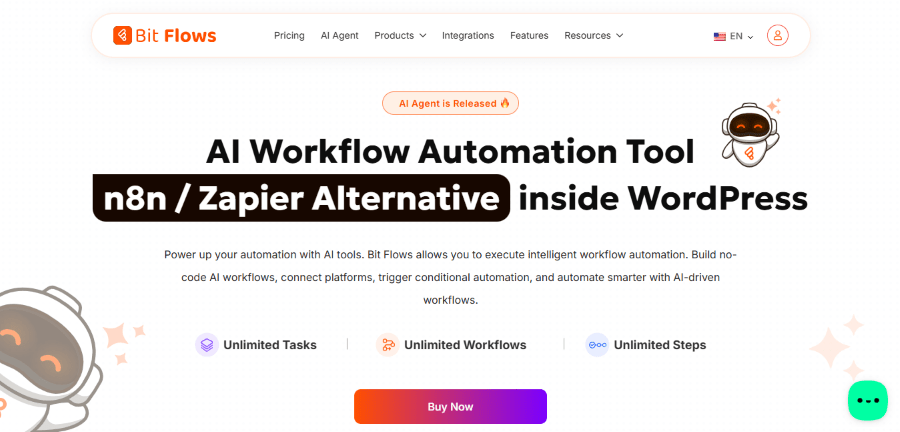
Bit Flows was co-founded by Abdul Kaioum, who is part of the talented team at Bit Apps. The company has a reputation for building lightweight tools that do not bog down your server. They created Bit Flows to give users a way to build complex workflows without paying for expensive monthly subscriptions like Zapier.
The plugin acts like a central hub for your website. It allows you to create “flows” that trigger based on specific actions, such as a form submission or a new purchase. Because it is built specifically for WordPress, it handles data much faster than many cloud-based alternatives. It is a great choice for people who want to keep their data under their own control while still enjoying high-end automation features.
This tool is especially useful for those who use many different plugins and need them to communicate with each other. Instead of having 10 separate small integrations, you can use Bit Flows to manage everything from a single screen. It is clean, modern, and very easy to navigate, even for beginners.
Key Features of Bit Flows
- Visual Flow Builder: Use a drag-and-drop interface to map out your automation steps.
- No Task Limits: Unlike many other platforms, Bit Flows does not charge you based on how many times your automation runs.
- Multi-Step Workflows: You can trigger one action that automatically leads to five or six other tasks.
- Conditional Logic: This lets you set “if this, then that” rules so your automation runs only when specific criteria are met.
- 149+ Integrations: It connects to popular tools such as Google Sheets, Mailchimp, Shopify, and various WordPress form builders.
Pricing Plan
Annual Plan:
- Starter Plan: $142/year for 1 site license
- Plus Plan: $238/year for a 5-site license
- Developer Options: $358/year for a 50-site license
- Agency Plan: $478/year for a 100-site license
Lifetime Plan:
- Starter Lifetime: $238 for 1 site license
- Plus Lifetime: $358 for a 5-site license
- Developer Lifetime: $598 for a 50-site license
- Agency Lifetime: $388 for a 100-site license
2. FluentCRM
Get 20% OFF on FluentCRM
WPdiscounts
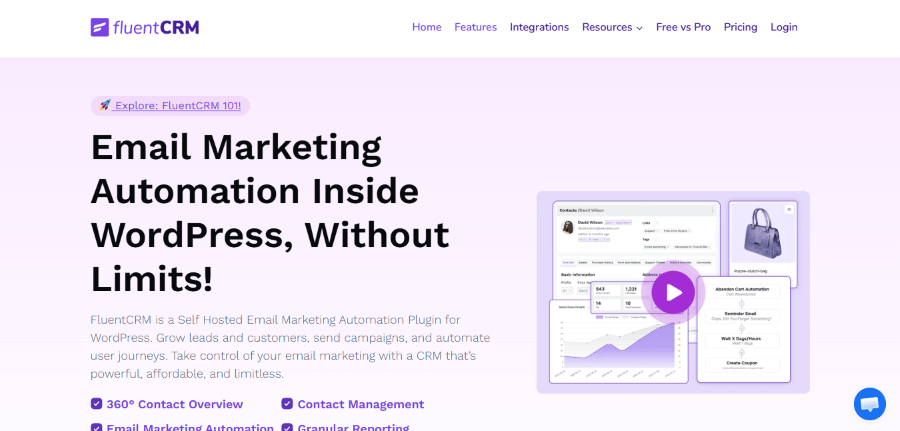
FluentCRM is a powerhouse in the email marketing space. It was developed by the team at WPManageNinja, led by founder Md Shahjahan Jewel. This is the same company that brought you popular tools like Fluent Forms and Ninja Tables. They noticed that most business owners were paying way too much for services like Mailchimp and decided to build a solution that stays entirely inside the WordPress dashboard.
Since its launch, FluentCRM has become a favorite for bloggers and e-commerce owners. It allows you to manage your entire email list and send automated sequences without ever leaving your site. Because the data is stored in your own database, you do not have to worry about a third-party service raising prices as your list grows. It is a true “set it and forget it” tool for customer relationship management.
The plugin is perfect for anyone who wants to nurture leads. If you sell courses or products, you can set up a system that sends a series of helpful emails to new customers automatically. It makes your small business look like a professional agency without the professional price tag.
Key Features of FluentCRM
- Self-Hosted Data: You own your subscriber list entirely, and no one can take it away or charge you extra for more contacts.
- Email Sequencing: You can create “drip” campaigns that send emails over several days or weeks to keep your audience engaged.
- Granular Segmentation: This feature lets you group your contacts based on what they bought or which pages they visited.
- Built-in Analytics: You can see exactly who opened your emails and which links they clicked on directly in WordPress.
- Deep Integrations: It works perfectly with WooCommerce, LearnDash, LifterLMS, and MemberPress.
Pricing Plan
- Single Site License: $129 per year for use on one website.
- 5-Site License: $249 per year for small business owners with a few projects.
- 50-Site License: $499 per year, designed for agencies and large-scale users.
3. WP Fusion
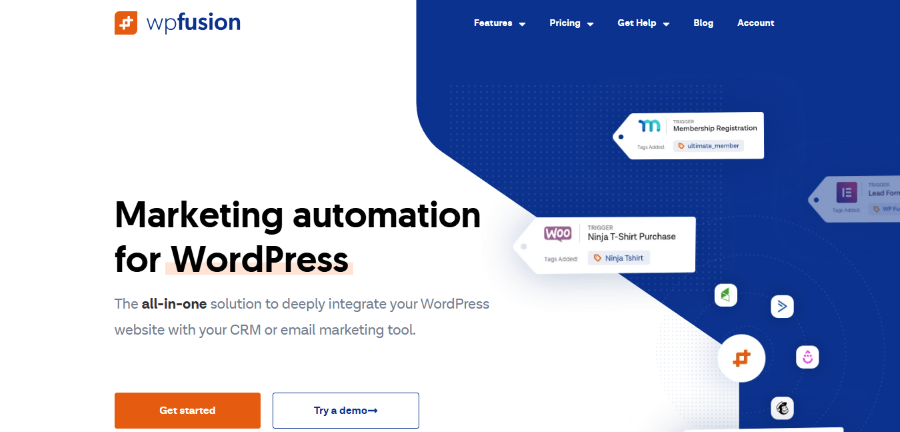
WP Fusion is a unique tool that bridges the gap between your WordPress site and your external CRM. It was founded by Jack Arturo, a developer who wanted to find a better way to sync user data. While other plugins try to be the CRM, WP Fusion focuses on being the perfect connection. It ensures that when someone does something on your site, their profile in your external marketing tool is updated instantly.
What makes WP Fusion special is how it uses “tags” to control your website. For example, if a user has a “Customer” tag in your CRM, WP Fusion can automatically show them special content on your site that regular visitors cannot see. It turns your WordPress site into a dynamic experience that changes based on who is logged in. This is incredibly powerful for membership sites and online schools.
If you already use a service like ActiveCampaign, HubSpot, or MailerLite, this is the plugin you need. It prevents you from having “data silos” where your website does not know what your marketing team is doing. It is professional-grade software that remains very user-friendly.
Key Features of WP Fusion
- Bi-Directional Sync: Changes on your website update your CRM, and changes in your CRM can update your website.
- Content Restriction: You can hide or show pages and sections of your site based on the tags a user has.
- Auto-Login Links: You can send an email from your CRM that logs the user into your site automatically when they click.
- LMS Integration: It can track student progress in courses and trigger emails when they finish a lesson or pass a quiz.
- Abandoned Cart Tracking: It helps you recover lost sales by notifying your CRM when someone leaves items in their cart.
Pricing Plan
- Personal Plan: $297 per year for one site with standard features.
- Plus Plan: $427 per year, including six pro add-ons.
- Professional Plan: $647 per year for unlimited sites and all advanced features.
4. Ottokit

Get up to 50% OFF on OttoKit
Ottokit, formerly known as SureTriggers, is a cloud-based automation platform designed specifically for the WordPress community. It was co-founded by Adam Preiser and Sujay Pawar. These two are well known in the WordPress world for creating Astra, the most popular theme in the world. They built Ottokit to solve the problem of slow and expensive automation tools that were difficult for regular people to use.
Unlike plugins that do all the work on your own server, Ottokit uses its own cloud to process tasks. This is great because it means your website stays fast, even if you are running thousands of automations. It works by connecting different plugins and apps together through a visual interface. It feels very similar to Zapier but is much more affordable and tailored for WordPress users.
This tool is a lifesaver for business owners who need to connect their site to external tools like Slack, Trello, or Google Calendar. It allows you to build a “digital teammate” that handles the boring, repetitive tasks so you can focus on making more money.
Key Features of Ottokit
- Cloud-Based Processing: Your server does not have to do the heavy lifting, which keeps your site speed high.
- Visual Canvas: You can draw out your automations using a clear, visual map.
- Multi-App Connections: You can connect a WordPress form to a Google Sheet and then send a message to Slack all in one flow.
- Schedule Triggers: You can set tasks to run at a specific time or on a recurring schedule.
- Formatters: It includes tools to format text, dates, and numbers as they move between apps.
Pricing Plan
Annual Plan:
- Pro Plan: $108 per year
- Business Plan: $228 per year
- Business Plus Plan: $468 per year
Lifetime Plan:
- Pro Plan: $799 one time
- Business Plan: $1499 one time
- Business Plus Plan: $2999 one time
5. Uncanny Automator
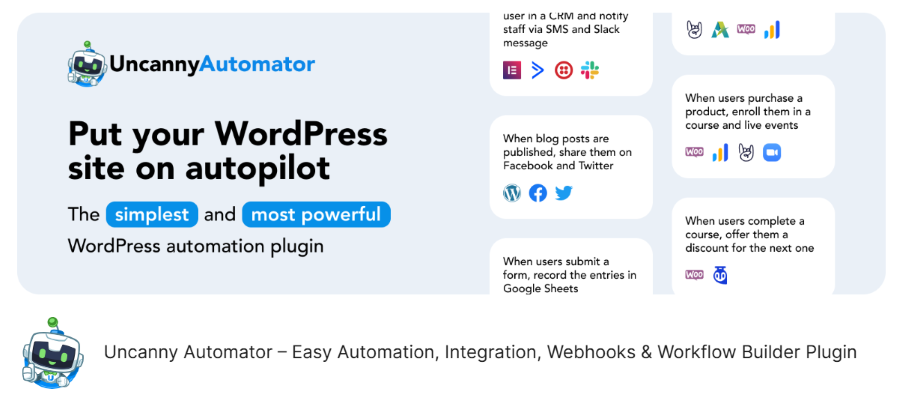
Get up to 33% OFF on Uncanny Automator
It was co-founded by Ryan Moore as part of the Uncanny Owl team. They originally focused on helping people build better e-learning sites with LearnDash, but they realized everyone needed a way to make their plugins talk to each other. Today, it is one of the most popular automation tools in the entire ecosystem.
The plugin uses a very simple “Recipe” system. Each recipe has a trigger (something that happens) and an action (something that should happen next). For example, “when a user completes a course, give them a special badge and send them an email.” It is so simple that you can set up your first automation in less than five minutes. It supports hundreds of different WordPress plugins right out of the box.
This is the “go-to” choice for anyone running a membership site or an online store. It eliminates the need for expensive third-party tools by letting your existing plugins work together. It makes the “Best WordPress Marketing Automation Plugins” list because of its sheer reliability and ease of use.
Key Features of Uncanny Automator
- Recipe Builder: An incredibly easy way to create automations that anyone can understand.
- Anonymous Triggers: You can automate tasks for people who are not even logged in to your site yet.
- Button Triggers: You can make things happen simply when a user clicks a specific button or link.
- User Management: It can automatically create users, change their roles, or add them to groups.
- Webhooks: This allows you to send data to or from almost any other app on the internet.
Pricing Plan
Annual Plan:
- Pro Plan: $108 per year
- Business Plan: $228 per year
- Business Plus Plan: $468 per year
Lifetime Plan:
- Personal Plan: $199 per year, which gives you access to all pro add-ons for one site.
- Professional Plan: $349 per year for 10 sites.
- Agency Plan: $599 per year for 50 sites.
6. AutomatorWP
AutomatorWP is a flexible and open-source automation plugin that aims to make your site more “intelligent.” It is developed by a dedicated team of WordPress experts who believe that automation should be accessible to everyone. The plugin is designed to be extremely modular, meaning you only install the parts you actually need. This keeps your site clean and prevents it from becoming bloated with features you do not use.
One of the coolest things about AutomatorWP is how it handles “Gamification.” You can use it to reward your users for their activity on your site. For instance, if a user leaves five comments, you can automatically give them a “Top Commenter” rank or a discount code. This is a fantastic way to keep your audience coming back and engaged with your content.
For developers and advanced users, AutomatorWP is a dream because it is very easy to extend with your own code. However, it is still simple enough for a “low-tech” professional to use without any coding knowledge. It covers everything from marketing to administrative tasks.
Key Features of AutomatorWP
- Sequential Triggers: You can require users to do things in a specific order before an action is triggered.
- Log System: It keeps a detailed record of every automation so you can see exactly what happened and when.
- Filtering: You can add conditions to your actions so they apply only to specific users or roles.
- Content Restriction: It can automatically lock or unlock pages based on user behavior.
- Recurring Automations: You can set tasks to run daily, weekly, or monthly automatically.
Pricing Plan
- Personal Plan: $149 per year, which gives you access to all pro add-ons for 2 sites.
- Professional Plan: $249 per year for 10 sites.
- All Access Plan: $499 per year for unlimited sites.
7. Groundhogg
Groundhogg is a complete CRM and marketing automation suite that lives entirely inside your WordPress site. It was founded by Adrian Tobey, who was frustrated with how “big tech” SaaS companies were charging small businesses thousands of dollars. He built Groundhogg to be a “SaaS killer” that gives you all the power of Infusionsoft or HubSpot without the monthly fees or the data privacy concerns.
When you use Groundhogg, you are getting more than just an automation tool. You are getting a full contact management system, a funnel builder, and an email marketing platform. It is designed for the business owner who wants to own their entire “stack.” You do not have to worry about a service like Mailchimp shutting down your account or raising your rates because you have too many subscribers.
The “Funnel” builder in Groundhogg is one of the best in the business. It allows you to map out the entire customer journey from the moment they land on your site to the moment they make a repeat purchase. It is a comprehensive solution for those who are serious about growing their online business.
Key Features of Groundhogg
- Drag-and-Drop Funnel Builder: Easily create complex marketing paths for your customers.
- Unlimited Contacts: You are never charged more just because your business is growing.
- Email Marketing: Send beautiful, automated emails and newsletters directly from your dashboard.
- Search and Filtering: Find exactly the contacts you are looking for based on their behavior or tags.
- Compliance Tools: It includes built-in features to help you stay compliant with GDPR and other privacy laws.
Pricing Plan
- Basic Plan: $240 per year for one site.
- Plus Plan: $480 per year for up to 3 sites and more integrations.
- Pro Plan: $600 per year for up to 5 sites and priority support.
- Agency Plan: $1200 per year for up to 25 sites.
8. Zapier for WordPress
Zapier is the world leader in automation, and its WordPress integration is the bridge to over 6,000 different apps. It was founded by Wade Foster, Bryan Helmig, and Mike Knoop. While the other tools on this list live inside WordPress, Zapier lives in the cloud. It acts as a translator between your website and almost every other software tool on the planet.
The main benefit of Zapier is its sheer size. If you use a very niche piece of software for your business, chances are Zapier is the only tool that can connect it to your WordPress site. It is incredibly reliable and handles millions of tasks every day for businesses of all sizes. The WordPress plugin is simple to set up and lets you send data from your site whenever a new post is published or a new user joins.
However, Zapier can become expensive very quickly because they charge you for every “task” that runs. This makes it a great choice for low-volume, high-value connections, but perhaps not the best for sending thousands of small emails. It remains one of the best WordPress Marketing Automation Plugins thanks to its extensive library of integrations.
Key Features of Zapier
- 6,000+ Integrations: No other tool comes close to the number of apps Zapier can connect to.
- Multi-Step Zaps: You can build very long chains of actions across many different apps.
- Filtering and Paths: Direct your data to different places based on specific rules.
- Formatters: Easily clean up data or change its format before it reaches its destination.
- Webhooks: Connect to any app that has an API, even if Zapier does not have an official integration for it yet.
Pricing Plan
- Free Plan: Allows for 100 tasks per month and basic single-step automations.
- Professional Plan: Starts at $19.99 per month (billed annually) for multi-step zaps and more tasks.
- Team Plan: Starts at $69 per month (billed annually) for collaboration features and faster updates.
How to Choose the Right Automation Plugin for Your Site
Picking one tool from this list of the best WordPress Marketing Automation Plugins can be tricky. To make the right choice, you first need to identify where your “manual work” is happening. Are you spending too much time on emails? Or are you struggling to get your various plugins to work together?
If your focus is entirely on email marketing and customer relationship management, a dedicated CRM like FluentCRM or Groundhogg is your best option. These tools keep everything in one place and let you see exactly how your audience interacts with your content.
On the other hand, if you already have a set of tools you love but they do not talk to each other, a connector plugin is the answer. Uncanny Automator and Bit Flows are perfect for stitching together different parts of your WordPress site. If you need to integrate with apps like Slack or Google Sheets, cloud connectors like Ottokit or Zapier should be your top choice.
Using vs Not Using These Products
If you decide to skip out on these Top WordPress Marketing Automation Plugins, your business will likely stay stuck in “manual mode.” You will spend your evenings replying to the same questions, manually adding emails to your list, and trying to remember which customer bought what. This leads to burnout and, more importantly, missed opportunities. When you do everything yourself, you are the bottleneck in your own business growth.
On the flip side, implementing these tools is like hiring a team of assistants that never sleep. You can build a system that welcomes every new visitor, upsells existing customers, and recovers lost sales without you lifting a finger. The efficiency gain is massive. Instead of working in your business, you can finally start working on your business. These plugins turn a simple website into a powerful, automated sales machine.
Frequently Asked Questions
Will these plugins slow down my website? Most modern automation plugins are built to be lightweight. Tools like Bit Flows and Uncanny Automator are very efficient. If you are worried about server load, cloud-based tools like Ottokit or Zapier move the processing off your site entirely.
Can I use more than one automation plugin at the same time? Yes, you can! Many people use FluentCRM for their emails and Uncanny Automator to trigger actions between their other plugins. Just make sure you do not set up “looping” automations where two plugins keep triggering each other forever.
Do I need to know how to code to use these? No, you do not. All the Top WordPress Marketing Automation Plugins on this list are designed for non-technical users. They use visual builders and “if this, then that” logic that is very easy to follow.
Which One Should You Choose?
Selecting from the Best WordPress Marketing Automation Plugins depends on what you need to achieve. If you want a full CRM and email system built into your dashboard, FluentCRM or Groundhogg is your best bet. If you need to connect multiple plugins, Uncanny Automator or Bit Flows will serve you well. For those who need to connect to thousands of external apps, Zapier is the king.
Remember that these tools are investments. While some have an annual cost, the time they save you is worth far more than the license fee. Start small, pick one tool that solves your biggest headache, and grow from there. Your future self will thank you for taking the time to automate your workflow today.