


Introduction
Artificial intelligence is no longer limited to chatbots or content generators. It is now being built directly into WordPress tools, website builders, coding platforms, and management plugins. WordPress itself powers a large part of the web, and the growth of AI tools around the platform is changing how websites are created and maintained.
For website owners, the attraction is practical. AI can help create pages, write website copy, generate images, troubleshoot code, build WordPress functionality, and automate repetitive tasks. Instead of switching between multiple applications, users can now handle more of this work directly from their WordPress dashboard or within their development workflow.
However, buying an AI tool simply because it has an impressive feature list is not always a good decision. Some tools are designed for developers, while others are aimed at business owners who want to launch a website without touching code. The right choice depends on what you actually need your website to do.
This guide looks at the Best AI Plugins To Buy for different website tasks. We start with tools designed specifically for WordPress development and management, including AI website builders, coding tools, content assistants, and WordPress automation platforms.
Best AI Tools to Buy for WordPress Development & Management
1. Novamira
Get 10% OFF on all plans of Novamira
MUSTAASAMS
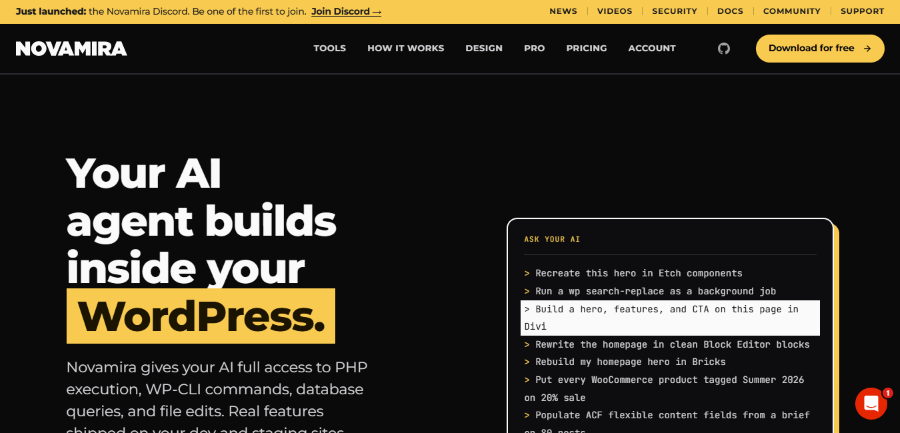
WordPress has traditionally required users to understand themes, plugins, settings, PHP, and the site’s structure before making major changes. Novamira takes a different approach by giving AI agents direct access to WordPress through a plugin.
The tool works at the PHP level, which means an AI agent can work with the WordPress installation rather than being limited to generating suggestions in a separate chat window. According to Novamira, it can work with WordPress sites using builders and plugins such as Elementor, Bricks, Divi, WooCommerce, ACF, Meta Box, JetEngine, Yoast SEO, Rank Math, Gravity Forms, WPForms, WPML, Kadence, GeneratePress, and Astra.
This makes Novamira particularly interesting for website owners who want to use coding agents with an existing WordPress setup. The free version provides core AI abilities for PHP, files, and databases, while the Pro version adds expertise and memory for more advanced workflows.
Key Features
- Direct WordPress access: Novamira allows connected AI agents to access and work inside WordPress.
- PHP, file, and database capabilities: The AI can work with key components of a WordPress installation rather than only producing text instructions.
- Broad compatibility: It is designed to work alongside popular WordPress themes, builders, plugins, and custom setups.
- AI memory and expertise: Novamira Pro adds additional knowledge and memory to help the AI work more effectively with WordPress.
- Native WordPress output: The platform says that what the AI builds remains native WordPress, including PHP, pages, templates, settings, and builder content.
- AI client connections: Users can connect AI clients through the Novamira configuration area.
Novamira Pricing
Novamira has a free version that costs €0 forever and supports unlimited sites. The free version is open source and includes core AI abilities for PHP, files, and databases.
- Novamira Pro Personal: €49 per year for 3 sites.
- Novamira Pro Agency: €149 per year for up to 1,000 sites.
- Novamira Pro Agency Lifetime: €299 one-time for up to 1,000 sites.
The Pro plans include updates and support, with the lifetime plan providing them for the lifetime of the product within the purchased site limit.
Pros and Cons
Pros
- Gives AI agents deeper access to WordPress.
- Works with many popular WordPress plugins and builders.
- Free version is available.
- Agency licensing supports a large number of sites.
- Lifetime option is available.
Cons
- The tool is more useful for technical WordPress workflows than basic content creation.
- Users still need to understand what they are asking an AI agent to change.
- Novamira recommends using AI abilities on staging rather than directly on a production site.
For Whom Novamira Is Built
Novamira is a strong option for WordPress developers, agencies, freelancers, and technically minded site owners who want AI agents to work directly with WordPress. It is less important for someone who only needs help writing a blog post or creating an image.
Without a tool such as Novamira, developers may need to switch between an AI coding service, WordPress admin, file tools, and database tools. With the right setup, those tasks can be consolidated into a single AI-assisted workflow.
2. AI Puffer
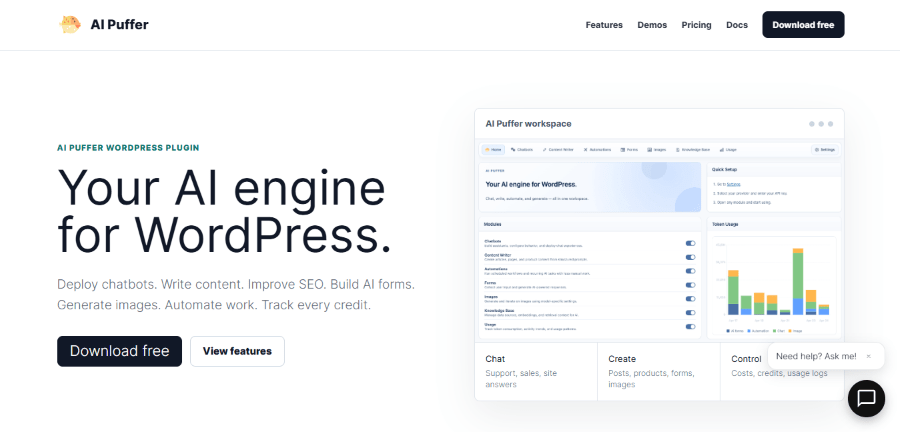
AI Puffer is a WordPress plugin designed to bring multiple AI functions into the website itself. Instead of being limited to a single type of AI task, it combines chatbots, content generation, forms, images, knowledge features, and automation.
The plugin allows site owners to connect their own AI provider keys and choose which models different features should use. Its documentation lists support for providers and services including OpenAI, Google, Azure, OpenRouter, xAI, DeepSeek, Ollama, Anthropic, ElevenLabs, Replicate, Pinecone, Qdrant, and Chroma.
That approach makes AI Puffer useful for businesses that want control over their AI providers while keeping AI functionality inside WordPress. It can also be used for scheduled tasks, knowledge retrieval, product content, and AI-powered forms.
Key Features
- AI Chatbots: Create popup, embedded, and external chatbots for websites.
- Content Writer: Generate and optimize posts, pages, and product content.
- AI Forms: Create forms that send structured information to AI.
- Automations: Run scheduled content, rewriting, indexing, and product-related tasks.
- AI Images: Generate and edit images and use video generation tools supported by connected providers.
- Knowledge Base: Add website content, files, and vector data for retrieval.
- Usage Controls: Track AI requests, establish limits, and manage usage records.
- WooCommerce support: Pro features include WooCommerce product updates.
- External integrations: Pro supports integrations with Slack, HubSpot, Notion, Pipedrive, Zapier, Make, and n8n.
AI Puffer Pricing
AI Puffer has a Free plan at $0 per month. It includes the chatbot, content writer, AI forms, and image generator.
The Pro plan costs $9.99 per month.
It adds AI Forms workflows, file and image uploads, multi-step forms, Ollama integration, vector database file uploads, chatbot triggers, WooCommerce product updates, SEO score improvement, Google Sheets integration, RSS content generation, URL content extraction, a real-time voice agent, and integrations with services such as Slack, HubSpot, Notion, Pipedrive, Zapier, Make, and n8n.
Pros and Cons
Pros
- Several AI features are available in a single WordPress plugin.
- Supports multiple AI providers.
- Free version is available.
- Useful for automation and scheduled tasks.
- Strong WooCommerce and integration options.
Cons
- Users are responsible for connecting their own AI provider keys.
- The number of features may be more than a simple website needs.
- AI costs can depend on the external providers and models being used.
For Whom AI Puffer Is Built For
AI Puffer is suited to WordPress businesses that want more than AI writing. It is especially useful for WooCommerce stores, publishers, agencies, and businesses that want chatbots, AI forms, content automation, knowledge retrieval, and external integrations.
Without a tool like this, each AI function may require a separate service or plugin. For a business that uses several AI workflows, bringing them together can reduce the number of systems it needs to manage.
3. GetGenie
Get up to 45% OFF on GetGenie pricing plan
No Coupon Req
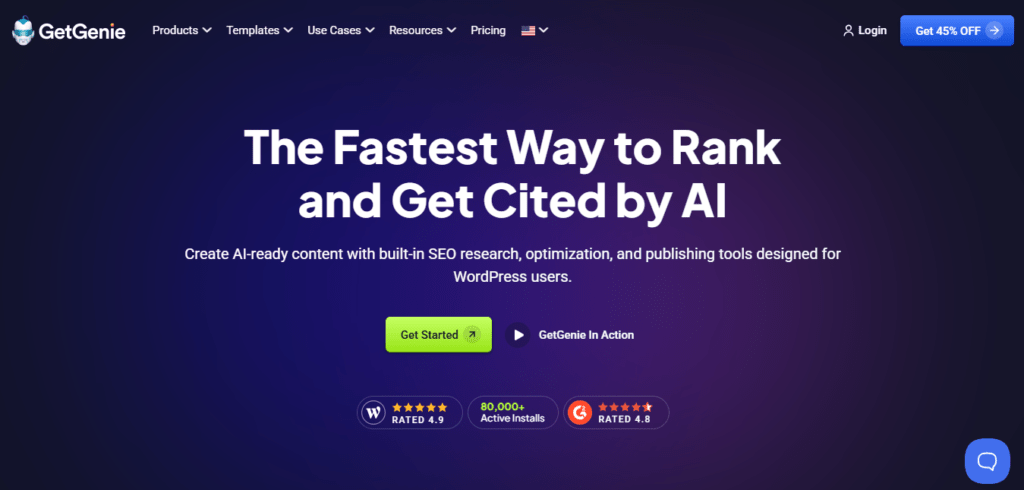
GetGenie combines AI writing and SEO features inside WordPress. While it can be used as a general AI content tool, its WordPress integration makes it particularly useful for website owners who want to create, optimize, and research content without constantly leaving their website dashboard.
The platform includes AI writing templates, keyword analysis, SERP analysis, topical maps, content generation, and SEO tracking. Its newer features also include tools designed around AI search visibility, such as an AI Overview Answer Builder and AI FAQ Generator.
This combination is useful for publishers and businesses that do not want AI writing separated from SEO research. Instead of generating an article first and optimizing it somewhere else, users can work through a more connected content workflow.
Key Features
- AI Content Writing: Generate articles and other forms of website content.
- Blog Wizard: Research keywords and create SEO-focused content.
- SERP Analysis: Examine competing search results.
- Keyword Analysis: Analyze keywords and related terms.
- Topical Maps: Build topic structures for content planning.
- AI FAQ Generator: Create FAQ content aimed at improving search visibility.
- AI Overview Answer Builder: Create structured, answer-focused content for AI search results.
- SEO Insights: Track pages and keywords.
- AI Image Generation: Generate images through supported plans.
- Writing Templates: Access more than 40 AI writing templates.
- Language Support: GetGenie supports more than 33 languages.
GetGenie Pricing
GetGenie offers a Free plan at $0 with 2,500 AI words per month, 5 SERP competitor analyses, keyword analysis, page and keyword tracking, and custom keyword tracking.
Paid plans include:
- Starter: $10 per month, with 20K AI words/month, 25 Blog Wizard keyword analyses, 30 Related, NLP & Semantic analyses, and 5 Topical Maps.
- Writer: $19 per month, with 60K AI words/month, 60 Blog Wizard keyword analyses, 60 Related, NLP & Semantic analyses, and 10 Topical Maps.
- Pro: $49 per month, with 400K AI words/month, 300 Blog Wizard keyword analyses, 240 Related, NLP & Semantic analyses, and 40 Topical Maps.
- Agency: $99 per month, with 1M AI words/month, 800 Blog Wizard keyword analyses, and higher SEO tracking limits..
The higher plans increase AI word limits and provide additional SERP analysis, keyword analysis, topical maps, image generation, and SEO tracking capabilities.
Pros and Cons
Pros
- Combines AI writing and SEO tools.
- Works with WordPress.
- Free plan available.
- Includes keyword and SERP research.
- Useful for publishers producing content regularly.
Cons
- The full feature set requires a paid plan.
- It may be more than needed for websites that publish very little content.
- Users still need to review AI-generated content before publishing.
For Whom GetGenie Is Built For
GetGenie is a good fit for bloggers, content teams, SEO professionals, affiliate marketers, and WordPress businesses that depend on organic search traffic.
If content is written manually without SEO research, important search opportunities can be missed. GetGenie is designed to bring more of that research into the content workflow.
4. Divi AI
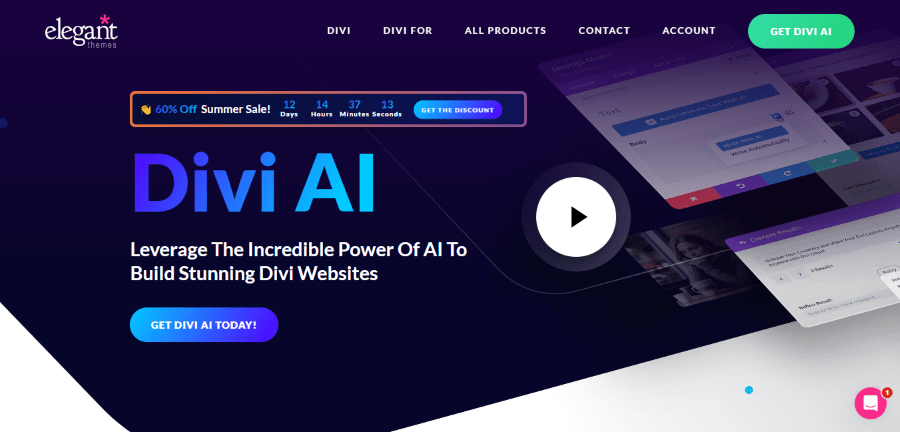
Get 33% OFF on Divi AI pricing plan
Divi AI brings artificial intelligence directly into the Divi website-building environment. It is designed to help users create layouts, write content, generate images, and work with code without leaving the Divi Visual Builder.
One of its biggest advantages is context. Divi AI is built around the Divi ecosystem and is fine-tuned on the Divi module codebase. This allows it to understand Divi-specific terminology and code more effectively than a general-purpose AI tool working without access to the builder.
It can also generate complete websites through Divi Quick Sites, create pages and sections, remember brand colors and fonts, and help modify existing code.
Key Features
- AI Website Generation: Create complete Divi websites using AI.
- AI Layout Generation: Generate page layouts and sections from prompts.
- AI Writing: Create and improve website copy.
- AI Image Generation: Create images directly within the Divi workflow.
- AI Code: Generate and improve code for Divi websites.
- Brand Styling: Provide brand colors and fonts so generated layouts can follow the site’s visual style.
- Divi Code AI: Work with code using knowledge of the Divi module codebase.
- Divi Cloud Code Snippets: Save AI-generated code snippets for later use.
- Unlimited AI Generation: Paid Divi AI access provides unlimited layouts, text, images, and code subject to the company’s fair use policy.
Divi AI Pricing
For existing Divi customers, Divi AI Unlimited costs $16.08 per month when billed annually, or $193 billed yearly according to Elegant Themes’ current pricing page.
For new users, Divi AI is also included in the Divi Pro bundle. The current Divi Pro yearly price shown by Elegant Themes is $277 per year, which includes Divi, Divi Dash, Divi AI, Divi Cloud, Divi VIP, and Divi Teams.
There is also a Divi Lifetime option priced at $297 one time for Divi and Divi Dash, with Pro services, including Divi AI, available as a separate yearly service.
Pros and Cons
Pros
- Deep integration with Divi.
- Can create layouts, text, images, and code.
- Understands Divi-specific code.
- Supports unlimited AI generation on paid AI plans.
- Useful for agencies working on multiple Divi websites.
Cons
- Its biggest advantages are tied to the Divi ecosystem.
- Users who do not use Divi have little reason to buy it.
- Divi AI is part of a broader membership ecosystem for new Divi users.
For Whom Divi AI Is Built For
Divi AI is aimed at Divi website owners, designers, freelancers, and agencies. It is especially useful for people who build several Divi websites and want to reduce the time spent on layouts, copy, images, and small coding tasks.
Without it, a Divi designer may need separate AI services for writing, images, and code. Divi AI puts these functions closer to the actual design process.
5. ZipWP
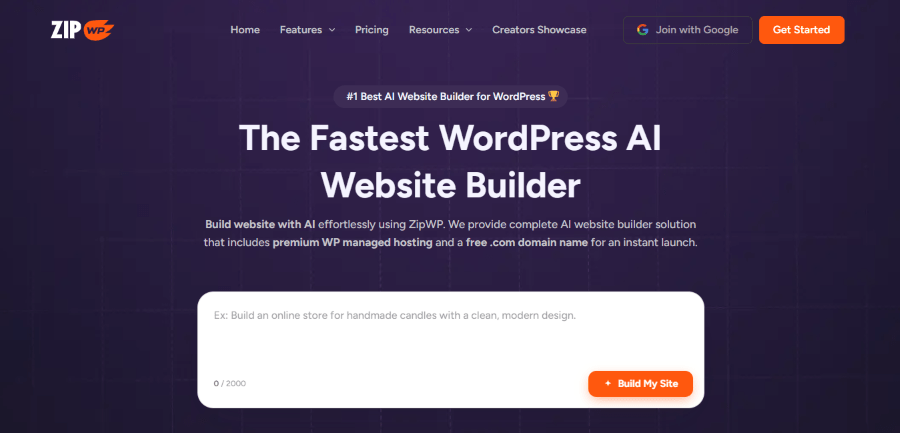
Get up to 35% OFF on ZipWP pricing plan
ZipWP takes an AI website-builder approach. Instead of asking users to start with a blank WordPress installation and build everything manually, it can generate a complete WordPress website from a description.
The generated site can include website structure, relevant images, and copy. Users can then edit the site rather than starting from an empty WordPress installation. ZipWP also combines AI website creation with hosting and WordPress management features on its paid plans.
For someone launching a business website for the first time, this can eliminate several early decisions that usually slow down a WordPress project.
Key Features
- AI Website Generation: Describe the website you want and ZipWP generates a WordPress site.
- AI Designs: Choose from AI-generated designs created around business use cases.
- AI Customization: Rewrite sections and personalize site content through prompts.
- Reusable Blueprints: Save site setups and reuse them for future projects.
- WordPress Hosting: Paid plans include hosted WordPress websites.
- Domain: Eligible plans include a domain for the first year.
- Premium Designs: Access additional design options.
- Temporary Websites: Create self-expiring WordPress websites for projects and testing.
- AI Credits: Paid plans provide AI generation credits for website creation and other AI functions.
ZipWP Pricing
ZipWP currently lists a Free plan for users who want to try the platform.
The current paid pricing shown on its website includes:
- Starter: $99 per year.
- Pro: $199 per year.
- Business: $279 per year.
ZipWP also lists AI website generation, hosting, AI credits, storage, and other features according to the selected plan. Pricing and promotional offers can change, so buyers should check the official pricing page before purchasing.
Pros and Cons
Pros
- Generates complete WordPress websites.
- Useful for people who do not want to start from scratch.
- Includes hosting on applicable plans.
- Provides AI content and design generation.
- Useful for freelancers and agencies creating multiple sites.
Cons
- AI-generated websites still require human review.
- Advanced users may prefer building their own site structure.
- Higher usage and additional sites require paid plans.
For Whom ZipWP Is Built For
ZipWP is built for small businesses, freelancers, agencies, bloggers, and professionals who need a working WordPress website quickly.
Not using an AI site builder means more of the initial setup has to be done manually. That is not necessarily bad, but it can take longer. ZipWP is aimed at users who would rather begin with a generated website and spend their time refining it.
6. Elementor AI
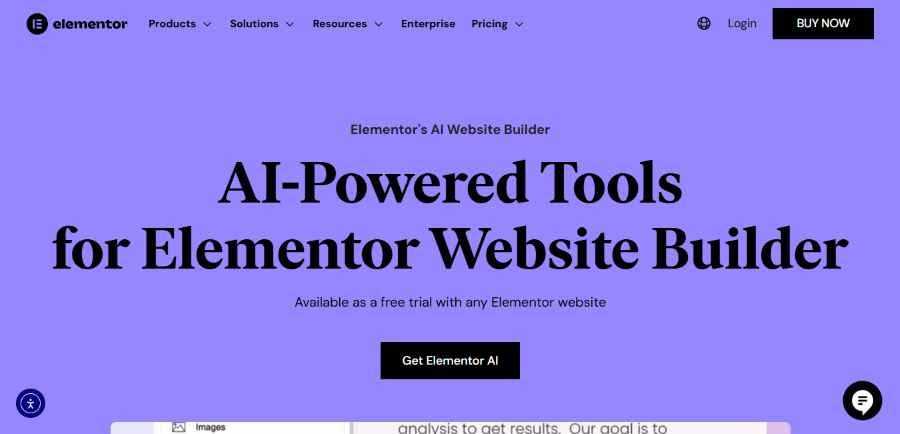
Elementor AI puts AI functions directly inside the Elementor editor. Users can generate text, images, custom code, and layouts while working on a page, so they do not need to move their content into a separate AI application.
The tool is context-aware within the Elementor environment. For example, AI options appear inside relevant widgets, including text, image, HTML, and Custom CSS areas. Elementor also uses AI for website generation, allowing users to describe a business and generate a multi-page website with structure, copy, images, and layouts.
This makes it one of the more accessible options in this category for users who already use Elementor.
Key Features
- AI Text Generation: Create headlines, paragraphs, blog content, and other website copy.
- AI Image Generation: Generate images from text prompts.
- Image Editing: Remove unwanted objects, clean images, replace backgrounds, resize, and extend images.
- Custom Code: Generate HTML and CSS without writing everything manually.
- AI Layouts: Generate Elementor container layouts from prompts.
- AI Website Builder: Generate multi-page websites based on business information and style requirements.
- AI Context: Use site and writing context to produce more relevant content.
- Translation and Tone Adjustment: Modify writing style and translate content into different languages.
Elementor AI Pricing
Elementor currently lists Elementor AI starting at $3.99 per month for AI features such as text, images, and AI website building.
The current Elementor plans also show AI-generated code, copy, images, and layouts as included in eligible paid plans. Elementor’s pricing page lists its Essential plan at $5 per month when billed annually, $60 paid today, while AI functionality is not included in that entry-level plan.
The exact AI usage available can depend on credits and the Elementor plan. Elementor currently describes AI actions as using credits for text, code, image, and container generation.
Pros and Cons
Pros
- AI is built directly into the Elementor editor.
- Can generate text, images, layouts, and code.
- AI website builder can generate complete multi-page sites.
- Easy for existing Elementor users to adopt.
- Outputs remain editable inside Elementor.
Cons
- The most useful workflow requires Elementor.
- AI usage is tied to available credits on applicable plans.
- Users should review generated content and code before publishing.
For Whom Elementor AI Is Built For
Elementor AI is built for WordPress users, freelancers, designers, agencies, and small businesses already using Elementor or planning to build with it.
For these users, the main advantage is convenience. Instead of writing copy in one application, generating an image in another, and searching for CSS examples elsewhere, Elementor brings these tasks into the editor.
If you do not use Elementor, however, another WordPress AI tool may make more sense. The value of Elementor AI comes largely from its position inside the website-building workflow.
Quick Comparison Table
| AI Tool | Best For | Starting Price | Free Plan |
|---|---|---|---|
| Novamira | AI-assisted WordPress development | €49/year | Yes |
| AI Puffer | AI, chatbots & automation | $9.99/month | Yes |
| GetGenie | Content & SEO | $10/month | Yes |
| Divi AI | Divi website creation | $16.08/month | No |
| ZipWP | AI website creation | $99/year | Yes |
| Elementor AI | Elementor websites | $3.99/month | No |
Choosing the Right WordPress AI Plugin
AI has become a useful part of the WordPress workflow, but the best tool depends on what you want to accomplish. A developer working with PHP and custom WordPress functionality may get more value from Novamira, while a business using AI for chatbots, content, forms, and automation may find AI Puffer more useful.
For content teams and bloggers, GetGenie stands out because it combines AI writing with keyword research, SERP analysis, and SEO tools. Divi AI and Elementor AI make more sense for users who already work with those page builders, while ZipWP is a better fit for anyone who wants to create a complete WordPress website without starting from scratch.
You also do not need to use every AI feature available. Start with the task that takes the most time in your current workflow and choose a tool that solves that specific problem. AI can speed up website creation and management, but the final review still needs to come from a person, especially when the tool is generating code, website content, or important business information.
The WordPress AI market will continue to change, so pricing, features, and integrations can also change over time. Before purchasing any tool, check its current plan details and make sure it fits your existing WordPress setup. The right AI tool should save you time without making your website workflow more complicated.