Shipping costs remain the second-largest reason for cart abandonment in ecommerce, with research showing that 48% of online shoppers leave their carts due to unexpected shipping fees. Getting your shipping setup right isn’t just about moving boxes from point A to point B; it’s about meeting customer expectations, staying competitive, and keeping your operations running smoothly. The right shipping plugin can automate rate calculations, reduce manual errors, and give customers the transparency they need to complete their purchase.
Why WooCommerce Shipping Plugins Matter
Running an online store without proper shipping tools is like trying to navigate without a map. You’re left guessing at rates, manually calculating costs, and hoping nothing breaks when orders start piling up. That’s where shipping plugins step in.
A solid shipping plugin does the heavy lifting for you. It connects directly to carrier APIs, pulls real-time rates, and displays accurate costs to customers at checkout. This eliminates the guesswork and reduces the chance of undercharging (which eats into your margins) or overcharging (which drives customers away).
Beyond rate calculation, these plugins help you enforce shipping rules based on product weight, destination, order total, or customer type. Need to offer free shipping on orders over $50? Want to restrict certain products from shipping to specific states? A good shipping plugin makes these scenarios manageable without touching a single line of code.
The difference is stark. Without a shipping plugin, you’re stuck with flat-rate shipping or manual calculations, both of which lead to customer frustration and lost revenue. With the right plugin, you get automated rate calculations, carrier integrations, flexible rules, and a checkout experience that actually converts.
1. Flat Rate Shipping Plugin for WooCommerce by TheDotStore
Pricing: Starting at $99/year
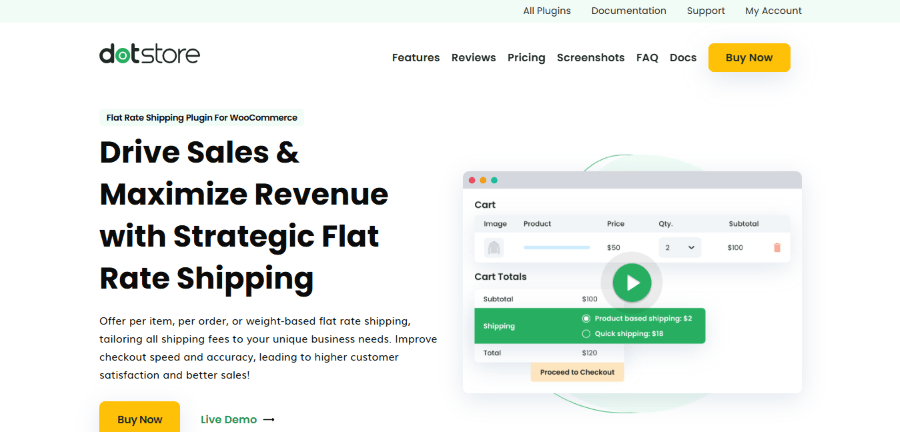
The Flat Rate Shipping Plugin for WooCommerce by TheDotStore is designed to overcome the limitations of the default WooCommerce flat rate settings. It allows for highly strategic shipping options by using advanced conditional logic. You can create unlimited shipping methods based on nearly 20 different conditions, ensuring that your flat rates are both profitable for you and fair for your customers.
Key Features
- Advanced Conditional Logic: Set rates based on cart subtotal, product category, SKU, user role, or even specific payment methods.
- Free Shipping Thresholds: Integrate free shipping rules directly into your flat rate methods to encourage higher order values.
- Location-Specific Pricing: Apply specific flat rates for different countries, states, or zip codes.
- Product-Level Flexibility: Create unique shipping costs for individual products or product variations.
Who Is It For? This is a great fit for store owners who want to offer simple flat rates but need them to be “smart.” It’s ideal for businesses that want to use shipping as a promotional tool, such as offering discounts to specific user roles or for specific product combinations.
2. WooCommerce UPS Shipping Plugin with Print Label by PluginHive
Pricing: Starting at $99/year
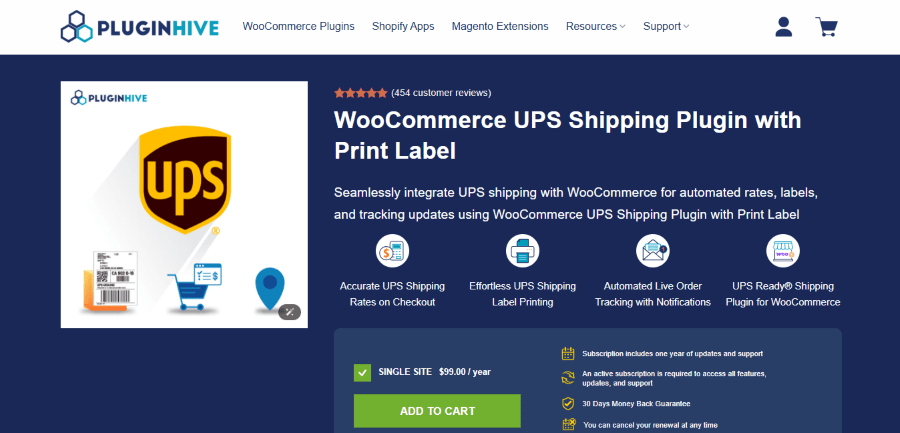
The WooCommerce UPS Shipping Plugin by PluginHive is a comprehensive “UPS Ready” solution that automates the entire shipping cycle from your WooCommerce dashboard. Beyond just showing rates, it handles the fulfillment side by allowing you to print labels and track shipments without leaving your site. It is certified by UPS, ensuring reliable integration for domestic and international shipping.
Key Features
- Live UPS Rates: Displays real-time shipping costs at checkout based on product weight and box dimensions.
- One-Click Label Printing: Generate and print UPS shipping labels (including bulk printing) directly from the order page.
- Automated Tracking: Automatically sends UPS tracking details to customers via email and updates the order status.
- UPS Simple Rate Support: Offers predictable flat-rate shipping options across the US using UPS Simple Rate boxes.
Who Is It For? This plugin is the go-to choice for businesses that use UPS as their primary carrier and want to eliminate manual data entry. If you are looking to save time by centralizing rate calculation, label printing, and tracking in one place, this is the solution for you.
3. WooCommerce Table Rate Shipping by WebFactory
Pricing: Starting at $79/year for a single-site license
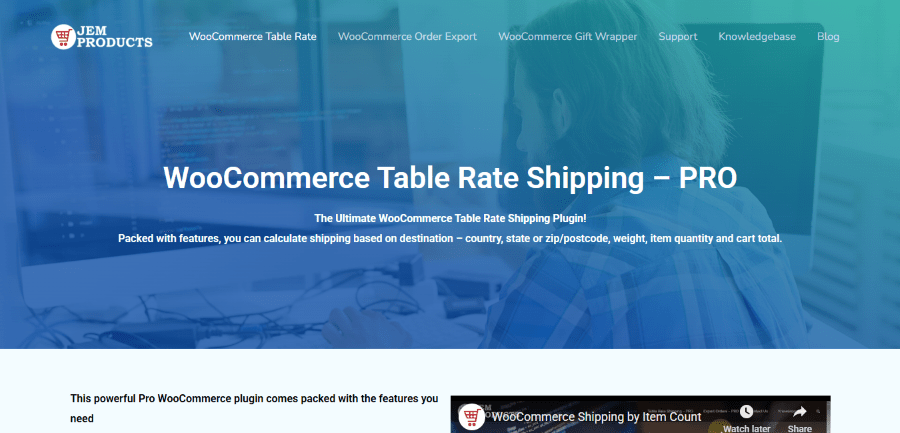
WooCommerce Table Rate Shipping Pro by JEM Products is built for store owners who need granular control over their shipping rates. Instead of relying on flat rates or basic zones, this plugin lets you create complex shipping rules based on multiple factors: weight, quantity, cart total, destination, and shipping classes. It’s the Swiss Army knife of shipping plugins, designed for stores that have outgrown simple shipping setups.
Key Features
- Flexible rate calculation: Build shipping rates based on weight, item count, cart total, or any combination of these factors.
- Location-based rates: Configure shipping by country, state, or zip code for precise geographical control.
- Min/Max/Sum calculations: Choose whether to use the highest rate, the lowest rate, or the sum of all applicable rates.
- Import/Export functionality: Manage rates in spreadsheets and import them back into the plugin.
Who Is It For? This plugin is ideal for stores with complex shipping requirements. If you’re selling products with varying weights, shipping to multiple regions with different cost structures, or need to offer specialised rates for wholesale customers, Table Rate Shipping Pro handles it. It’s particularly useful for businesses that have negotiated carrier rates and need to translate those into customer-facing shipping options.
4. FedEx Shipping Method for WooCommerce by Woo
Pricing: Starting at $109/year (20% discount available on 2-year plan)
The FedEx Shipping Method plugin, developed by WooCommerce, connects your store directly to FedEx’s rate API. It pulls live shipping quotes based on package dimensions, weight, and destination, then displays those rates to customers at checkout. This plugin is built for stores that primarily ship with FedEx or want to offer FedEx as one of several carrier options.
Key Features
- Real-time FedEx rates: Get live shipping quotes directly from FedEx’s API for both domestic and international shipments.
- Comprehensive service options: Support for all major FedEx services including Priority Overnight, 2-Day, Ground, Express Saver, and International Economy.
- Box packing settings: Configure how products are packed into boxes for accurate rate calculations.
- Service customization: Enable or disable specific FedEx services to control which options customers see.
- Fallback rates: Set backup rates in case the FedEx API is unavailable.
Who Is It For? This plugin is designed for US and Canadian stores that already use FedEx as their primary carrier or want to add FedEx as a shipping option. It’s particularly valuable for businesses shipping time-sensitive products, as it lets customers choose between multiple FedEx service levels.
5. Conditional Shipping and Payments for WooCommerce by Woo
Pricing: Starting at $109/year (20% discount available on 2-year plan)
Conditional Shipping and Payments gives you rule-based control over which shipping methods and payment gateways appear at checkout. Instead of showing every option to every customer, you can create conditions that restrict or enable options based on cart contents, customer type, location, or dozens of other factors. It’s less about calculating rates and more about controlling what customers see.
Key Features
- Restrict shipping methods: Hide or show shipping options based on products, categories, shipping classes, weight, cart total, or coupon codes.
- Payment gateway restrictions: Control which payment methods are available based on shipping method, location, cart total, or currency.
- Geographic restrictions: Prevent orders from shipping to specific countries, states, or zip codes.
- Customer-based rules: Create different shipping and payment options for specific users, user roles, or members.
Who Is It For? This plugin is perfect for stores with nuanced business rules. If you need to restrict certain products from shipping to specific states due to regulations, offer free shipping only to members, or disable cash-on-delivery for international orders, this plugin handles it.
6. Shipment Tracking for WooCommerce by Woo
Pricing: Starting at $59/year (20% discount available on 2-year plan)
Shipment Tracking for WooCommerce adds tracking information to customer orders. After you fulfill an order and generate a tracking number, this plugin displays that information in order emails, customer accounts, and order tracking pages. It’s a post-purchase tool that keeps customers informed.
Key Features
- Add tracking information: Attach tracking numbers and carrier details to any order.
- Automatic tracking links: Pre-configured tracking URLs for major carriers including USPS, UPS, FedEx, DHL, and more.
- Email integration: Tracking details automatically appear in order completion and shipping notification emails.
- Customer account display: Tracking information shows up on the order view page in customer accounts.
Who Is It For? This plugin is essential for any store that ships physical products. If customers are asking, “where’s my order?”: and they will: you need this plugin. It works regardless of how you generate labels, making it universally useful.
Making the Right Choice
Shipping plugins aren’t one-size-fits-all, and that’s actually a good thing. The best choice depends on what your store needs right now and where you’re headed.
If you’re wrestling with complex rate calculations, WooCommerce Table Rate Shipping Pro or TheDotStore’s Flat Rate Shipping give you the flexibility to build exactly the rules you need. For stores committed to a specific carrier, the FedEx or PluginHive UPS Shipping plugins bring live rates and fulfilment tools directly into your checkout.
On the fulfilment side, WooCommerce Shipping cuts your costs and streamlines label printing, while Shipment Tracking keeps customers informed after they’ve placed their order: a simple addition that significantly reduces support tickets.
The right plugin transforms shipping from a pain point into a competitive advantage. Take the time to evaluate your specific needs, test the options that fit your workflow, and choose the solution that helps your business run smoothly.