The internet is crowded, and getting people to notice your website is not easy. A strong SEO strategy helps you stand out and brings more visitors to your content. It also builds trust and shows that your website knows what it is talking about.
But SEO is not just about adding keywords to your articles. Search engines like Google consider many factors before ranking a page. This includes how fast your website loads, how it works on mobile devices, and technical details like sitemaps and structured data that help search engines understand your content.
Using a plugin makes the technical side of SEO much easier for people. You do not need to know how to write code to fix your meta tags or create an XML sitemap. These plugins handle the heavy lifting so you can focus on running your business. In this guide, we will look at the Top SEO Plugins available today to help you decide which one fits your specific needs.
Why You Cannot Ignore WordPress SEO in 2026
Before we dive into the tools, let’s quickly talk about why this matters so much. Think of the internet like a massive, crowded library. If you write a book (your website) but do not put it on the right shelf with the right label, nobody will ever find it. SEO is just that: labeling your content correctly so search engines like Google know exactly when to show it to people.
The vast majority of web users do not scroll past the first page of Google results. In fact, the #1 organic result grabs nearly 40% of all clicks. If you are not optimizing your site, you are essentially handing that free traffic to your competitors. The good news? You do not need to be a coding wizard to fix this. The best SEO plugins for WordPress act like a friendly translator between you and Google’s complex algorithms.
1. Rank Math SEO
Get 15% OFF on the Rank Math pricing plan
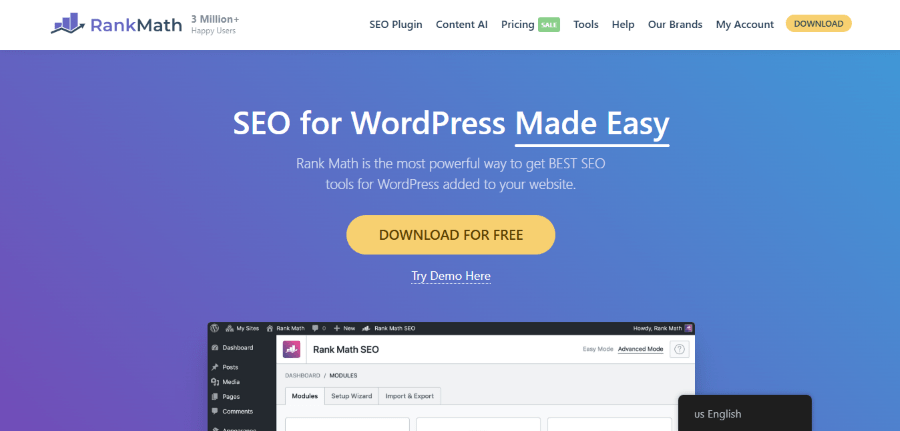
Rank Math was founded by Bhanu Ahluwalia, Nimit Kashyap, and Suraj Vibhute. They started this project with the goal of creating a “Swiss Army Knife” for WordPress SEO. The company is based in India but serves millions of users globally. They wanted to build a lightweight, fast tool that still offered features other plugins usually charge a lot for. Since its launch, it has quickly become a favorite for those who want a lot of control without slowing down their website.
This plugin stands out because it uses an easy setup wizard that practically configures itself. It asks you a few simple questions about your site and then applies the best settings based on your answers. It is designed to be clean and modern, so you do not feel overwhelmed by a messy dashboard. Many users appreciate that it integrates directly with Google Search Console so you can see your rankings without leaving your WordPress site.
If you are a blogger or a small business owner, Rank Math offers significant value. It includes a built-in AI assistant to help you write better content and a deep schema generator that helps you get those fancy rich snippets in search results. It is a solid choice if you want modern features without a steep learning curve.
Key Features of Rank Math
- Content AI: Provides smart suggestions for keywords and internal links as you write.
- Built-in Analytics: Tracks your keyword rankings and search traffic inside your dashboard.
- Schema Generator: Supports multiple schema types like FAQ, Recipes, and Products to help you stand out.
- 404 Monitor: Tells you exactly where users are hitting dead ends on your site so you can fix them.
- Redirection Manager: Easily sends users from old pages to new ones without losing SEO value.
- Local SEO: Optimizes your site for local searches if you have a physical storefront.
Pricing Plans
- Pro: $7.99 per month (billed annually) for use on unlimited personal websites.
- Business: $24.99 per month (billed annually) for up to 100 client websites.
- Agency: $54.99 per month (billed annually) for up to 500 client websites.
2. SureRank

Get up to 33% OFF on the SureRank pricing plan
SureRank is one of the newer players in the SEO world, developed by the team at Brainstorm Force, known for building the WP Astra Theme. The founders wanted to simplify the way people track their rankings and optimize their content. Their focus is on providing a streamlined experience for users tired of the complicated settings in older plugins. They believe that SEO should be approachable for everyone, not just technical experts.
The plugin focuses heavily on performance and ease of use. It is built to be fast, ensuring that your website’s loading speed is not affected by adding the tool. It offers a very modern interface that feels like it belongs in the WordPress block editor. This makes it very easy to optimize your posts as you write them. It is especially useful for those already using other “Sure” products, as they all work together very smoothly.
SureRank is great for people who want a “set it and forget it” type of experience. It guides you through the process of fixing errors and improving your visibility without making you feel like you need a degree in computer science. It is a fresh take on what an SEO tool should look like in the modern web.
Key Features of SureRank
- Easy Migration: Quickly import your settings from other SEO plugins with one click.
- Real-Time Rank Tracking: See how your keywords are performing directly in your WordPress admin area.
- Smart Sitemap Generation: Automatically creates and updates your sitemap for search engines.
- Lightweight Code: Designed to keep your site fast and responsive.
- Social Media Integration: Controls how your content looks when shared on Facebook or X.
Pricing Plans
Annual Plan:
- Free Version: Available on the WordPress repository with basic features.
- Pro Plan: $149 per year for a 10-site license.
- Business Plan: $249 per year for a 100-site license.
Lifetime Plan:
- Pro Plan: $599 pay once for a 10-site license.
- Business Plan: $999 pay once for a 100-site license.
3. SEOPress
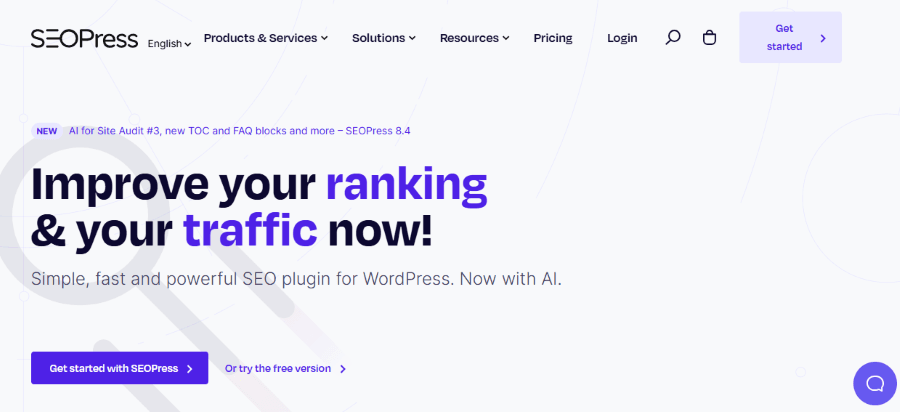
SEOPress was created by Benjamin Denis in France. Benjamin wanted to build an all-in-one solution that was affordable and free of annoying advertisements in the dashboard. Many users feel that other plugins try to sell them too many upgrades, but SEOPress is known for being quiet and focused. It is a community-driven project that listens closely to its users’ wants.
One of the best things about SEOPress is how much you get for such a low price. It is often cited as the best value for money in the SEO plugin market. It includes features that other companies charge hundreds of dollars for, all wrapped up in a clean interface. It is also very white-label-friendly, which means developers can hide the SEOPress branding and show their own branding to clients.
This plugin is perfect for someone who wants professional tools but is on a tight budget. It is very powerful and allows you to manage everything from breadcrumbs to WooCommerce SEO in one place. It is a great alternative to the bigger names if you prefer a more independent and streamlined tool.
Key Features of SEOPress
- Universal SEO Metas: Manage your titles and descriptions for every post type.
- Google Analytics Integration: View your traffic data without leaving your site.
- Content Analysis: Helps you write better content with real-time advice.
- Broken Link Checker: Scans your site for links that do not work anymore.
- Google News XML Sitemap: Specifically for sites that want to appear in Google News.
Pricing Plans
- Free: Generous version with no ads for basic settings.
- PRO (1 site): $49 per year for a single website license.
- PRO (5 sites): $59 per year for up to five websites.
- PRO (Unlimited): $149 per year for an unlimited number of websites.
4. Yoast SEO

Yoast SEO is perhaps the most famous name in the industry. It was started by Joost de Valk in 2010 in the Netherlands. Joost began as a consultant and realized that many people were making the same mistakes with their websites. He built the plugin to automate the fixes for those mistakes. Today, Yoast is part of the Newfold Digital family and remains the most-installed SEO plugin in WordPress history.
The plugin is famous for its “stoplight” system. It gives you a green, orange, or red light based on how well your post is optimized. This simple visual cue makes it very easy for beginners to understand what they need to change. If your light is red, the plugin tells you exactly why and how to fix it. This teaching element is one reason why many schools and beginner bloggers start with Yoast.
While it is very beginner-friendly, it also has powerful tools for experts. It handles your technical background tasks like canonical tags and sitemaps without you ever having to touch a line of code. It is a reliable choice that has been tested on millions of websites over more than a decade.
Key Features of Yoast SEO
- SEO Analysis: A clear checklist that tells you if you have used your keyword enough or if your title is too long.
- Readability Analysis: Checks if your sentences are too complex or if you are using too much passive voice.
- Internal Linking Suggestions: Tells you which other pages on your site you should link to (Premium feature).
- Workouts: Step-by-step guides to help you do routine SEO maintenance.
- Redirect Manager: Prevents “Page Not Found” errors by automatically creating redirects (Premium feature).
Pricing Plans
- Free: Basic SEO tools for one keyword per page.
- Premium: $9.90 / month, billed annually at $118.80, including all advanced features and 24/7 support.
5. All in One SEO (AIOSEO)
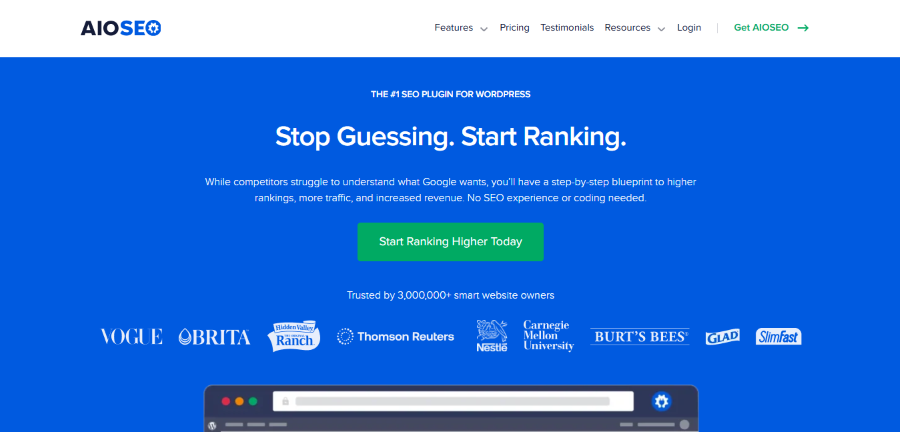
All-in-One SEO was originally created by Michael Torbert and Steve Castro in 2007. It was actually the first SEO plugin for WordPress. In 2020, it was acquired by Syed Balkhi and the Awesome Motive team. They completely redesigned the plugin to make it more modern and powerful. Today, it is used by over 3 million professionals to help their sites rank higher.
AIOSEO is known for its “SEO Audit Checklist.” When you install it, the plugin scans your entire website and gives you a score. It then provides a prioritized list of things you should fix to improve your ranking. This is very helpful for business owners who do not know where to start. It takes the guesswork out of optimization.
The plugin also has a very strong focus on local businesses. If you have a shop or a local service, AIOSEO makes it very easy to set up your local SEO so you show up on Google Maps. It is a comprehensive tool that covers almost every aspect of search marketing in a very user-friendly way.
Key Features of AIOSEO
- TruSEO Score: Detailed analysis of how well your content is optimized as you write.
- Link Assistant: Automatically finds opportunities to link your posts together to improve rankings.
- Local SEO Module: Specific tools to help local businesses rank in their city.
- Smart Sitemaps: Automatically generates sitemaps and notifies search engines of changes.
- Social Media Integration: Easy setup for Facebook, X, and Pinterest previews.
Pricing Plans
- Basic: $99 per year for 1 site.
- Plus: $199 per year for 3 sites.
- Pro: $399 per year for 10 sites (best for most businesses).
- Elite: $599 per year for 100 sites.
6. WP Meta SEO
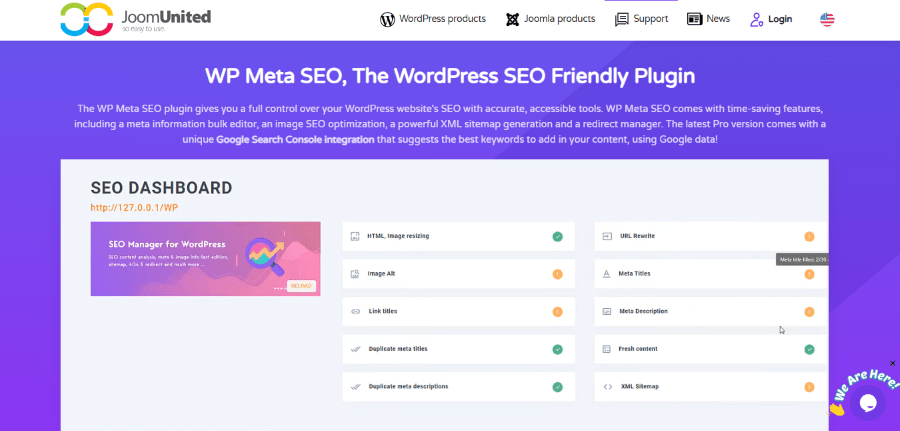
WP Meta SEO is a product of JoomUnited, a company that specializes in creating high-quality WordPress and Joomla extensions. The team at JoomUnited focuses on creating tools that save time by allowing you to edit things in bulk. They realized that opening every single post to change a title or fix an image description takes too much time, so they built a plugin to solve that.
The standout feature of this plugin is the “Bulk Editor.” You get a list of all your content on one screen, and you can edit all your SEO titles and descriptions right there without leaving the page. It also has a very powerful image optimization tool. It can automatically resize images and fill in missing alt text for your entire library in just a few clicks.
If you have a website with hundreds of posts or thousands of images, WP Meta SEO is a huge time saver. It is not just about rankings; it is about efficiency. It is the perfect tool for a busy site manager who needs to quickly and effectively clean up a large website.
Key Features of WP Meta SEO
- Bulk Meta Editor: Edit all your site’s SEO data on a single screen.
- Image Optimization: Resize images and edit metadata for your whole library at once.
- Google Search Console Link: Use Google data to see which keywords are working.
- 404 and Redirects: Find broken links and fix them with easy redirects.
- Sitemap Generator: Create HTML and XML sitemaps easily.
Pricing Plans
- Free: Available on WordPress.org.
- Pro: $49 for 1 year of support and updates.
7. Squirrly SEO
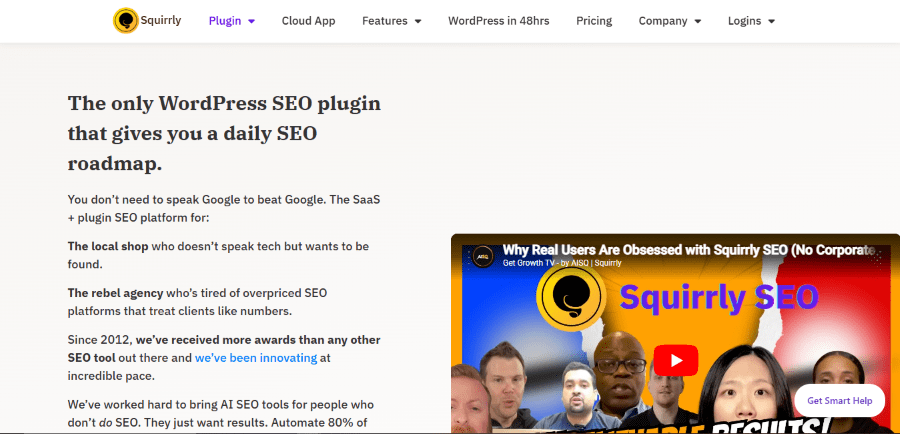
Squirrly SEO was founded by Florin Muresan and his team. They wanted to create an SEO tool that was powered by Artificial Intelligence before AI was even a popular buzzword. The company is based in London and focuses on helping non-experts navigate the complex world of search engines. Their philosophy is to provide “consultant-level” advice through a software interface.
What makes Squirrly unique is the “SEO Live Assistant.” While you are typing, a small virtual assistant gives you tips in real-time. It feels like having an expert sitting next to you, telling you what to do next. It also features a “Next SEO Goals” section that provides a daily list of tasks to complete to improve your site. This gamified approach makes SEO feel much less like a chore.
Squirrly is an excellent choice for people who feel lost and need a lot of guidance. It does not just give you tools; it gives you a strategy. If you want a plugin that tells you exactly what to do every day to get more traffic, Squirrly is a very strong contender.
Key Features of Squirrly SEO
- SEO Live Assistant: Real-time feedback and keyword suggestions while you write.
- Focus Pages: Helps you identify which pages are most important and gives you a plan to rank them.
- Cloud Services: Offloads the heavy SEO processing to their servers so your site stays fast.
- Keyword Research Tool: Find high-traffic keywords directly inside WordPress.
- Weekly Audit: Sends you a report on how your site is doing and what needs fixing.
Pricing Plans
- Free: Limited version for testing.
- Pro: $9.99 per month for 5 sites.
- Web Dev Kit: $51.20 per month for 10 sites.
- Business: $71.99 per month for 7 sites.
8. The SEO Framework
The SEO Framework was created by Sybre Waaijer, an independent developer from the Netherlands. He originally built the tool for a complex hosting environment where he needed to automate SEO for hundreds of sites at once. Because of this background, the plugin is famous for being incredibly lightweight and fast. It follows a strict philosophy of putting the user first, which means it has no advertisements or annoying pop-ups in your dashboard.
This plugin is unique because it uses an “expert system” to handle your SEO. Instead of making you fill out endless forms, it reads your website settings and automatically generates the best possible titles and descriptions. It is built for people who want a professional website but do not want to spend hours tweaking SEO settings. It stays out of your way and works silently in the background to keep your site optimized according to Google’s latest rules.
Key Features of The SEO Framework
- Automated Meta Tags: Intelligently creates SEO tags by reading your existing content.
- Color-Coded SEO Bar: A simple visual guide that shows you the health of your pages at a glance.
- Pre-configured Settings: Works perfectly the moment you activate it without needing manual setup.
- Spam Protection: Includes tools to protect your site from SEO attacks and bad crawlers.
- Extension Manager: Allows you to add specific features like Local SEO only if you actually need them.
Pricing Plans
- Free: Includes all core features and free extensions for unlimited sites.
- Pro: $7 per month (billed annually) for use on 2 sites with all premium extensions.
- Business: $17 per month (billed annually) for up to 20 sites.
- Agency: $27 per month (billed annually) for up to 200 sites.
What Happens if You Use These Plugins?
When you decide to install one of the Best SEO Plugins, you are giving your website a massive advantage. These tools act as a bridge between your creative writing and Google’s technical algorithms. By filling out your meta descriptions and optimizing your titles, you are telling search engines exactly what your page is about. This clarity leads to higher rankings, which means more people will find your business.
Using these products also helps you automate boring tasks. You do not have to manually tell Google every time you write a new post because the plugin sends a sitemap update automatically. You also get a built-in teacher. Most of these plugins offer tips on how to improve your writing for both humans and search engines. Over time, using these tools actually makes you a better writer because you learn the habits of successful content creators.
What Happens if You Don’t Use Them?
If you choose not to use any of the Top SEO Plugins, you are essentially flying blind. Your website might look beautiful to a human, but search engines might struggle to understand it. Without a proper sitemap, Google might take weeks or even months to find your new pages. This means you could be losing customers for a long time without even realizing it.
Furthermore, you risk having “broken” technical SEO. You might have duplicate content issues or missing tags that cause search engines to penalize your site. Fixing these things manually is incredibly difficult and time-consuming. In the end, not using an SEO plugin usually results in lower traffic and a lot more manual work for you. It is like trying to build a house without a hammer; you might get it done eventually, but it will be much harder than it needs to be.
Which One Should You Choose?
Choosing the right tool depends on your specific needs. If you are a beginner who wants a simple green light to guide you, Yoast SEO is a classic choice. If you want a ton of features for free and don’t mind a few more settings, Rank Math is incredibly powerful. For those with large websites that need extensive cleaning, WP Meta SEO is a lifesaver.
Think about your budget and how much time you want to spend on SEO. Some people love diving into the data, while others just want the plugin to handle everything in the background. No matter which one you pick, adding one of these plugins is the single best step you can take to improve your website’s visibility. Search engines are the front door to the internet, and these tools help you make sure that door is always open for your business.