
If you think your website design is the most important part of your store, think again. Many online shoppers drop their items and leave before they ever hit “buy.” Most of the time, they quit because the checkout process felt sketchy or took too long. This is why choosing the right Payment Gateway Plugins for your WooCommerce store is the single most important technical decision you will make this year.
In this blog, we have listed some of the best WooCommerce payment gateway plugins that make it easy to accept payments without hassle. If you want a simple solution, support for global payments, or advanced features like subscriptions and mobile wallets, you will find the right option here. Each plugin comes with its own strengths, so you can pick the one that fits your business needs and helps you turn more visitors into paying customers.
1. WooPayments (WooCommerce Payments)
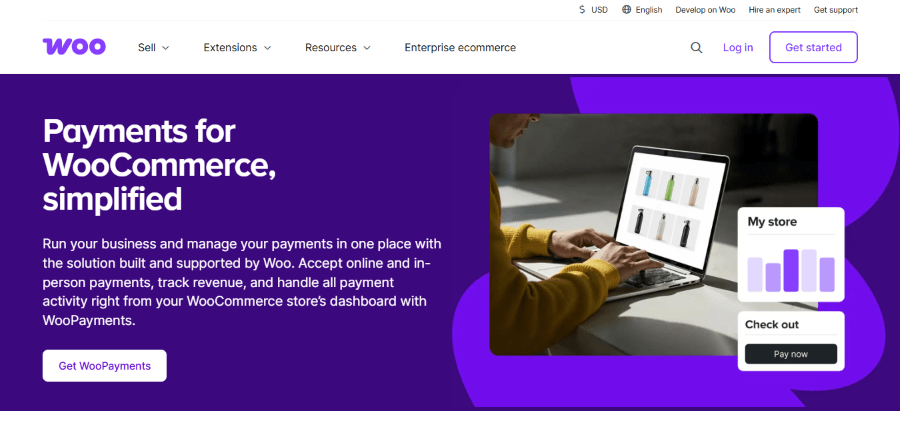
WooCommerce is the big name in WordPress shopping, and WooPayments is their own special tool. It was built by the team at Automattic, which is the same company that helps run WordPress.com. The founder of Automattic, Matt Mullenweg, wanted to make it simple for store owners to handle everything in one place. Instead of jumping between different websites to see your sales, you can see every dollar earned right inside your WordPress dashboard.
This plugin is great because it keeps things simple. It allows you to accept credit cards, debit cards, and even local payment methods that people in different countries prefer. Because it is made by the WooCommerce team, it fits perfectly with your store. You do not have to worry about weird bugs or things not matching up. It also supports “WooPay,” which lets customers save their info to check out faster next time.
Main Key Features:
- Accepts all major credit and debit cards directly on your site.
- Supports Apple Pay and Google Pay for quick mobile checkouts.
- Allows you to manage refunds and disputes from your WordPress dashboard.
- Includes multi-currency support so you can sell to the whole world.
- Offers a “Pay as you go” model with no monthly fees.
Pricing: It is free to download and install. You only pay when you make a sale. For U.S. transactions, the cost is 2.9% plus $0.30 per sale.
Who is it for? This is perfect for store owners who already use WooCommerce and want to manage their money without leaving their website.
2. Stripe for WordPress (by Stripe)
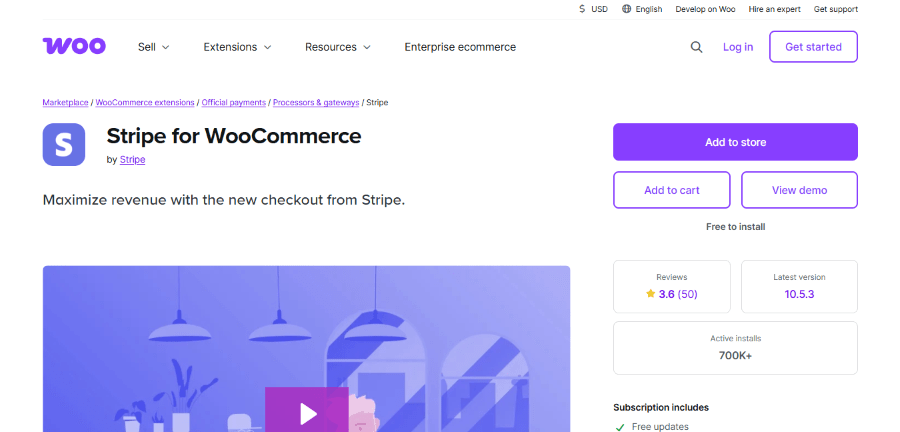
Stripe was started by two brothers, Patrick and John Collison, in 2010. They wanted to fix the “broken” way money moved on the internet. Today, Stripe is one of the most powerful payment companies on the planet. This specific plugin helps you connect that power to your WordPress site so you can take payments like a pro.
The plugin is famous for being very fast and secure. It uses something called “Stripe Checkout,” which is a pre-made payment page that is optimized to make people want to buy. It also handles “Buy Now, Pay Later” options like Klarna or Affirm. This is a huge deal because it helps people buy more expensive items by breaking the cost into smaller chunks.
Main Key Features:
- Accepts cards, digital wallets, and local bank transfers.
- Supports recurring payments for memberships or subscriptions.
- Includes advanced fraud protection to keep your money safe.
- Optimized for mobile devices so people can shop on their phones.
- Provides instant payouts in some regions so you get your money faster.
Pricing: The plugin itself is free. Stripe charges 2.9% plus $0.30 for every successful card charge. International cards or currency conversions may cost a bit extra.
Who is it for? This is the best choice for tech-savvy business owners who want the most modern and flexible payment options available.
3. Paymattic
Get 20% OFF on all plans of Paymattic
WPdiscounts
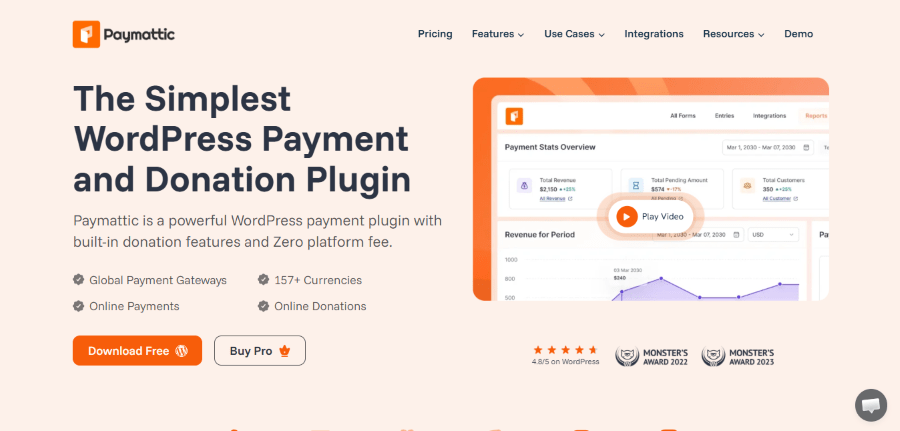
Paymattic is a product from the brilliant team at WPManageNinja, led by their founder Md Shahjahan. This company is famous in the WordPress world for making tools that are very lightweight and do not slow down your website. They originally started with a plugin called WPPayForm, but rebuilt it from the ground up to create Paymattic, focusing specifically on making payments and donations feel like a breeze.
This is a fantastic “all-in-one” solution if you need to do more than just sell a product. It is a favorite for people who run charities or non-profits because it has built-in features for fundraising. You can add a “donation progress bar” to your page so people can see how close you are to your goal. It uses a Gutenberg-style editor, which means if you know how to write a blog post in WordPress, you already know how to build a payment form with Paymattic.
Main Key Features:
- Supports 13+ global payment gateways, including Stripe, PayPal, and Square.
- Built-in donation features like progress bars and donor leaderboards.
- An advanced reporting dashboard to track your revenue and customer growth.
- Learning Management System (LMS) integrations to sell online courses easily.
- Subscription and recurring payment options to keep money coming in regularly.
Pricing: Paymattic offers a free version with Stripe support. The Pro plans start at $9.99 per year for a single site. They also offer “Lifetime” deals starting at $349 for those who want to pay once and own it forever.
Who is it for? This is the top choice for non-profits, small business owners, and online teachers who want a simple, no-code way to collect money or donations.
4. WP Simple Pay
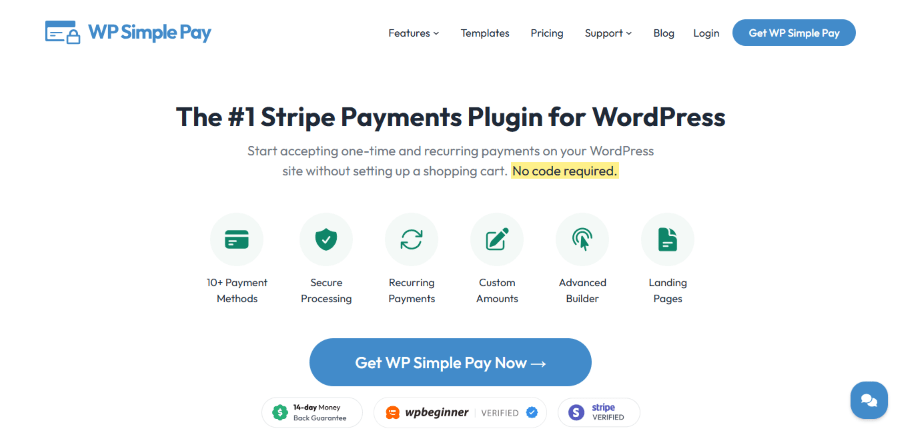
WP Simple Pay was created by Phil Derksen and is now part of the Sandhills Development family. The goal was to help people accept payments without needing to set up a complicated “shopping cart” system. If you just want to sell one product or collect a donation, you do not need a massive store. You just need a simple button or form.
This is widely considered one of the Best Payment Gateway Plugins in WordPress for service providers. You can create beautiful payment forms in minutes. It works by connecting your site to Stripe. You can even set up “Installment Plans” where customers pay you over several months. It is very user-friendly and does not require you to know any code at all.
Main Key Features:
- Drag and drop form builder for easy setup.
- Support for one-time and recurring payments.
- Ability to offer free trials or charge setup fees.
- Custom landing pages for your products.
- Fee recovery feature that lets customers cover the processing fees for you.
Pricing: There is a free version with basic features. The Pro versions start at $99.00 per year for a single site and go up to $599.00 per year for the Elite plan.
Who is it for? This is ideal for freelancers, consultants, or non-profits who need to get paid quickly without building a full online store.
5. PayPal for WooCommerce
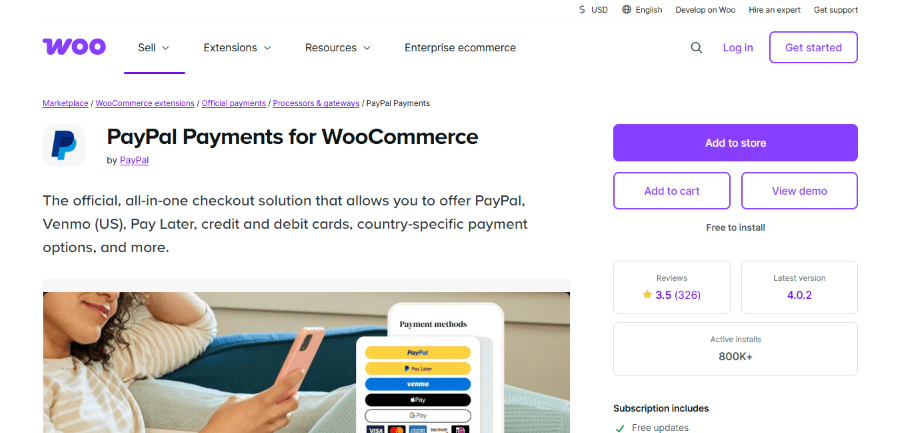
PayPal is a household name that was famously founded by a group including Peter Thiel and Elon Musk. It has been around since the late 1990s. Because almost everyone knows and trusts the PayPal logo, having it on your site can actually make people feel safer about buying from you.
This plugin allows you to add “Smart Payment Buttons” to your store. These buttons automatically show the best way for your customer to pay based on where they live. For example, it might show Venmo to someone in the U.S. or a local bank option to someone in Europe. It keeps the customer on your site while they pay, which feels much more professional than sending them away to another page.
Main Key Features:
- Accepts PayPal, Venmo, and credit cards in a single integration.
- Includes “PayPal Credit” so customers can buy now and pay later.
- Automatic updates for shipping and tracking info.
- Advanced fraud protection using PayPal’s massive data network.
- Mobile-friendly design that works on any screen size.
Pricing: The plugin is free. PayPal’s standard fee is 2.99% plus $0.49 per transaction for U.S. card payments.
Who is it for? This is a must-have for any business owner who wants to use a brand name that customers already trust.
6. Square for WooCommerce
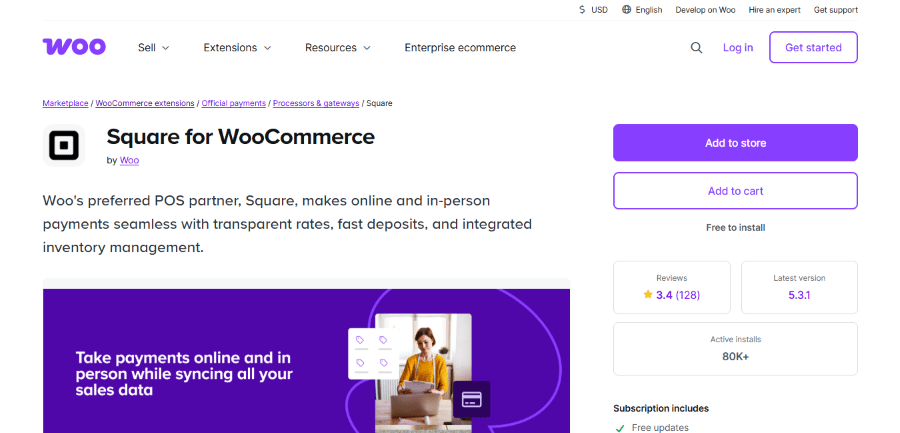
Square was founded by Jack Dorsey, who also co-founded Twitter, and Jim McKelvey. They started the company to help small businesses accept credit cards using a little plastic reader plugged into a phone. Now, their WordPress plugin lets you sync your physical shop with your online store.
If you sell things at a farmers market or in a physical boutique, Square is a lifesaver. When you sell an item in person, the plugin tells your WordPress site to update the stock levels. This stops you from accidentally selling the same item twice. It is a very clean system that handles both your digital and physical world in one go.
Main Key Features:
- Syncs inventory between your physical store and your website.
- Accepts Apple Pay, Google Pay, and Cash App Pay.
- Includes tools for digital invoicing and recurring billing.
- Provides detailed reports to show how your business is growing.
- Offers highly secure payments with PCI compliance built in.
Pricing: The plugin is free to use. Online transactions generally cost 2.9% plus $0.30 per sale. If you have a very large business, you can ask them for custom rates.
Who is it for? This is the top pick for business owners who sell products both online and at a physical location.
7. Authorize.net
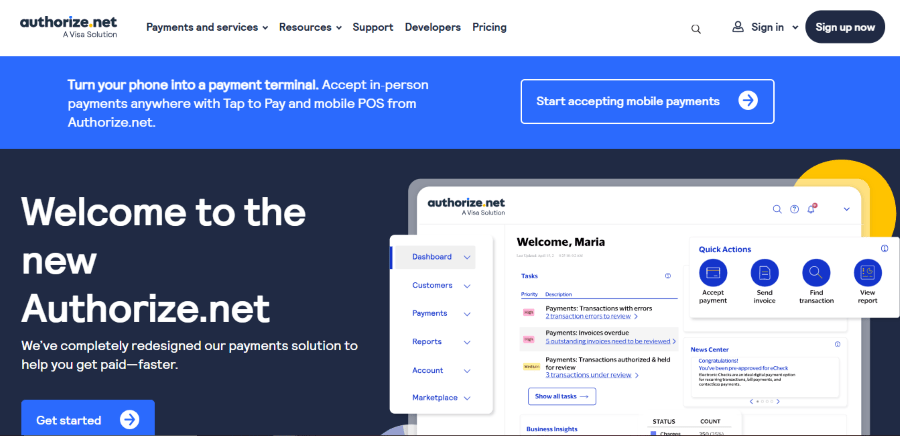
Authorize.net has been around since 1996 and is currently owned by Visa. It is one of the oldest and most reliable names in the industry. Because they have been doing this for so long, they have a very stable platform that handles millions of transactions without breaking a sweat.
While some newer plugins are flashy, Authorize.net focuses on being a “workhorse.” It offers incredible security features and is great for businesses that need to handle large amounts of money. Their WordPress plugin allows you to take credit cards and eChecks. It also includes a “Customer Information Manager” which safely stores customer data so they can buy from you again with just one click.
Main Key Features:
- Accepts all major credit cards and digital wallets.
- Supports eCheck payments for lower transaction fees.
- Includes an award-winning fraud detection suite.
- Provides 24/7 live support if you ever run into trouble.
- Allows for automated recurring billing for memberships.
Pricing: They charge a $25 monthly gateway fee. For their All-in-One plan, you pay 2.9% plus $0.30 per transaction.
Who is it for? This is best for established businesses that want a high level of security and live support.
8. Braintree for WooCommerce
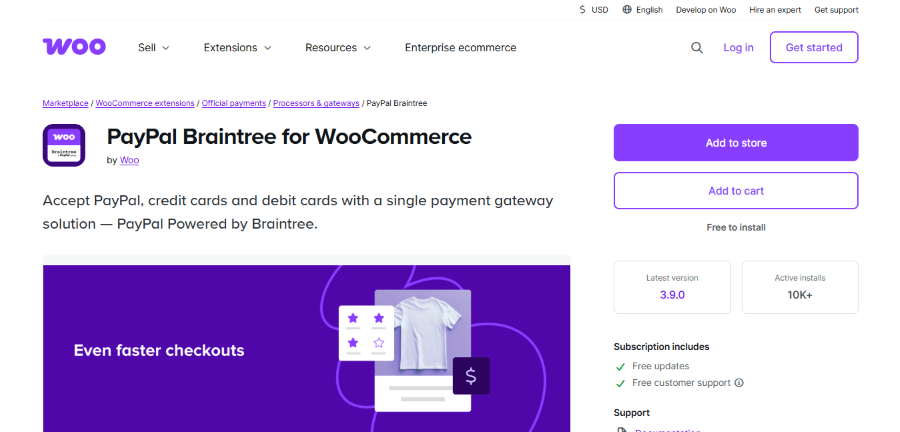
Braintree was founded by Bryan Johnson in 2007 and was later bought by PayPal for $800 million. It was built specifically to make it easier for developers to handle payments. However, their WordPress plugin makes it easy for non-tech people too.
One of the coolest things about Braintree is how it handles many different types of payments globally. It is designed to be a “global” solution. If you want to accept things like Apple Pay, Google Pay, and even PayPal all through one single plugin, Braintree is a strong contender. It is very stable and used by some of the biggest apps in the world like Uber and Airbnb.
Main Key Features:
- Integrates PayPal, credit cards, and digital wallets in one place.
- Advanced fraud protection using 3D Secure technology.
- Smooth checkout experience that keeps users on your site.
- Supports recurring billing and subscriptions.
- Excellent data security to protect your customers.
Pricing: Standard pricing is 2.9% plus $0.30 per transaction. There are no monthly fees or hidden costs to get started.
Who is it for? This is a great choice for businesses that want a high-end, global payment system that is backed by PayPal.
9. Mollie Payments for WooCommerce
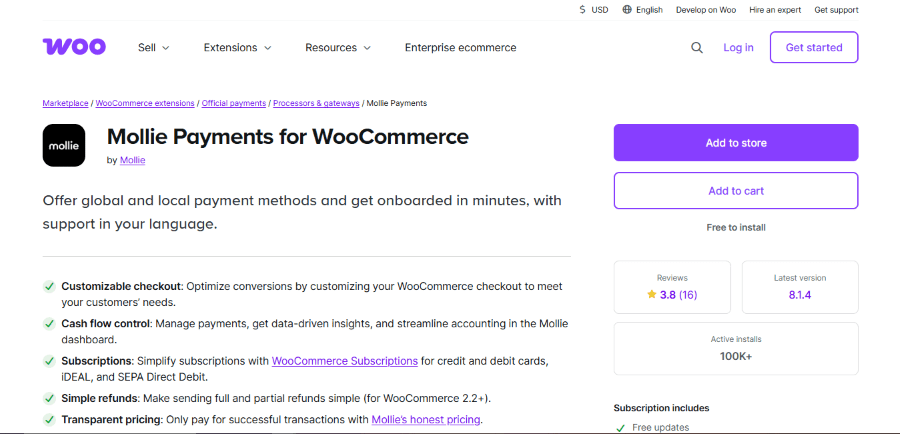
Mollie is a European company founded by Adriaan Mol. They noticed that many American payment companies did not support the local payment methods that people in Europe actually use. They decided to build a platform that was simple, beautiful, and localized.
If your customers are in Europe, Mollie is likely your best bet. It supports things like iDEAL in the Netherlands or Bancontact in Belgium. These are much more popular than credit cards in those areas. The WordPress plugin is very easy to install. It gives you a clean dashboard to track all your orders and see exactly when your next payout is coming.
Main Key Features:
- Supports over 25 global and local payment methods.
- Single contract for all payment types, which saves a lot of paperwork.
- Transparent pricing with no hidden monthly fees.
- Multi-language support for your international customers.
- High reliability with 99.95% uptime.
Pricing: You only pay per successful transaction. Fees start as low as 1.20% for some European debit cards and go up for credit cards.
Who is it for? This is the perfect tool for any WordPress site that has a lot of customers living in Europe.
10. 2Checkout (by Verifone)

2Checkout was acquired by Verifone, a massive company that makes those credit card machines you see in grocery stores. The company has a huge reach and helps businesses sell in over 200 countries. They are experts at handling the “boring” stuff like taxes and international regulations so you do not have to.
This is a very powerful Payment Gateway Plugins in WordPress option because it acts as a “Merchant of Record.” This means they handle a lot of the legal and tax work for you when you sell to other countries. If the idea of dealing with international VAT or sales tax makes your head spin, 2Checkout is here to help.
Main Key Features:
- Sells in over 200 countries and territories.
- Supports more than 45 different payment methods.
- Handles complex tax and regulatory compliance automatically.
- Includes tools for managing subscriptions and renewals.
- Provides localized checkout pages in many languages.
Pricing: The “2Sell” plan costs 3.5% plus $0.35 per sale. The “2Subscribe” plan for recurring billing costs 4.5% plus $0.45 per sale.
Who is it for? This is for the ambitious business owner who wants to sell products all over the world without worrying about international tax laws.
Why Your Choice Matters
Using the right payment tool is like choosing the right engine for your car. If you pick a good one, you will zoom ahead with no problems. If you pick a bad one, you will be stuck on the side of the road with a broken business.
The Good Stuff (Why you should use these):
- Trust: Customers feel safe giving you their money when they see a professional checkout.
- Time: Good plugins automate things like receipts and refunds, which gives you more time to focus on your work.
- Sales: Features like “one-click checkout” mean more people will actually finish their purchase.
The Bad Stuff (What happens if you skip it):
- Security Risks: Without a good plugin, you might accidentally expose customer data to hackers.
- Lost Money: If your checkout is slow or glitchy, people will leave and buy from your competitors instead.
- Stress: Dealing with manual invoices and bank transfers is a nightmare that will slow down your growth.
Finding the right fit from this list of the Top Payment Gateway Plugins in WordPress is the first step to building a site that makes money while you sleep. Pick the one that fits your location and your goals, and start growing today!
