


For a long time, Google Analytics was the only real choice for tracking a website. Most of us just installed it because everyone else did. However, with new privacy laws, the landscape has shifted. Between the steep learning curve of GA4 and a growing demand for simpler tools, many site owners are realising they don’t actually need a massive, complicated Monitor to see how their business is doing.
The truth is that “more data” isn’t always “better data.” If you’ve ever logged into your analytics and felt buried under charts you don’t understand, you aren’t alone. Today’s top analytics alternatives focus on giving you exactly what you need, whether that’s lightning-fast page speeds, ethical tracking that skips those annoying cookie banners, or simple visual maps that show exactly where your customers are getting stuck.
Choosing the right tool is really about finding a balance between helpful insights and a headache-free experience. Some of the options we’ve picked live right inside your WordPress Interface for easy access, while others are so fast they actually help your ranking by keeping your site fast. We’ve narrowed the field down to the nine best contenders that prove you don’t need to be a data scientist to understand your own audience.
When you’re running a small hobby blog, a busy WooCommerce store, or a professional portfolio, there is a better way to track your progress. These alternatives offer a breath of fresh air, prioritising user privacy and clear, actionable numbers over endless, confusing menus.
| Alternative | Free Tier | Starting Price | LifeTime License | Money Back Guarantee |
| Independent Analytics | Free (Unlimited sites) | $49/ Yearly Single website | $147/Lifetime Single website | 30-day Money Back Guarantee |
| Analytify | No trial Available | $99 Yearly 2 Sites | $499 LifeTime deal Unlimited Sites | 14-day Money Back Guarantee |
| Jetpack Stats | No trial Available | $9.95 yearly Single website | No Lifetime deal Available | 14-day Money Back Guarantee |
| Burst Statistics | Free Version Available | $49/Yearly | No Lifetime deal | 14-day Money Back Guarantee |
| MonsterInsights | No trial Available | $99.50 yearly Single website | No Lifetime deal Available | 14-day Money Back Guarantee |
| Fathom Analytics | Free trial Available | $150 yearly | No Lifetime deal Available | N/A |
| Matomo | Free trial Available | $258.88 yearly | No Lifetime deal Available | 21-day Money Back Guarantee |
| Plausible Analytics | Free trial Available | $58.84 yearly | No Lifetime deal Available | N/A |
| Simple Analytics | Free Version Available | $150 yearly | No Lifetime deal Available | N/A |
| Microsoft Clarity | Free Version Available | $0 (Always Free) | No Lifetime deal Available | N/A |
1. Independent Analytics
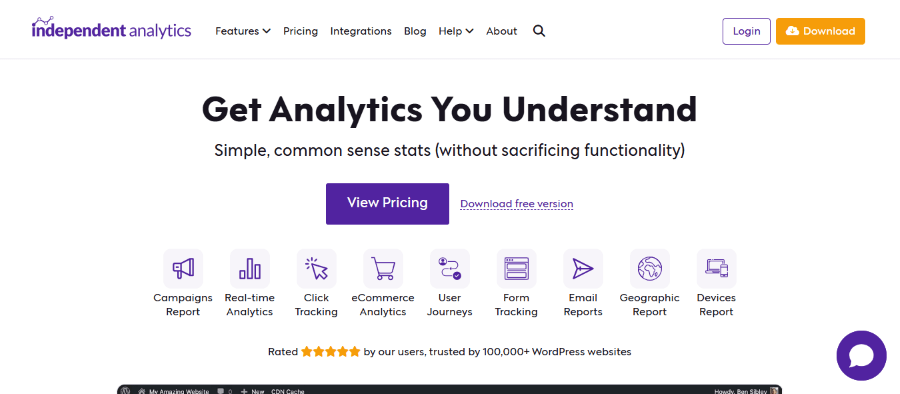
Independent Analytics is a breath of fresh air for WordPress users who want to ditch the complexity of Google Analytics. Unlike most tools, it doesn’t use external scripts or cookies, meaning it’s exceptionally fast and 100% GDPR compliant right out of the box.
Because the data is stored directly on your own hosting server inside the WordPress dashboard, you maintain full ownership of your metrics. It provides a beautiful, streamlined Monitor within your admin area that shows you exactly which pages are performing best and where your traffic is coming from without the need for a separate account.
Key Features:
- Zero Performance Impact: No external requests, keeping your site lightning-fast.
- Server-Side Storage: Your data stays on your server, not with a third party.
- Cookieless Tracking: No need for annoying cookie consent banners.
- Referrer Reports: Easily see which websites and social platforms send you traffic.
- Geographic Insights: Interactive maps showing where your visitors are located.
- WooCommerce Integration: Deep insights into product views and sales performance.
- Automated Email Reports: Get your stats delivered straight to your inbox (Pro).
2. Analytify
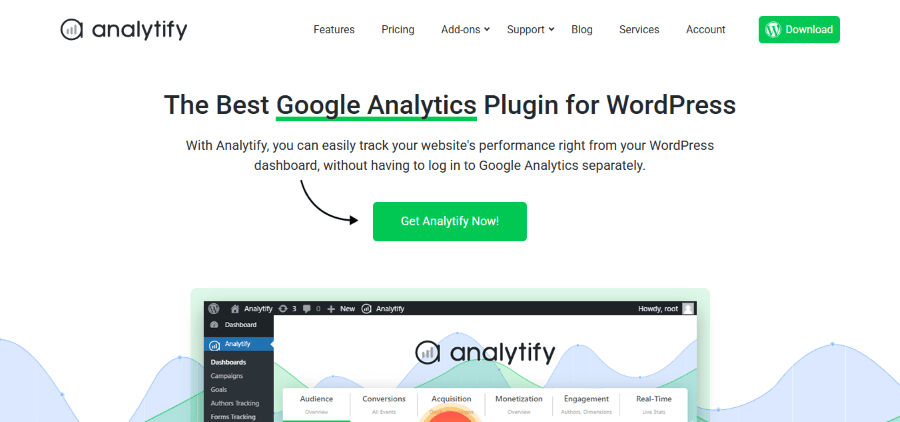
Analytify is designed for those who want the power of Google Analytics but find its native interface overwhelming. It pulls your Google Analytics data directly into your WordPress dashboard, presenting it in a “human-readable” format that makes sense at a glance.
What sets Analytify apart is its page-level reporting. You can see the stats for individual blog posts or pages while browsing your site’s backend, making it incredibly easy to identify which content needs optimisation without digging through layers of menus.
Key Features:
- Dashboard Integration: View Google Analytics data directly within WordPress.
- 1-Click Authentication: No messy tracking codes; just log in and connect.
- Enhanced E-commerce: Tracks WooCommerce sales, coupons, and cart actions.
- Page-Level Analytics: Detailed stats for every single post and page.
- Real-Time Stats: Monitor current visitors and their actions as they happen.
- Campaign Tracking: Manage and track UTM parameters effortlessly.
- Custom Shortcodes: Display your site statistics on the frontend of your site.
3. Jetpack Stats
Jetpack Stats (part of the larger Jetpack suite) is the ultimate “set it and forget it” tool for WordPress. It offers a clean, minimalist view of your traffic that focuses on the essentials: views, visitors, and top-performing content.
It is particularly useful for bloggers and small business owners who don’t need deep-dive behavioural funnels but want a reliable way to see if their audience is growing. Since it’s built by Automattic (the people behind WordPress.com), it’s deeply integrated and highly reliable.
Key Features:
- Native Integration: Built into the Jetpack plugin you likely already use.
- Real-Time Data: See your visitor counts update in real time.
- Top Posts & Pages: Instantly identify your most popular content.
- Referrer Tracking: Know exactly which sites are linking to you.
- Search Terms: Basic insights into what people are searching for to find you.
- Mobile App Access: Check your stats on the go via the Jetpack/WordPress app.
- Subscriber Stats: Track your WordPress.com and email subscriber growth.
4. Burst Statistics
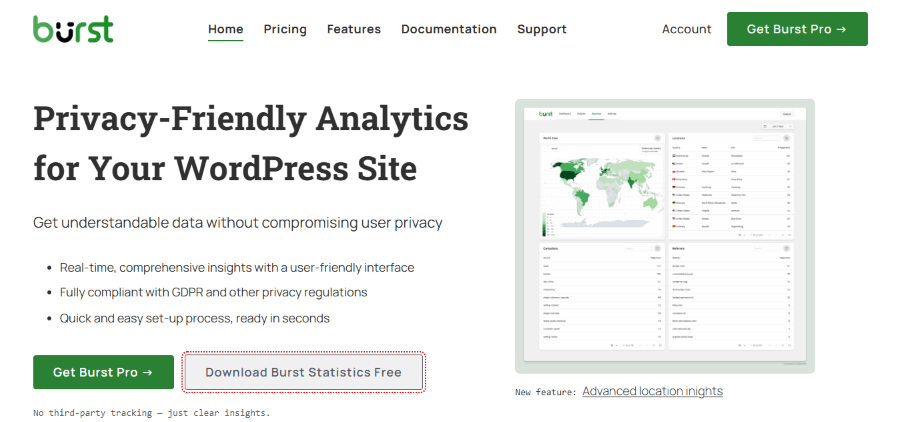
Burst Statistics is a relatively new but powerful player in the privacy-first analytics space, specifically built for the WordPress ecosystem. It is developed by the same team behind popular plugins like Really Simple SSL, meaning it is designed with a heavy focus on security and “set it and forget it” simplicity.
What makes Burst unique is its “Turbo Mode,” which optimises how data is collected to ensure that tracking your visitors has virtually zero impact on your PageSpeed Insights score. It stores all data locally on your server, ensuring you have 100% ownership and zero third-party data leaks. It’s the perfect middle ground for someone who wants more detail than Jetpack Stats but doesn’t want the bloat of a full Google Analytics integration.
Key Features:
- Privacy by Design: Fully GDPR compliant and works without cookies by default.
- Turbo Mode: Advanced performance optimisation to keep your site loading at lightning speeds.
- Self-Hosted Data: Your analytics stay in your WordPress database, not on a corporate server.
- Goal Tracking: Simple UI to track clicks on buttons, downloads, or contact form submissions.
- E-commerce Support: Seamlessly integrates with WooCommerce to track sales and revenue.
- Beautiful Dashboard: A clean, modern interface that lives right inside your WordPress admin.
- Anonymised IP: Automatically masks visitor IPs to protect user privacy without losing geographic trends.
5. MonsterInsights
MonsterInsights is widely considered the most popular Google Analytics plugin for WordPress. It’s built for those who want “Google Analytics made easy,” offering a setup wizard that handles complex tracking (like file downloads and link clicks) with zero coding required.
The tool provides “Insights Reports” that summarise your most important data, like your top-performing keywords and demographics, so you can spend less time looking at charts and more time growing your business. It’s a robust solution for power users and beginners alike.

Key Features:
- Universal Tracking: Works across devices and platforms seamlessly.
- File Download Tracking: Automatically tracks PDF and other file downloads.
- Form Conversion Tracking: See which forms are converting and which are being ignored.
- Search Console Integration: View your top Google search terms in your dashboard.
- Site Notes: Leave notes on your charts to track how updates impact traffic.
- Affiliate Link Tracking: Monitor how many clicks your affiliate links are getting.
- User Journey Tracking: See the path visitors take before making a purchase.
6. Fathom Analytics
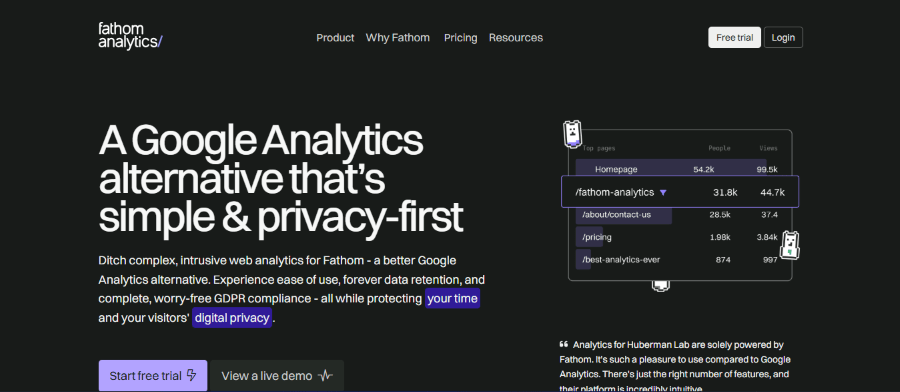
Fathom Analytics is a pioneer in the privacy-first analytics movement, designed for those who want to ditch complex dashboards and cookie banners. It offers a clean, single-page interface that provides all your essential website metrics like top pages, referrers, and device types at a single glance. By utilising a cookieless tracking method, Fathom ensures your website remains fully compliant with global privacy laws like GDPR and CCPA without forcing your visitors to click through annoying consent pop-ups.
Beyond its privacy credentials, Fathom is built for extreme performance. Its tracking script is incredibly lightweight, meaning it won’t slow down your site’s load times, which is a significant advantage for ranking. It also includes unique features like “Uptime Monitoring,” which alerts you instantly if your website goes down, and the ability to bypass ad-blockers, ensuring your data is as accurate as possible. It is an ideal choice for businesses that value user trust and speed over the dense, often overwhelming data mining found in traditional platforms.
Key Features:
- Cookieless: No cookie banners required.
- Fast Loading: The script is incredibly lightweight.
- Forever Data: Your data is never deleted.
- Uptime Monitoring: Notifies you if your site goes down.
- Email Reports: Clean summaries sent to your team.
- Bypass Ad-Blockers: Designed to be visible even to privacy tools.
- Goal Tracking: Simple setup for tracking conversions.
7. Matomo
Matomo (formerly Piwik) is the powerhouse of the open-source analytics world, frequently cited as the most robust alternative to Google Analytics. Its primary appeal lies in 100% data ownership; by choosing the self-hosted “On-Premise” version, your data stays on your own servers, never touching a third party. This makes it a top choice for government agencies, healthcare providers, and privacy-conscious enterprises that must comply with strict regulations like GDPR or HIPAA without sacrificing the deep, granular insights they are used to.
Beyond basic tracking, Matomo offers an all-in-one suite that often exceeds the capabilities of standard analytics tools. It provides a “Visitor Log” for detailed individual journey tracking, heatmaps to visualise user clicks, and session recordings to watch exactly where users get stuck. Because it doesn’t sample data, you are always looking at 100% of your traffic, ensuring your decisions are based on reality rather than estimates. It even includes a built-in Tag Manager and a tool to import your historical Google Analytics data, making the migration process surprisingly seamless.
Key Features:
- Heatmaps: See where users click and scroll.
- Session Recordings: Watch replays of user journeys.
- A/B Testing: Optimise your site with built-in testing.
- No Data Sampling: You always see 100% of your data.
- Tag Manager: Manage all your tracking tags in one place.
- Import GA Data: Move your historical Google Analytics data over easily.
- White Labelling: Use your own branding for client reports.
8. Plausible Analytics
Plausible Analytics is a lightweight, open-source tool that has gained massive popularity for its “minimalist” approach to web data. While Google Analytics can often feel like a maze of hundreds of reports, Plausible provides everything you need to know on a single, intuitive dashboard. It is specifically designed to be fast; its tracking script is roughly 45 times smaller than the standard Google Analytics script, which helps your website maintain peak performance and better SEO rankings by reducing page load times.
What truly sets Plausible apart is its “privacy-first” philosophy. It is fully compliant with GDPR, CCPA, and PECR out of the box because it does not use cookies and never collects personal data. This means you can accurately track your visitors without the need for intrusive cookie consent banners, providing a cleaner experience for your users. Despite its simplicity, it remains a powerful tool for marketers, offering features like UTM campaign tracking, goal conversions, and a seamless integration with Google Search Console to see exactly which keywords are driving your organic traffic
Key Features:
- Privacy-First: Fully GDPR, CCPA, and PECR compliant.
- 1-Minute Setup: Easy to install on any CMS.
- Search Console Sync: View search queries directly in Plausible.
- Shared Dashboards: Make your stats public or share via private links.
- Custom Events: Track button clicks and sign-ups.
- Slack/Discord Alerts: Get notified about traffic spikes.
- Open Source: Transparent code you can trust.
9. Simple Analytics
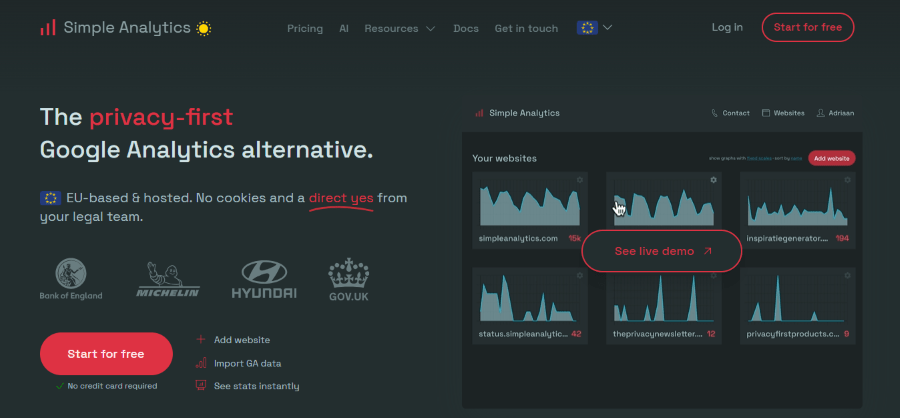
Simple Analytics lives up to its name by offering one of the most straightforward and ethical tracking solutions on the market. While most analytics platforms try to find workarounds to track users, Simple Analytics takes a hard stance: it does not use cookies, does not collect IP addresses, and does not fingerprint visitors. This “privacy-by-design” approach means you can completely remove annoying cookie consent banners from your site, providing a cleaner user experience while remaining 100% compliant with global regulations like GDPR, CCPA, and PECR.
Despite its minimalist philosophy, it doesn’t skimp on modern power. It features a unique AI-powered assistant that allows you to “chat” with your data. You can simply ask, “How did my traffic from Twitter perform last week?” and get an instant answer without digging through menus. The dashboard is built for clarity, showing you exactly what you need to know about your referrers, top pages, and conversions on a single page. It’s an ideal choice for businesses that want to stay “Big Tech” independent and focus on high-level trends rather than individual user surveillance.
Key Features:
- No Personal Data: Truly anonymous tracking.
- Simple Interface: No complex menus or hidden settings.
- Tweet Tracking: See which specific tweets are driving traffic.
- CSV Exports: Download your data for custom analysis.
- Dark Mode Dashboard: Easy on the eyes for late-night checking.
- Aggregated Data: Focuses on trends rather than individual tracking.
- Bypass Consent: No need for a cookie banner in any region.
10. Microsoft Clarity
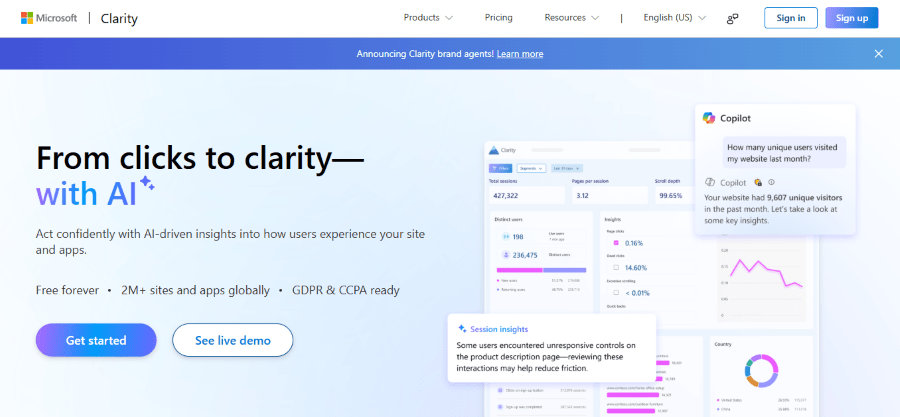
Microsoft Clarity is a standout in the world of web analytics because it focuses on the “why” behind user actions rather than just the “how many.” While traditional tools give you spreadsheets of numbers, Clarity provides a high-definition, visual look at the user experience through session recordings and heatmaps. It allows you to watch exactly how a visitor navigates your pages, where they hesitate, and which elements catch their eye. This makes it an invaluable tool for UX designers and marketers who want to identify friction points and optimise their site’s layout based on real human behaviour.
The most impressive part of Microsoft Clarity is its price tag; it is completely free with no traffic limits or hidden tiers. Despite being free, it packs advanced features like “Frustration Metrics,” which automatically flag things like rage clicks (when a user clicks the same spot repeatedly) and dead clicks (when a user clicks something that isn’t interactive). These insights help you quickly fix bugs and design flaws that could be killing your conversion rate. It also integrates seamlessly with Google Analytics, allowing you to pair Clarity’s visual behaviour data with your existing traffic reports for a complete 360-degree view of your website’s performance.
Key Features:
- Heatmaps: Visual click and scroll maps for every page.
- Session Playbacks: See exactly how users navigate your site.
- Rage Click Tracking: Identifies where users are getting frustrated.
- Dead Click Detection: Finds links or buttons that aren’t working.
- Quick Backs: See when users immediately hit “back” after a click.
- Free Forever: No traffic limits or hidden costs.
- GA Integration: Connects with Google Analytics for a complete picture.
Frequently Asked Questions (FAQ)
1. Is it possible to use these alternatives alongside Google Analytics?
Yes! Many website owners use tools like Microsoft Clarity or Hotjar specifically for heatmaps while keeping Google Analytics for traffic data. However, if you are using a privacy-focused tool like Plausible or Fathom, you might choose to remove GA entirely to improve site speed and eliminate the need for cookie consent banners.
2. Do these alternatives offer the same level of data as Google Analytics?
It depends on the tool. Matomo is arguably as powerful (or even more so) than Google Analytics in terms of granular data. On the other hand, tools like Simple Analytics or Plausible intentionally provide less data to focus on high-level trends and user privacy. If you need complex behavioural funnels, go with Matomo; if you just want to know how many people read your blog, go with a minimalist tool.
3. Will switching to a different analytics tool hurt my seo?
Not at all. Google does not penalise websites for using non-Google tracking tools. In fact, switching to a lightweight alternative like Independent Analytics or Fathom can actually improve your SEO. These scripts are much smaller than the Google Analytics script, which helps your pages load faster, a key ranking factor for Google.
4. Can I import my historical Google Analytics data into these tools?
Some tools, like Matomo and Analytify, offer built-in importers that allow you to bring your historical Google Analytics data over so you don’t have to start from zero. However, most “minimalist” and “cookieless” tools do not support this because their data structures are fundamentally different from Google’s.
5. Which alternative is best for WooCommerce or E-commerce stores?
For WordPress and WooCommerce users, Independent Analytics (Pro), Burst Statistics, and MonsterInsights are the top choices. They offer deep integration that tracks product views, “add to carts,” and total revenue directly within your dashboard. If you aren’t on WordPress, Matomo offers the most robust e-commerce tracking for custom-built stores.