A WordPress website needs more than a good design and useful content. The hosting behind it affects how quickly pages load, how safely it stores information, and how easily website owners can manage daily tasks.
WordPress.org recommends choosing a hosting provider that supports modern server software, a compatible database, and HTTPS. It also explains that WordPress-specific hosting can include useful services such as backups, updates, and developer tools.
For UK businesses, choosing a hosting company with local server locations can also improve the visitor experience. However, server location is only one part of the decision. Pricing, storage, security, customer support, and website management tools deserve equal attention.
This guide covers eight providers offering WordPress hosting in the UK. Each has different features and pricing, making it easier to find a suitable option for a personal website, business, online store, or agency.
Best WordPress Hosting in The UK
| Hosting Provider | Starting Price | Best For |
| HostWP | $5.99/month | Performance-focused WordPress hosting |
| Hostinger | £1.79/month | Beginners and small businesses |
| Krystal | £15/month | Fully managed WordPress hosting |
| SiteGround | £1.99/month | Small businesses and growing websites |
| 20i | £10/month after the first month | Agencies and multiple websites |
| Kinsta | $35/month | Business-critical WordPress websites |
| Cloudways | $14/month | Flexible cloud hosting |
| WP Engine | £30/month | Professional WordPress projects |
1. HostWP
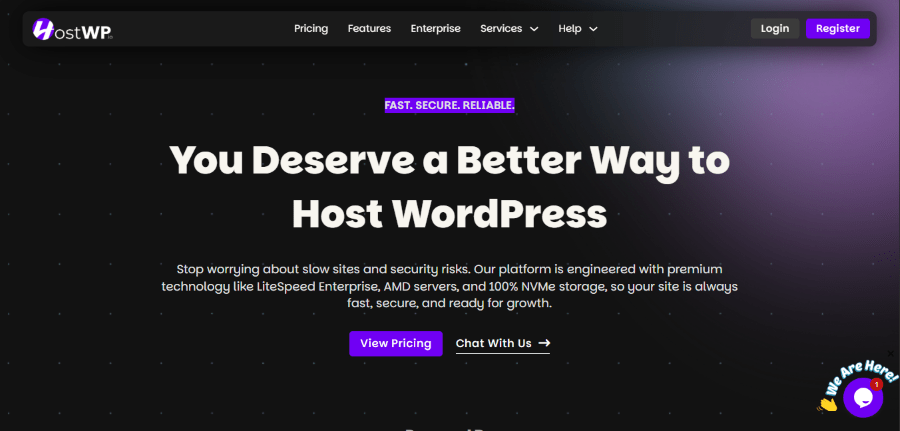
HostWP is a WordPress hosting company co-founded by Mustaasam Saleem and Ahsan Parvez. The company provides hosting infrastructure specifically for WordPress websites, with an emphasis on server performance, security, and easy website management.
Its hosting platform combines LiteSpeed Enterprise, AMD Ryzen processors, and 100% NVMe storage. These technologies help websites process requests and access stored data efficiently. HostWP also provides Redis object caching, which helps WordPress handle frequently requested database information.
The company has server locations in the United Kingdom, United States, Germany, and Singapore. Its UK hosting location is Coventry, making it a relevant option for businesses targeting British visitors.
Key Features
- LiteSpeed Enterprise: A web server optimized for WordPress performance.
- 100% NVMe Storage: Provides fast access to website files and databases.
- Redis Object Cache: Helps reduce repeated database queries.
- Security Protection: Includes Imunify360, firewall protection, and malware scanning.
- QUIC.cloud CDN: Helps deliver website content through a global network.
- Website Management: Includes WordPress Manager, backups, staging, and cloning.
- Free Migration: Move existing WordPress websites without handling the entire process yourself.
- 24/7 Support: Access human support from WordPress hosting engineers.
HostWP Pricing
The Starter plan starts at $5.99/month and includes three WordPress websites and 10GB NVMe storage.
Other plans include:
- Pro: $11.99/month, five websites, and 20GB NVMe storage.
- Earlybird: $14.99/month, 10 websites, and 30GB NVMe storage.
- Business: $20.99/month, 25 websites, and 50GB NVMe storage.
Pros and Cons
Pros: LiteSpeed Enterprise, Redis caching, UK server location, free migrations, and useful WordPress management tools.
Cons: Prices are displayed in USD, and entry-level plans have defined storage and resource limits.
Who Should Use HostWP?
HostWP suits WordPress professionals, website designers, WooCommerce store owners, and agencies that need performance-focused hosting. Its Bricks Builder hosting offering also makes it worth considering for people building websites with Bricks.
2. Hostinger
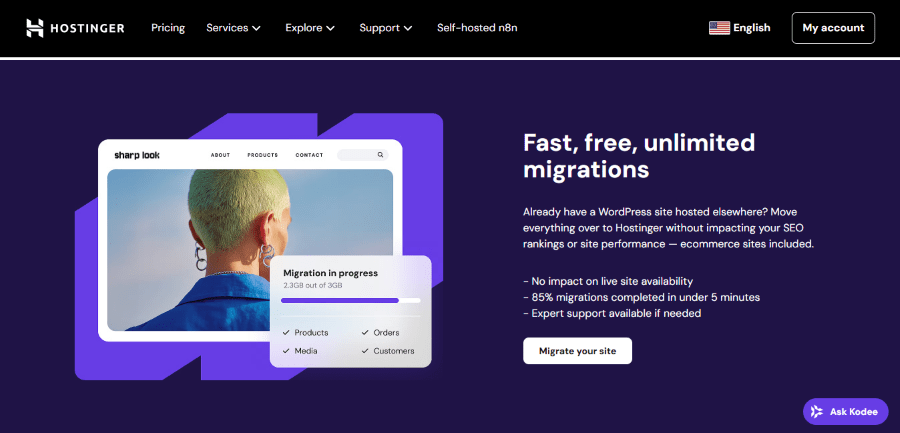
Hostinger is a hosting company founded in Lithuania that offers managed WordPress hosting for individuals, freelancers, and businesses. Its platform makes website management easier with an accessible control panel, automated tools, and affordable hosting packages.
One useful feature is the combination of managed WordPress services and AI tools. Users can install WordPress, manage updates, access website-building assistance, and use performance tools without spending much time configuring the server.
Hostinger also offers a UK data center, letting customers choose a local server location when setting up an eligible hosting plan.
Key Features
- Managed WordPress: Includes WordPress installation and management tools.
- Automatic Updates: Helps keep WordPress software updated.
- LiteSpeed Caching: Improves website delivery through caching.
- AI Tools: Provides website-building and troubleshooting assistance.
- Free Domain: Included for the first year on eligible plans.
- Backups: Weekly backups are included in the Premium package.
- CDN: Helps distribute website content to visitors.
- Customer Support: Offers 24/7 support.
Hostinger Pricing
Hostinger’s Premium plan is advertised at $1.99/month with a 48-month subscription.
The upfront payment is $95.52 for the full term, and the renewal price is $10.99/month.
The Premium plan includes three websites, 20GB SSD storage, free weekly backups, a domain for one year, and CDN access.
Its higher-tier plans offer additional storage, more websites, and other resources.
Pros and Cons
Pros: Affordable introductory pricing, UK servers, AI tools, automatic updates, and an easy-to-use control panel.
Cons: The lowest advertised price requires a long-term subscription, and renewal costs are higher than the introductory rate.
Who Should Use Hostinger?
Hostinger is a good option for bloggers, freelancers, small businesses, and beginners who want to launch a WordPress website without managing complicated server settings.
3. Krystal
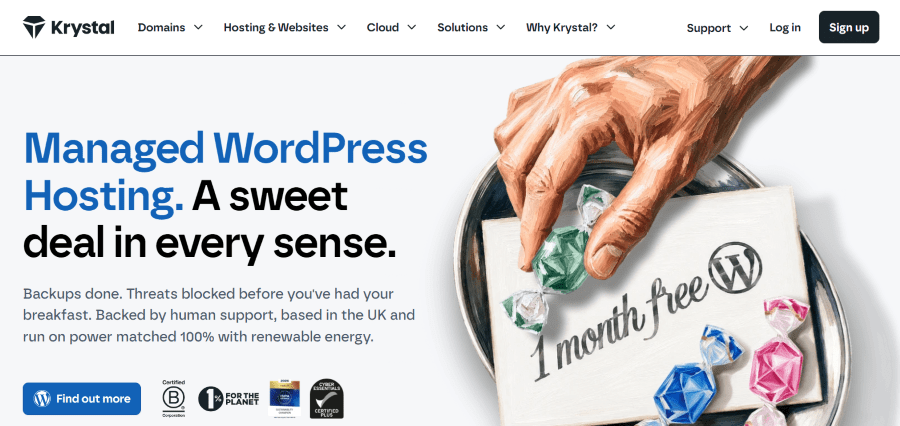
Krystal is an independent UK hosting company that has been providing hosting services since 2002. It offers standard WordPress hosting as well as a managed service designed for businesses that prefer to spend less time looking after their hosting environment.
Its managed WordPress platform includes automatic software updates, LiteSpeed caching, backups, staging environments, and security tools. These services help website owners maintain their websites without having to manage every technical task themselves.
Krystal also operates its own UK infrastructure and provides support through a UK-based team. This makes it a relevant choice for businesses that want local hosting expertise.
Key Features
- Managed WordPress Updates: Automatically updates WordPress core, plugins, and themes.
- LiteSpeed Caching: Helps improve website response times.
- Redis Caching: Available on premium managed plans.
- Daily Backups: Protects website files and databases.
- Staging Environments: Allows users to test changes before publishing them.
- Security Protection: Includes malware scanning, firewall protection, and Patchstack.
- Free Migration: Helps move existing WordPress websites.
- AI Site Builder: Provides an additional website creation tool.
Krystal Pricing
Krystal’s managed WordPress hosting starts with the Personal plan at £15/month, excluding VAT.
Other available options include:
- Personal: £15/month, one website, 5GB NVMe storage.
- Business: £35/month, one website, 10GB NVMe storage.
- Agency: £50/month, five websites, 50GB NVMe storage.
The company also offers a 30-day trial for managed WordPress hosting.
Pros and Cons
Pros: UK-based infrastructure, managed updates, staging, automatic backups, and UK-based technical support.
Cons: Managed hosting costs more than basic shared hosting, and email hosting is not included as standard.
Who Should Use Krystal?
Krystal is suitable for business owners, professional bloggers, and agencies that want managed WordPress hosting with local technical support. It is particularly useful for people who would rather focus on their websites than handle server maintenance.
4. SiteGround
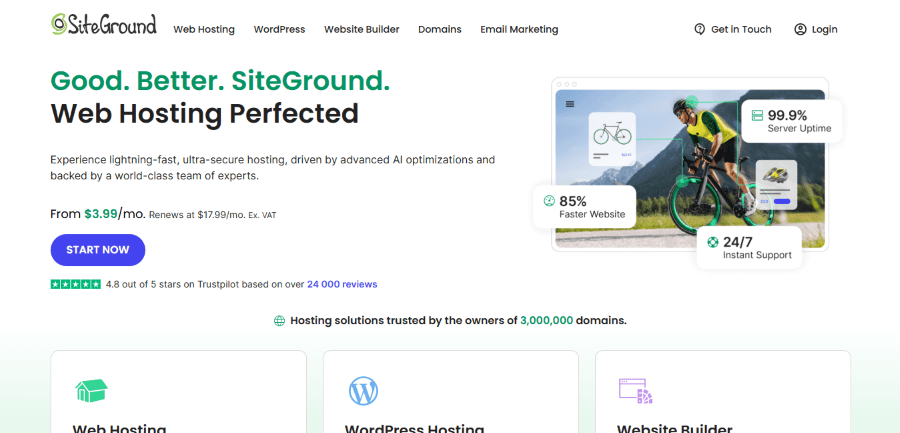
SiteGround is an established web hosting company offering WordPress-specific hosting for individuals and businesses. Its service combines managed WordPress tools, website security, caching, and customer support.
SiteGround uses Google Cloud infrastructure and operates a London data center. Customers can select an available server location based on their website’s audience, which is useful for businesses targeting visitors in the UK.
The company also provides its own WordPress management tools. These help users install websites, handle updates, manage security, and improve website performance without relying entirely on additional plugins.
Key Features
- WordPress Installation: Set up a new WordPress website easily.
- Free Website Migration: Move an existing site using SiteGround’s migration tools.
- Daily Backups: Automatically creates website backups.
- Free SSL: Protects connections between websites and visitors.
- CDN: Helps distribute website content.
- Caching: Uses multiple caching levels to improve performance.
- Automatic Updates: Handles WordPress updates.
- AI Agent: Provides assistance with WordPress website management.
SiteGround Pricing
SiteGround offers three WordPress hosting plans, with promotional prices available for the first 12 months.
- StartUp: $3.99/month. Renews at $17.99/month. Includes one website, unlimited traffic, 10GB Premium Google storage.
- GrowBig: $6.69/month. Renews at $29.99/month. Includes unlimited websites, unlimited traffic, 50GB Premium Google storage.
- GoGeek: $10.69/month. Renews at $44.99/month. Includes unlimited websites, unlimited traffic, 100GB Premium Google storage.
Pros and Cons
Pros: London data center, free migration, daily backups, WordPress management tools, and 24/7 support.
Cons: Renewal prices are considerably higher than the introductory offer, and the StartUp package supports only one website.
Who Should Use SiteGround?
SiteGround is suitable for small businesses, bloggers, freelancers, and website owners who want an established hosting platform with useful WordPress management features.
5. 20i
20i is a UK hosting provider offering managed WordPress hosting through its cloud-based platform. It is designed for website owners, developers, and agencies that need tools to manage websites from one place.
Its platform includes autoscaling technology, a global CDN, malware protection, automatic backups, and WordPress management features. Users can also create staging copies of their websites to test new themes, plugins, and code before making changes to their live websites.
The company operates a London data center alongside other international locations. This gives UK businesses the option to host their websites closer to their main audience.
Key Features
- Dynamic Autoscaling: Helps accommodate changes in website resource requirements.
- High-Availability Platform: Provides infrastructure designed for reliable hosting.
- Global CDN: Delivers website content through multiple locations.
- Website Security: Includes SSL, firewall, and malware scanning.
- Automatic Backups: Protects website data.
- WordPress Staging: Test changes before publishing them.
- WordPress Manager: Manage plugins, themes, users, and backups.
- Website Cloning: Create copies of existing websites.
- WP-CLI: Manage WordPress through command-line tools.
- 24/7 Support: Get help from the hosting team.
20i Pricing
20i offers six managed WordPress hosting plans, with a $1 introductory price for the first month.
- Startup: $1 for the first month. Renews at $15/month. Includes one website, 10GB storage, 50GB bandwidth, 10 email mailboxes, and 1GB MySQL storage.
- Plan 1: $1 for the first month. Renews at $30/month. Includes one website, 10GB storage, 100GB bandwidth, 20 email mailboxes, and 5GB MySQL storage.
- Plan 2: $1 for the first month. Renews at $60/month. Includes three websites, 20GB storage, 200GB bandwidth, 50 email mailboxes, and 15GB MySQL storage.
- Plan 3: $1 for the first month. Renews at $100/month. Includes 10 websites, 40GB storage, 300GB bandwidth, 100 email mailboxes, and 50GB MySQL storage.
- Plan 4: $1 for the first month. Renews at $200/month. Includes 25 websites, 50GB storage, 500GB bandwidth, 250 email mailboxes, and 125GB MySQL storage.
- Plan 5: $1 for the first month. Renews at $400/month. Includes 50 websites, 100GB storage, 1TB bandwidth, 500 email mailboxes, and 250GB MySQL storage.
Pros and Cons
Pros: UK data center, staging, cloning, autoscaling, automatic backups, and an integrated WordPress Manager.
Cons: Larger plans can become expensive, especially for agencies managing several websites.
Who Should Use 20i?
20i is suitable for WordPress developers, freelancers, and agencies that manage several client websites. Its management dashboard and staging tools can reduce the time spent handling routine website maintenance.
6. Kinsta
Kinsta is a managed WordPress hosting company that focuses on performance, security, and website management for businesses. Its platform uses cloud infrastructure to provide isolated resources for individual websites.
Instead of using a traditional shared hosting environment, Kinsta runs WordPress websites in separate software containers. This approach gives websites their own hosting resources and helps keep their environments separate.
Kinsta also offers a London data center, making it an option for businesses that want their WordPress websites hosted in the UK.
Key Features
- Cloud Infrastructure: Provides hosting through a managed cloud platform.
- Isolated Resources: Separates website environments.
- Global CDN: Helps deliver content to visitors across different regions.
- Automatic Backups: Keeps website backups for recovery.
- Staging Environments: Test website updates before publishing.
- Free Migrations: Helps move existing WordPress websites.
- Security Protection: Includes Cloudflare integration and managed security features.
- MyKinsta Dashboard: Manage websites, backups, caching, and other settings.
- 24/7 Support: Access WordPress technical assistance.
Kinsta Pricing
Kinsta offers Business, Agency, and Enterprise hosting plans for different website requirements.
- Business Single 20GB: $0 for the first month, then $17.50/month for the next three months. Renews at $35/month.
- Agency: Starts at $170/month for the first three months. Regular pricing is $340/month.
- Enterprise: Starts at $500/month. Includes enterprise-grade security, compliance features, dedicated server options, disaster resilience, up to a 99.99% uptime SLA, and account management. Custom agreements and hosting solutions are also available for eligible businesses.
Pros and Cons
Pros: London data center, isolated resources, automatic backups, staging, free migrations, and expert support.
Cons: More expensive than entry-level shared hosting, with additional costs for extra websites and storage.
Who Should Use Kinsta?
Kinsta is suitable for businesses, online stores, membership websites, and professional publishers that depend on their websites for daily operations. It is particularly useful for teams that need managed infrastructure rather than basic hosting.
7. Cloudways
Cloudways is a managed cloud hosting platform that allows users to host WordPress websites through different cloud infrastructure providers. Instead of managing a server directly, customers can use the Cloudways dashboard to deploy and maintain their websites.
The platform supports DigitalOcean, Vultr, Linode, AWS, and Google Cloud. This gives users more flexibility when choosing their server resources and hosting locations.
Cloudways also offers London server locations through supported cloud providers. Its main advantage is that users can access cloud hosting without handling every server administration task themselves.
Key Features
- Multiple Cloud Providers: Choose from supported cloud infrastructure providers.
- Server Management: Deploy and manage websites through one dashboard.
- Staging: Create website copies to test changes.
- Automated Backups: Schedule website backups and restore them when needed.
- Caching: Includes caching tools to improve website performance.
- Security: Provides firewalls and DDoS protection.
- Free SSL: Secure website connections.
- Free Migration: Helps transfer existing websites.
- 24/7 Support: Access technical assistance through live chat.
Cloudways Pricing
Cloudways offers a Flexible hosting plan with its Micro server starting at $14/month.
This configuration includes 1GB RAM, one vCPU, 25GB NVMe storage, and 1TB transfer bandwidth.
The platform also supports hourly billing, allowing customers to pay based on server usage rather than being tied to a fixed long-term hosting contract.
Pros and Cons
Pros: Flexible cloud infrastructure, London server options, staging, automated backups, and hourly billing.
Cons: Requires more technical understanding than beginner-focused shared hosting. Email services and some additional resources may require separate services or costs.
Who Should Use Cloudways?
Cloudways is suitable for developers, growing businesses, and website owners who want more control over their server resources. It is also useful for agencies that need flexible cloud hosting for different client projects.
8. WP Engine
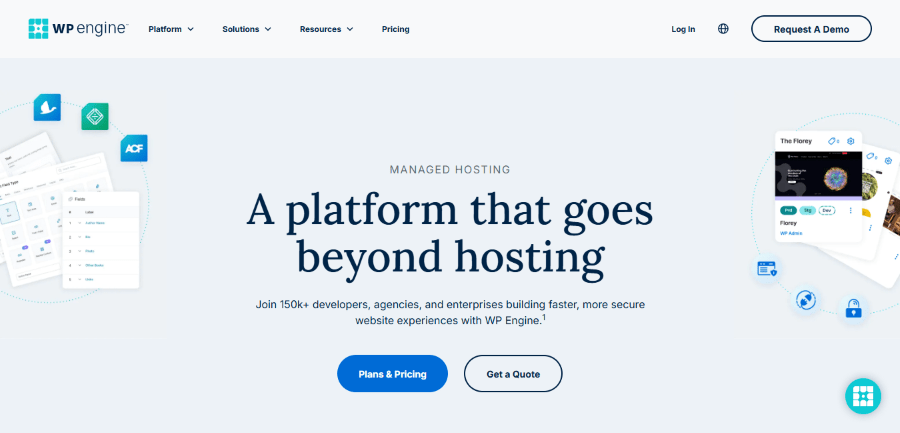
WP Engine is a managed WordPress hosting company that provides hosting infrastructure and website management tools for businesses, agencies, and developers.
Its platform focuses on reducing the technical work involved in maintaining WordPress websites. It handles important hosting tasks such as backups, software updates, and security management, allowing users to spend more time working on their websites.
WP Engine also supports London data center locations through its Google Cloud infrastructure. Customers can select an available server region when creating their hosting environment, subject to their plan.
Key Features
- Managed WordPress: Handles essential WordPress hosting tasks.
- Automatic Backups: Provides scheduled website backups.
- Automatic Updates: Manages supported WordPress and PHP updates.
- EverCache: Uses WordPress-focused caching technology.
- Staging Environments: Create copies of websites to test changes.
- Developer Tools: Includes SSH, Git, and development workflows.
- Security Protection: Provides security patching and plugin risk scanning.
- SSL Certificates: Includes SSL support.
- Expert Support: Provides technical assistance for WordPress users.
WP Engine Pricing
WP Engine offers Essential and Business plans for WordPress websites, with managed updates, backups, and security included.
- Business: $400/month. Billed annually. Includes everything in the Essential plan, plus isolated resources, 24/7 chat and phone support, managed website migrations, and a 99.99% uptime SLA.nd on the selected package, billing arrangement, and additional services.
- Essential: $28/month. Billed annually at $336 upfront. Includes daily automated backups, 24/7 live chat support, managed WordPress, PHP and MySQL, free SSL certificates, and SSH access.
Pros and Cons
Pros: Managed WordPress infrastructure, London data center options, automatic backups, staging, developer tools, and specialized technical support.
Cons: More expensive than basic hosting, and additional features or services may increase the total subscription cost.
Who Should Use WP Engine?
WP Engine is suitable for professional publishers, businesses, developers, and agencies managing important WordPress websites. It is especially useful when website maintenance, security, and development workflows need to be handled through a dedicated hosting platform.
What Happens If You Choose the Wrong WordPress Hosting?
Your hosting choice affects more than the monthly bill. It also determines how much time you spend maintaining your website and how easily you can handle technical problems.
A basic hosting package may be sufficient for a small blog. However, an online store or business website may require additional resources, scheduled backups, advanced security, and staging environments.
Without these features, website owners may need to purchase additional plugins, manage backups manually, and spend more time resolving hosting problems.
Managed WordPress hosting can reduce this workload by handling routine maintenance and providing tools for website recovery and testing. However, it usually costs more than basic hosting.
Before changing providers, check whether your existing host already meets your requirements. Moving to another provider is useful when it solves a real problem, such as limited resources, poor support, missing management tools, or unsuitable server locations.
Final Thoughts
The best WordPress hosting in the UK depends on the type of website you operate and how much technical work you want to handle.
Hostinger and SiteGround provide accessible options for smaller websites. Krystal and 20i offer useful managed hosting services for businesses and agencies. HostWP is worth considering for performance-focused WordPress projects, while Kinsta and WP Engine target websites that need a more managed environment.
Cloudways stands apart by offering flexible cloud infrastructure through different providers.
Compare the renewal prices, available resources, server locations, and included management tools before making a purchase. A hosting plan that fits your current website and allows room for future growth is generally a better investment than choosing the cheapest introductory offer.