

Video can explain a product or service in a way that a block of text often cannot. Product demonstrations, tutorials, customer education, landing page videos, and promotional clips can all make a website more useful, but producing them traditionally requires equipment, editing software, presenters, and time.
AI video platforms have changed that process. Some can turn a written script into a video, while others generate scenes, presenters, voiceovers, or complete marketing videos from a simple brief. The quality and workflow vary considerably, so choosing the right platform depends on whether you need cinematic visuals, business presentations, talking-head videos, or automated content.
The following tools are among the Best AI Tools To Buy for creating video content for websites and online businesses.
Runway
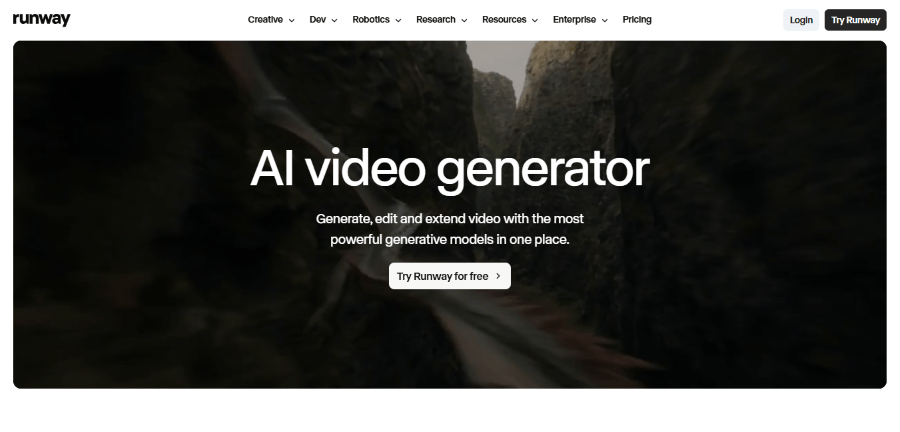
Runway is aimed at creators and production teams that want to use generative AI throughout the video creation process. Rather than focusing only on talking-head videos, Runway provides tools for generating and transforming visual content.
Its current platform includes generative video models, image generation, video editing, and tools for controlling how generated scenes look and move. Runway’s Gen-4.5 model is designed for text-to-video and image-to-video generation, while other tools support tasks such as removing objects and changing elements within existing footage.
For website owners, this can be useful when conventional stock footage does not match the concept they want. A marketer can generate visual scenes for a campaign, create product concepts, or produce short clips for landing pages and social channels.
Runway is more creative-production oriented than many business video platforms. It therefore requires some experimentation to get the best results, but it gives users more room to create unusual visual material.
Key Features
- Text to Video: Generate video clips from written descriptions.
- Image to Video: Animate an existing image into a video sequence.
- Gen-4.5: Use Runway’s current generative video model for supported generation workflows.
- Video Transformation: Modify and transform existing footage using AI.
- Background Removal: Remove backgrounds from video content.
- Object Removal: Remove selected elements from video.
- Video Editing: Edit and refine generated or uploaded footage.
- AI Image Generation: Create images that can be used as starting points for video.
- Creative Control: Use prompts and references to guide generated scenes.
- Workflows: Combine different AI functions into a broader production process.
Runway Pricing
Runway currently offers several plans.
- Free: $0 per user per month, with a limited amount of credits and access to selected AI features.
- Standard: $12 per user per month when billed annually.
- Pro: $28 per user per month when billed annually.
- Unlimited: $76 per user per month when billed annually.
The plans increase the number of credits, available models, storage, and video generation capabilities. The Unlimited plan provides Explore Mode, which allows unlimited generations at a relaxed rate subject to Runway’s terms.
Pros and Cons
Pros
- Strong generative video capabilities.
- Useful for creative and cinematic visual content.
- Supports both text-to-video and image-to-video.
- Includes AI editing functions.
- Multiple pricing levels.
Cons
- Learning the platform takes some experimentation.
- Credit usage can become significant for frequent generation.
- It is not primarily designed for corporate presenter videos.
For Whom Runway Is Built For
Runway is built for creative professionals, marketers, agencies, video creators, and businesses that need original visual content.
It is especially useful when the required video cannot easily be found in a stock library. Without a generative video platform, producing such scenes may require filming, animation, or hiring a production team.
Synthesia
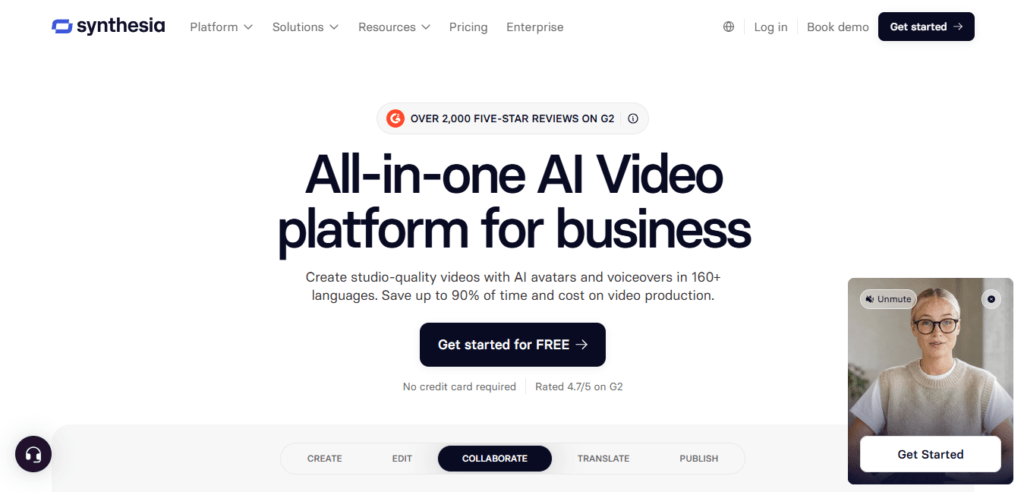
Synthesia takes a different approach to AI video. Rather than focusing mainly on cinematic generated scenes, it specializes in videos featuring AI presenters.
A user can provide a script and select an AI avatar, language, voice, and presentation style. The platform then produces a presenter-led video without requiring the user to record themselves on camera.
This makes Synthesia particularly useful for businesses. Training videos, product explainers, onboarding material, internal communications, and educational content can be created without arranging a camera shoot every time a video is needed.
Synthesia currently offers more than 240 avatars and more than 160 languages and voices, according to its product information.
Key Features
- AI Avatars: Create presenter-led videos using AI avatars.
- AI Voices: Generate spoken narration without recording a voiceover.
- Multilingual Videos: Produce videos in a wide range of languages.
- AI Video Assistant: Help turn written information into video content.
- Templates: Start projects using ready-made business video templates.
- Screen Recording: Record screen-based demonstrations.
- PowerPoint to Video: Turn presentations into video content.
- Brand Kits: Keep video designs aligned with company branding.
- Interactive Video: Add interactive elements to supported video projects.
- Video Collaboration: Work with other team members on video projects.
Synthesia Pricing
Synthesia currently offers:
- Basic: $29 per month, or $18 per month when billed annually.
- Creator: $89 per month, or $64 per month when billed annually.
- Enterprise: Custom pricing based on business requirements.
The plans differ in video minutes, collaboration, avatars, languages, and other features.
Pros and Cons
Pros
- No camera or physical presenter required.
- Strong business and training use cases.
- Supports many languages.
- Includes professional templates.
- Useful for repeatable video production.
Cons
- Presenter-style videos may not suit every brand.
- Higher plans are needed for larger teams and more advanced use.
- AI presenters still require careful script editing to sound natural.
For Whom Synthesia Is Built For
Synthesia is best suited to businesses, training teams, SaaS companies, educators, HR departments, and organizations that need frequent presenter-led videos.
Without an AI presenter platform, each new training or product video can require a recording session, presenter, microphone, lighting, and editing. Synthesia can reduce much of that production work.
HeyGen
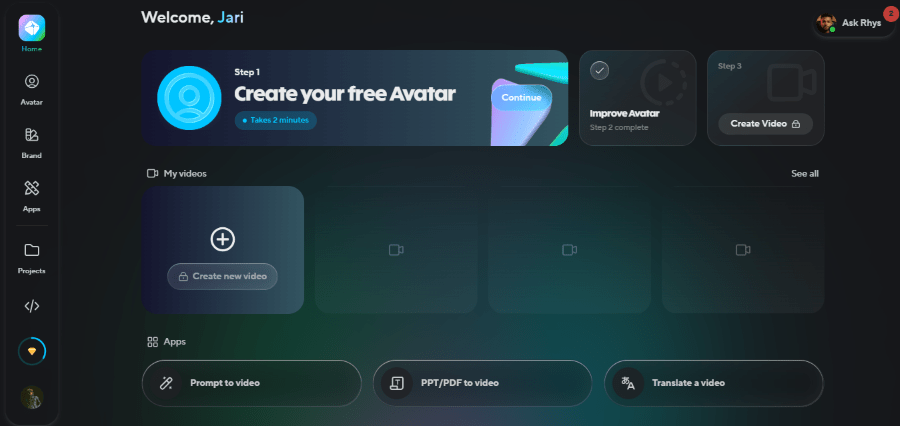
HeyGen is another AI video platform focused heavily on avatars, AI presenters, translation, and business video creation. It allows users to create videos from scripts and turn existing content into videos without needing a traditional production setup.
One of HeyGen’s strongest areas is localization. Its translation features can translate videos while preserving an AI-generated version of the speaker’s voice and presentation style. This can be useful for companies that operate across different markets.
HeyGen also provides tools for generating videos from text, creating digital avatars, and producing marketing content.
For a website business, this makes it useful for product explainers, personalized sales videos, advertisements, educational material, and multilingual campaigns.
Key Features
- AI Avatars: Create videos using digital presenters.
- Text to Video: Turn scripts into presenter-led videos.
- Custom Avatars: Create an avatar based on a person with the appropriate permissions.
- AI Voice: Generate narration and spoken dialogue.
- Video Translation: Translate videos into other languages.
- Voice Cloning: Create AI versions of voices where supported and authorized.
- Lip Sync: Synchronize translated speech with the presenter’s mouth movements.
- Personalized Videos: Create variations of videos for different viewers.
- Templates: Use pre-designed video formats.
- Interactive Avatars: Build conversational avatar experiences with supported features.
HeyGen Pricing
HeyGen currently offers:
- Free: $0 per month with limited video creation.
- Creator: $29 per month, or $24 per month when billed annually.
- Team: $49 per user per month, or $41 per user per month when billed annually.
- Enterprise: Custom pricing.
The paid plans provide additional video minutes, higher-quality exports, translation capabilities, premium avatars, and team features.
Pros and Cons
Pros
- Strong AI avatar capabilities.
- Useful for multilingual content.
- Video translation is a major advantage.
- Suitable for marketing and sales videos.
- Free plan available.
Cons
- Avatar videos may not suit brands looking for traditional filming.
- Some advanced features require paid plans.
- Voice and avatar quality still depend on the quality of the source material and script.
For Whom HeyGen Is Built For
HeyGen is useful for marketers, sales teams, educators, SaaS companies, agencies, and international businesses.
It is particularly valuable when one video needs to reach several audiences. Instead of recording separate videos for every language or market, businesses can use AI translation and avatar tools to create localized versions.
Pictory
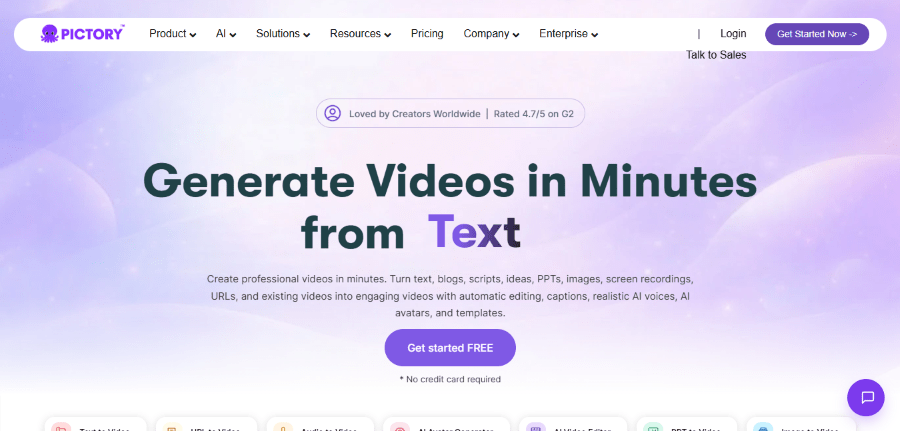
Pictory focuses on making video creation accessible to people who may not have professional video editing skills. Its AI tools can turn text, scripts, articles, images, and existing video into finished video projects.
This makes Pictory especially relevant to website owners who already have written content. A blog post, for example, can become the starting point for a video rather than requiring the marketing team to create a completely new script and storyboard.
The platform also includes automatic captioning, AI voiceovers, video summaries, and editing tools designed to reduce the amount of manual work required.
Key Features
- Text to Video: Turn written material into video.
- Script to Video: Build videos from prepared scripts.
- Blog to Video: Convert existing blog content into video presentations.
- AI Voiceovers: Add AI-generated narration.
- Automatic Captions: Generate captions for videos.
- Video Summarization: Create shorter versions from longer videos.
- Text-Based Editing: Edit video by working with its transcript.
- Stock Media: Access stock video, images, and music.
- Branding: Apply brand elements to video projects.
- Video Highlights: Extract useful sections from longer content.
- AI Video Editor: Automate parts of the editing process.
Pictory Pricing
Pictory currently offers:
- Starter: $29 per month, or $25 per month when billed annually.
- Professional: $59 per month, or $35 per month when billed annually.
- Teams: $119 per month, or billed annually.
Pictory also offers a free trial so users can test its video creation tools before purchasing.
Pros and Cons
Pros
- Easy to use for non-editors.
- Useful for turning written content into videos.
- Includes captions and AI voiceovers.
- Can repurpose existing content.
- Offers stock media.
Cons
- Less focused on cinematic generation than Runway.
- AI-generated videos still need review.
- Advanced team features require a higher plan.
For Whom Pictory Is Built For
Pictory is a good choice for bloggers, publishers, marketers, coaches, educators, and businesses that already have written content they want to turn into videos.
If a website has dozens of useful articles but little video content, Pictory can provide a practical bridge between those two formats. Instead of starting each video from a blank timeline, the existing article becomes the foundation.
Which AI Video Creation Tool Should You Buy?
The four platforms serve noticeably different needs.
Runway is the better choice for creative teams that want generated visual scenes and more experimental video production.
Synthesia is suited to professional presenter-led videos, especially training, education, onboarding, and business communication.
HeyGen is a strong choice for businesses that need AI presenters, personalized videos, and multilingual video translation.
Pictory makes the most sense for website owners who already have written content and want to turn it into videos without learning professional editing software.
The implications of not using AI video tools are straightforward. Traditional video production still offers excellent results, particularly when a real product, location, or person needs to be filmed. However, it can require more planning and resources. AI tools can reduce the barrier to producing certain types of videos, especially explainers, educational material, promotional content, and content repurposing.
That does not mean every website needs an AI video subscription. If video is rarely used, paying for a dedicated platform may not be worthwhile. But for businesses that publish frequently or need videos for multiple markets, one of these tools can turn video production from an occasional project into a regular part of the content strategy.
