Backups are one of the few things WordPress website owners only truly appreciate after disaster strikes.
A failed plugin update, malware infection, hosting issue, accidental deletion, or broken WooCommerce checkout can take an entire website offline within minutes. For businesses, agencies, online stores, and membership websites, downtime does not only hurt traffic, it affects customer trust, sales, SEO rankings, and revenue.
For years, BackupBuddy was one of the most recognized names in the WordPress backup space. After the product became part of the SolidWP lineup under StellarWP and later moved deeper into the Liquid Web ecosystem, many users started reevaluating their backup strategy.
Some website owners became concerned about the growing focus on bundled hosting ecosystems instead of standalone WordPress tools. Others started looking for more modern backup systems with incremental backups, cloud-first infrastructure, WooCommerce protection, staging environments, and easier recovery workflows.
That is why more users today are actively searching for reliable SolidWP Backups alternatives that offer stronger performance, modern cloud backup technology, and better long-term flexibility for WordPress websites.
In this guide, we will compare some of the best alternatives available for WordPress users, agencies, WooCommerce stores, and businesses looking for dependable website protection.
Why Many WordPress Users Are Moving Away From Traditional Backup Plugins
The way websites are managed has changed significantly over the past few years.
Modern WordPress websites handle online payments, memberships, bookings, customer data, and dynamic content updates daily. For these websites, simple manual backups are no longer enough.
Website owners now expect backup solutions that can:
- Run automated cloud backups without slowing down websites
- Protect WooCommerce orders in real time
- Create restore points before updates
- Handle large websites efficiently
- Support staging and migration workflows
- Reduce server resource usage during backups
- Restore websites quickly after failures
Another factor influencing buying decisions is the recent consolidation happening inside the WordPress industry.
After several popular WordPress products moved under larger hosting-focused brands and ecosystems, many users started prioritizing independent tools that focus directly on product quality, innovation, and long-term WordPress usability rather than aggressive ecosystem bundling.
The right backup solution today is not just about creating ZIP files. It is part of your website security, business continuity, uptime strategy, and operational stability.
Comparison Table of Top SolidWP Backups Alternatives
| Plugin | Backup Type | Best For | Key Advantage | Starting Price |
| Duplicator | Backup and migration plugin | Agencies and developers | Strong migration and recovery tools | $99/year |
| BlogVault | Cloud backup platform | High-traffic and WooCommerce websites | Incremental cloud backups | $99/year |
| Jetpack VaultPress Backup | Real-time cloud backup | Content-heavy websites | Real-time backup protection | $9.95/month Billed yearly |
| WP Time Capsule | Incremental backup plugin | Developers and agencies | Lightweight cloud backup system | $49/year |
| WPvivid | Backup and migration plugin | Small businesses and bloggers | Affordable all-in-one backup solution | $49/year |
1. Duplicator
Get up to 60% OFF on Duplicator
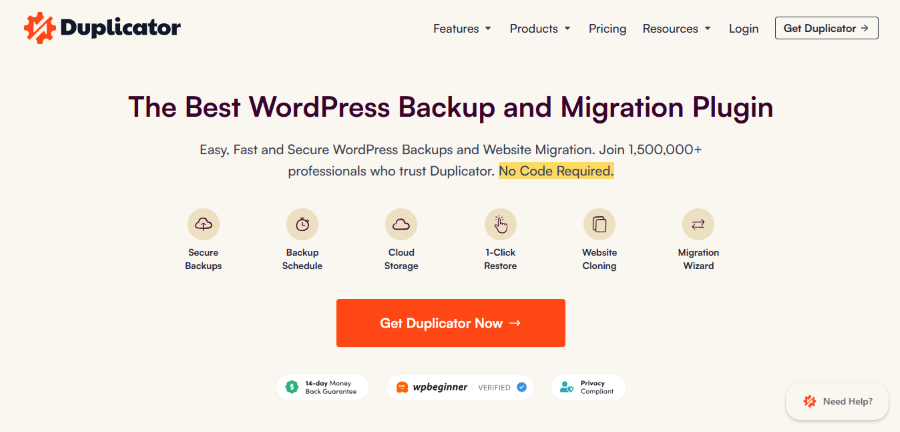
Duplicator is one of the most widely used WordPress backup and migration plugins. It is known for simplifying website backups, migrations, cloning, and restores for beginners and advanced users.
Unlike many traditional backup plugins, Duplicator focuses heavily on website migration and package creation. Users can create complete WordPress backup packages and move websites between domains or hosting providers with fewer technical steps.
The plugin is popular among freelancers, agencies, developers, and business owners who regularly manage multiple WordPress websites.
Another reason Duplicator stands out is its balance between beginner-friendly tools and advanced backup controls. Users can create scheduled backups, store backups in the cloud, and restore websites quickly when problems occur.
Key Features
- Scheduled cloud backups: Duplicator supports automatic backups and cloud storage integrations to protect website data regularly.
- Easy website migration: Users can clone or migrate WordPress websites without manually moving files and databases.
- Disaster recovery support: The plugin includes recovery options that help restore websites after crashes or failed updates.
- Large website support: Duplicator is designed to handle large WordPress websites more efficiently than many standard backup plugins.
Pricing
At the time of writing:
- Basic Plan: Starts at $99/year
- Plus Plan: Starts at $199/year
- Pro Plan: Starts at $399/year
- Elite Plan: Starts at $599/year
A free version is also available with limited features.
Best For
Duplicator works well for:
- Agencies managing multiple websites
- Freelancers handling client migrations
- WooCommerce websites
- Businesses needing full-site backup control
- Developers working with staging environments
2. BlogVault
Get 50% OFF on BlogVault
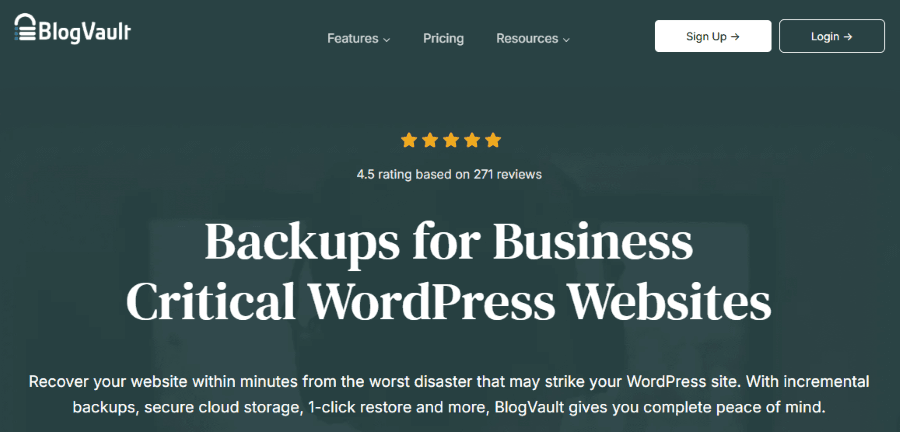
BlogVault takes a very different approach compared to traditional WordPress backup plugins.
Instead of running backups directly on your hosting server, BlogVault uses its own cloud infrastructure to process backups externally. This significantly reduces server load and minimizes performance issues during backup operations.
That cloud-first architecture is one of the main reasons BlogVault became popular among WooCommerce stores, publishers, agencies, and high-traffic WordPress businesses.
Another major advantage is incremental backup technology. Rather than generating complete backups repeatedly, BlogVault only saves the changes made since the previous backup.
This improves efficiency, reduces storage usage, and makes backup operations much faster.
Key Features
- Incremental cloud backups: BlogVault backs up only website changes, which helps improve performance and backup efficiency.
- One-click website restore: Users can restore websites quickly without complex technical processes.
- Built-in staging environment: The platform allows users to test updates and plugin changes safely before pushing them live.
- WooCommerce backup support: BlogVault protects real-time order and customer data for WooCommerce websites.
Pricing
At the time of writing:
- Plus Plan: Starts around $99/year
- Prime Plan: Starts around $299/year
- Pro Plan: Starts around $499/year
Pricing depends on storage limits and advanced features.
Best For
BlogVault is ideal for:
- WooCommerce stores
- High-traffic WordPress websites
- Agencies managing client websites
- Businesses needing offsite backups
- Website owners focused on uptime and performance
3. Jetpack VaultPress Backup
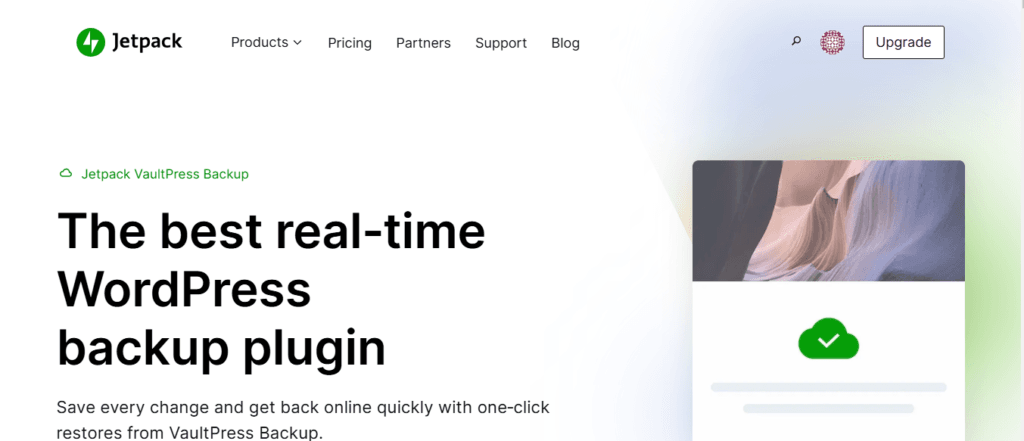
Jetpack VaultPress Backup is developed by Automattic, the company behind WordPress.com.
The platform focuses heavily on real-time cloud backups and beginner-friendly website recovery. Because it integrates directly with the Jetpack ecosystem, it works well for users already using Jetpack security and performance tools.
VaultPress Backup is particularly useful for WooCommerce stores and content-heavy websites where losing even a few minutes of data could become costly.
Its real-time backup system continuously saves website changes as they happen, helping protect orders, transactions, customer accounts, and publishing workflows.
Key Features
- Real-time cloud backups: Jetpack VaultPress Backup automatically saves website changes as they happen.
- One-click restore system: Users can restore websites quickly from backup points without advanced technical knowledge.
- Activity log tracking: The platform records website changes, updates, and actions for easier troubleshooting.
- WooCommerce compatibility: The service protects customer orders and transaction data for online stores.
Pricing
At the time of writing:
- Backup Daily Plan: Starts at around $9.95/month billed annually
- Backup Real-Time Plan: Starts at around $19.95/month billed annually
Pricing may vary based on Jetpack bundles and promotions.
Best For
Jetpack VaultPress Backup works best for:
- WooCommerce stores
- Bloggers and publishers
- Membership websites
- Content-heavy websites
- Users already using Jetpack services
4. WP Time Capsule
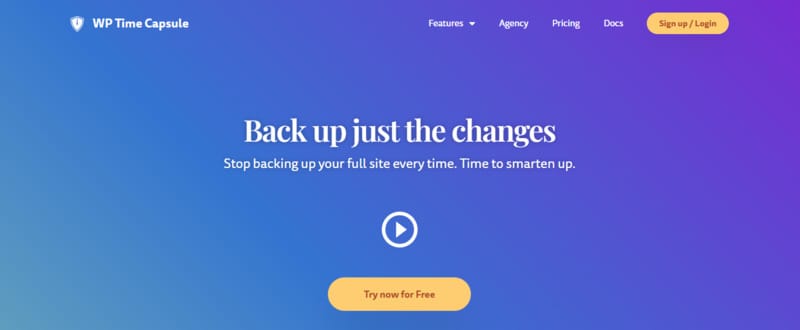
WP Time Capsule is a WordPress backup plugin designed for users who want lightweight and efficient backup management.
Unlike many traditional backup plugins, WP Time Capsule focuses on incremental backups and cloud storage integrations. The plugin saves only recent website changes instead of repeatedly backing up the entire website.
This helps reduce server load and improve backup performance.
WP Time Capsule also focuses heavily on staging and update testing features, which makes it useful for developers and agencies managing active WordPress websites.
Another advantage is its direct integration with cloud storage services like Google Drive, Dropbox, and Amazon S3.
Key Features
- Incremental backups: WP Time Capsule only saves changed website files and database updates to improve efficiency.
- Cloud storage integration: Users can store backups directly in cloud services like Google Drive and Dropbox.
- Staging and update testing: The plugin allows users to test updates before applying them to live websites.
- Automatic restore points: WP Time Capsule creates restore points before WordPress updates and plugin changes.
Pricing
At the time of writing:
- Agency Plan: Starts around $199/year
- Freelancer Plan: Starts around $99/year
- Business Plan: Starts around $49/year
Pricing depends on the number of websites supported.
Best For
WP Time Capsule is suitable for:
- Developers and agencies
- Website owners needing lightweight backups
- Businesses using cloud storage systems
- Websites requiring update testing
- WordPress professionals managing multiple sites
5. WPvivid
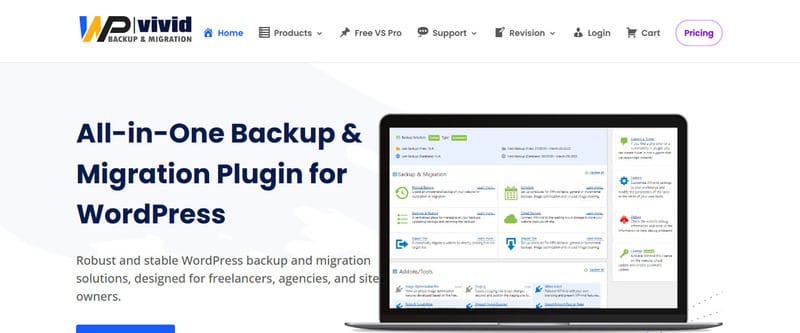
WPvivid is a growing WordPress backup and migration plugin known for combining backup, restore, staging, and migration tools into one platform.
The plugin has gained popularity because it offers many advanced features without complicated setup processes.
WPvivid supports automatic backups, cloud storage, website migration, and staging features for WordPress users.
It is often used by small businesses, agencies, bloggers, and WooCommerce store owners who want an affordable all-in-one backup solution.
Another reason users choose WPvivid is its flexible scheduling system and support for major cloud storage providers.
Key Features
- Automatic scheduled backups: WPvivid allows users to create recurring backups for files and databases automatically.
- Website migration tools: The plugin simplifies WordPress migration between hosting providers and domains.
- Cloud storage support: Users can connect backup storage with Google Drive, Dropbox, OneDrive, and other services.
- Staging functionality: WPvivid includes staging features for testing updates and website changes safely.
Pricing
At the time of writing:
- Basic Plan: Starts around $49/year
- Freelancer Plan: Starts around $69/year
- Agency Plan: Starts around $99/year
- Ultimate Plan: Starts around $149/year
A free version is also available.
Best For
WPvivid works well for:
- Small businesses
- Agencies and freelancers
- Bloggers
- WooCommerce websites
- Users needing affordable backup management
The Real Cost of Weak Backup Systems
Many website owners still underestimate how expensive downtime can become.
A failed update during a busy sales period can interrupt revenue immediately. Malware infections can damage SEO rankings and customer trust. Poor backup systems can also create recovery delays that take hours or even days to resolve.
For WooCommerce stores, membership websites, LMS platforms, and business websites, reliable backups are directly tied to operational continuity.
Modern backup solutions help businesses:
- Recover websites faster after failures
- Reduce downtime
- Protect customer and payment data
- Safely test updates using staging
- Improve migration workflows
- Protect real-time WooCommerce transactions
- Maintain business continuity during emergencies
That is why more businesses are moving away from outdated backup systems that rely heavily on manual processes or server-intensive full backups.
Risks of Not Using Advanced Backup Tools
Some website owners still rely on manual backups or outdated backup plugins.
That can create serious risks, especially for websites handling customer data or daily transactions.
Common problems include:
- Lost customer orders
- Broken websites after updates
- Malware-related data loss
- Long recovery times
- Failed website migrations
- Server overload during backups
- Incomplete backup files
Without a reliable backup system, recovering a website after a major issue can become difficult and expensive.
For growing businesses, even a few hours of downtime can affect revenue and brand reputation.
Which SolidWP Backups Alternative Should You Choose?
The right backup platform depends on how your WordPress website operates.
If you regularly migrate websites or manage client projects, Duplicator offers some of the strongest migration and disaster recovery tools available.
If you want cloud-based backups with minimal server impact, BlogVault is an excellent option for growing businesses and WooCommerce stores.
If real-time backup protection matters most, Jetpack VaultPress Backup provides strong protection for content-heavy and transactional websites.
WP Time Capsule is ideal for users who want lightweight incremental backups with flexible cloud storage integration.
If affordability and simplicity are priorities, WPvivid delivers strong value while combining multiple backup workflows into one platform.
Final Thoughts
Choosing the best SolidWP Backups alternatives is not only about backup storage.
It is about protecting your website, customer data, business operations, and online reputation.
Modern WordPress websites require backup systems that are fast, automated, and reliable during emergencies. The plugins and platforms listed above each offer different strengths based on website size, technical needs, and business goals.
Some focus on migration and recovery, while others prioritize cloud infrastructure, staging, or real-time protection.
Before selecting a backup solution, evaluate how often your website changes, how important uptime is for your business, and how quickly you may need to restore your website during a crisis.
That approach will help you choose a backup system that supports your WordPress website as it grows.