Most people spend way too much time picking a WordPress theme when starting a blog. It’s easy to get pulled in by designs that look impressive but end up slowing your site down or making things harder to manage.
A minimalist theme keeps things simple. It helps your website load faster, looks clean on all devices, and makes your content easier to read. Instead of focusing on design clutter, it puts the spotlight on what really matters: your words.
This guide covers the most reliable minimalist themes available for WordPress. We have selected these based on their speed, how easy they are to customize, and the reputation of the developers behind them.
Top Minimalist WordPress Blog Themes for 2026
1. Kadence Theme
Get 10% OFF on Kadence Theme
KADENCE10
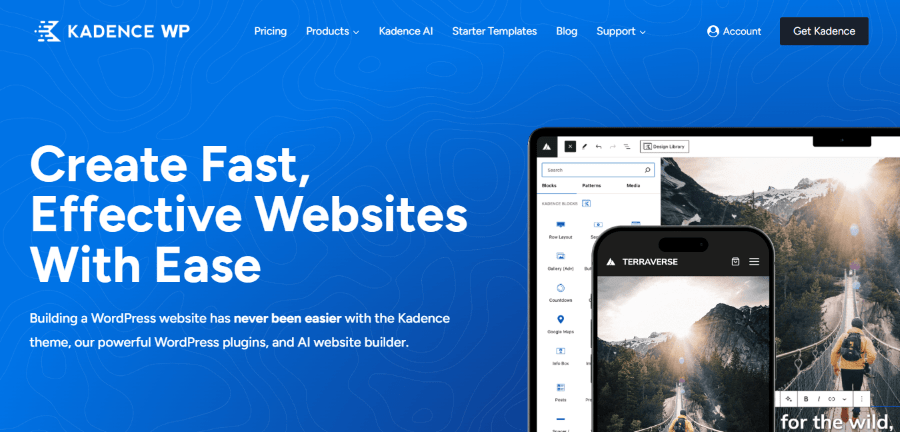
Kadence WP was founded by Ben Ritner, a designer and developer who wanted to create tools that were both performance-driven and extremely versatile. Based in Missoula, Montana, Kadence has quickly climbed the ranks to become a favorite for niche site owners and professional bloggers. Ben and his team focus on “empowerment,” providing a theme that gives you granular control over your layout without needing a single line of code.
Kadence is specifically loved by the blogging community for its “Blocks” plugin, which extends the standard WordPress editor. It allows you to build complex blog layouts (like pros and cons lists or comparison tables) that are natively mobile-responsive and load much faster than those built with traditional page builders.
Key Blogger Features:
- Header/Footer Builder: Create a minimal, transparent, or sticky header to improve navigation.
- Related Posts & Breadcrumbs: Built-in features to keep readers clicking through your archive.
- Infinite Scroll: Automatically load the next post as the reader reaches the bottom of an article.
- Display Reading Time: Shows users how long it will take to read your post, increasing click-through rates.
- Hooked Elements: Insert specific content (like an email signup form) automatically before or after your blog posts.
Pricing:
- Annual Billing:
- Express Plan: $69/year
- Plus Plan: $169/year
- Ultimate Plan: $299/year
2. GeneratePress
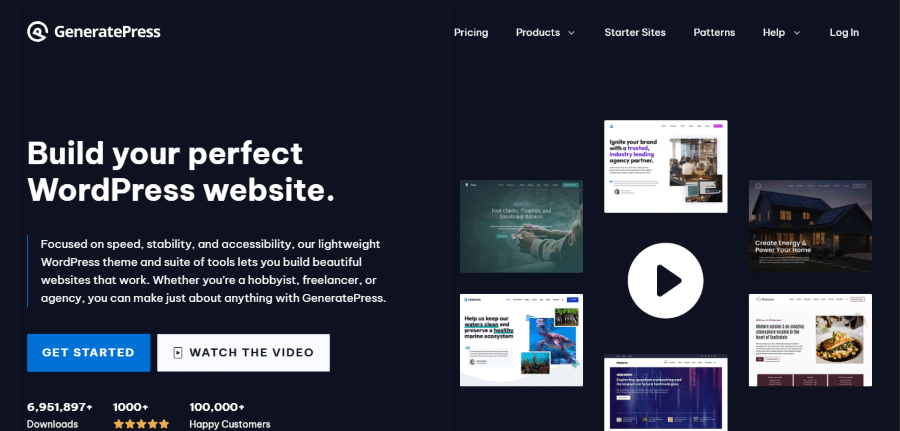
Tom Usborne, a veteran developer from Canada, launched GeneratePress through his studio, EDGE22. His goal was simple: create the fastest, cleanest theme possible. GeneratePress has gained a “cult-like” following among professional bloggers because it prioritizes performance over flashy features. The company is known for its world-class support forum, where the founder himself often answers user questions.
The theme is built using a modular system, meaning you only activate the parts you actually need. This “clean-code” approach ensures that your blog stays fast even as you add hundreds of articles. It is the gold standard for bloggers who care about search engine rankings and a smooth mobile experience.
Key Blogger Features:
- Advanced Layout System: Control the sidebar, margins, and padding for every individual post.
- Dynamic Content Blocks: Create custom “Author Boxes” or “Related Posts” without extra plugins.
- Tiny File Size: The core theme is less than 10kb, making it one of the lightest themes in existence.
- Sticky Navigation: Keeps your menu at the top so readers can find your search bar easily.
- Mobile Header Options: A separate, simplified menu just for users on smartphones.
Pricing:
- Annual Billing:
- GP Premium: $59/year
- GeneratePress One: $149/year (Includes GP Premium + GenerateBlocks Pro).
3. Neve
Get 50% OFF on Neve Theme
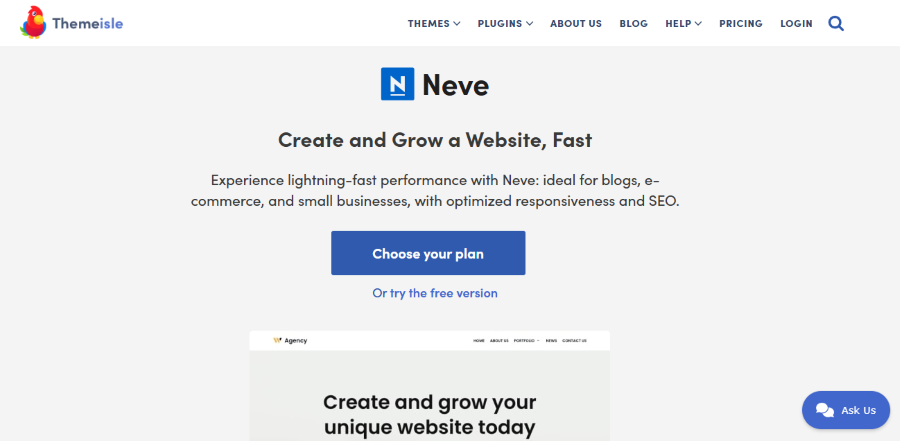
Neve is the flagship theme from ThemeIsle, a company founded by Adelina Tuca and Rodica Mistrea. Based in Romania, ThemeIsle is famous for creating user-friendly WordPress tools that “just work.” Neve was designed for the mobile-first era, ensuring that your blog looks as good on a five-inch phone screen as it does on a twenty-seven-inch desktop monitor.
What makes Neve stand out is its balance between minimalism and modern style. It feels a bit more “polished” and contemporary than older themes. If you want a blog that looks like a high-end tech magazine or a modern lifestyle site without the lag, Neve is a top-tier choice.
Key Blogger Features:
- AMP Compatible: Works with “Accelerated Mobile Pages” for near-instant loading on mobile search results.
- Header & Footer Builder: A drag-and-drop tool to organize your logo and social media links.
- Content Width Control: Easily adjust how wide your text appears to make reading easier on the eyes.
- Adobe Fonts Integration: Simple access to high-quality professional typography.
- Rollback Feature: Easily switch back to a previous version of the theme if an update causes issues.
Pricing:
- Annual Billing:
- Personal: $139/year
- Business: $299/year
- Agency: $519/year
4. Divi
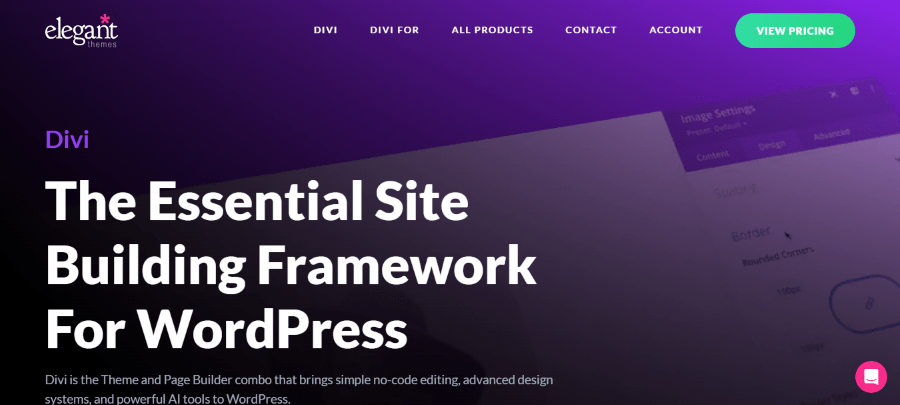
Get up to 72% OFF on Divi
Divi is the flagship product of Elegant Themes, founded by Nick Roach in 2008. Nick started the company in his college apartment and has since built one of the most successful WordPress theme businesses in history. Divi was created to bridge the gap between complex coding and visual design, allowing anyone to build a high-end site through a proprietary “Visual Builder” that lets you see your changes in real-time.
While Divi is known for its heavy customization, it can be stripped down to create incredibly beautiful, minimalist blog layouts. It is a great choice for bloggers who want a “forever theme” that can evolve from a simple personal diary into a complex media publication or digital storefront without ever needing to switch themes.
Key Blogger Features:
- Visual Drag-and-Drop Builder: Design your blog posts on the front end exactly how they will appear to readers.
- A/B Split Testing: Test two different headlines or layouts to see which one keeps readers on your site longer.
- Built-in Social Sharing (Monarch): Includes a premium social sharing plugin to help your stories go viral.
- Divi AI: Use integrated AI to help write blog content, generate images, or improve your existing text.
- Global Presets: Create a signature look for your block quotes or images and apply it site-wide instantly.
Pricing:
- Annual Billing:
- Divi Plan: $89/year
- Divi Pro: $277/year (Includes AI, Cloud, and VIP Support)
- Lifetime Access:
- Divi (Basic): $249 (One-time)
- Divi Pro (1st Year): $297 for first year, then $212/year
5. Oxygen
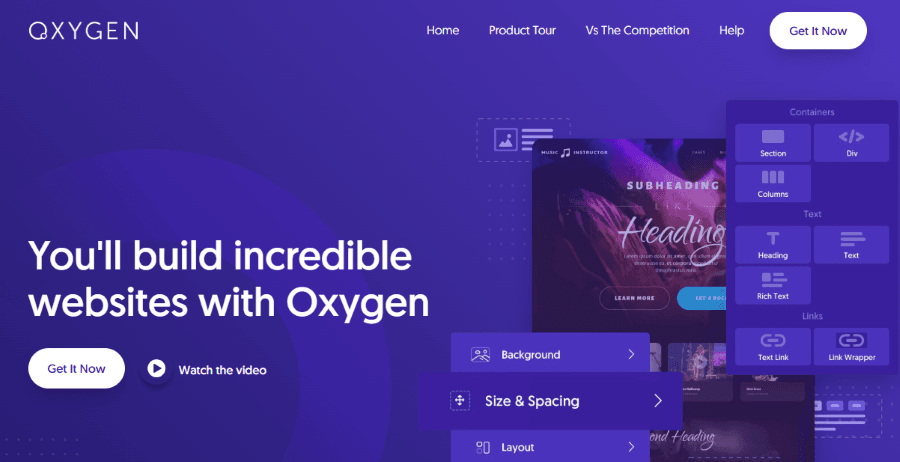
Oxygen is a product of Soflyy, founded by Louis Reingold. Louis, who learned to code at age 11, designed Oxygen to be the “developer’s builder.” Unlike traditional themes, Oxygen completely replaces the WordPress theme system to produce the cleanest HTML and CSS possible. It is widely considered the ultimate tool for those who prioritize site speed above all else.
For a blogger, Oxygen provides a “blank slate.” It doesn’t come with any pre-designed bloat, meaning your blog will only have the code you explicitly put there. While it has a steeper learning curve than Astra or Divi, it offers unmatched control over dynamic data, making it perfect for complex blogs with custom post types or unique design requirements.
Key Blogger Features:
- Zero Bloat Performance: Produces incredibly lightweight code, resulting in lightning-fast load times.
- Advanced Content Templates: Create a single “Blog Post Template” and apply it to thousands of articles at once.
- Full Control over HTML/CSS: A “class-first” workflow that feels more like professional web development.
- Dynamic Data Integration: Easily pull in custom fields or user data to create personalized blog experiences.
- SVG Support: Use sharp, lightweight vector graphics for your logo and icons instead of heavy images.
Pricing:
- Annual Billing: Oxygen does not offer annual subscriptions.
- Lifetime Access:
- Basic: $129 (One-time)
- WooCommerce: $149 (One-time)
- Ultimate: $179 (One-time)
6. Blocksy
Blocksy was created by Sergiu Radu and Andrei Glingeanu through their company, CreativeThemes. Based in Moldova, the duo built Blocksy using the latest web technologies like React and Webpack to ensure the interface is as fast as the resulting website. Blocksy was designed from the ground up to be the perfect companion for the “Gutenberg” block editor, making it feel like a natural extension of WordPress.
It is arguably the most modern-feeling theme on this list. It features a hyper-intuitive “Customizer” that allows you to see every design change in real-time. For a new blogger, Blocksy provides a professional, “slick” look that usually requires expensive developers, all while maintaining a minimal footprint.
Key Blogger Features:
- Live Preview Customizer: Tweak your blog’s spacing, colors, and typography and see the results instantly.
- Social Sharing Extensions: Integrated tools to let readers share your content to Pinterest, Facebook, and more.
- Custom Post Type Support: Easily create different styles for your “Reviews” vs. your “News” articles.
- Native Lazy Loading: Only loads images as the reader scrolls to them, significantly improving initial speed.
- Dark Mode Support: Allow your readers to toggle between light and dark themes for a better reading experience.
Pricing:
- Annual Billing:
- Personal (1 site): $69/year
- Business (10 sites): $99/year
- Agency (Unlimited): $149/year
- Lifetime Access:
- Personal: $199 (One-time)
- Business: $299 (One-time)
- Agency: $499 (One-time)
7. Hemingway
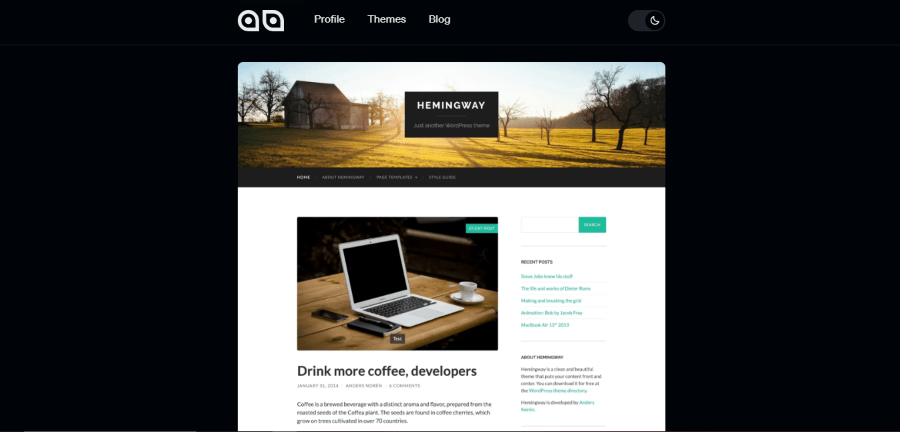
Hemingway was created by Anders Norén, a Swedish designer who is a legend in the WordPress community. Unlike the other themes on this list, Anders releases all of his themes for 100% free as a contribution to the web. Hemingway is his tribute to classic blogging—it is simple, elegant, and designed specifically for long-form writing.
There are no confusing settings or “pro” versions here. You install it, upload a header image, and start writing. It uses a beautiful two-column layout that feels nostalgic but looks sharp on modern high-resolution screens. It’s the perfect “set it and forget it” theme for writers who just want to write.
Key Blogger Features:
- Beautiful Typography: Uses the “Lato” font by default, which is highly readable for long articles.
- Parallax Header Effect: A subtle visual touch that makes your header image move as you scroll.
- Custom Accent Colors: One setting to change the theme’s highlight color to match your brand.
- Classic Sidebar: A dedicated space for your “About Me” blurb and recent posts.
- Retina Ready: Ensures all icons and text look crisp on iPhones and MacBooks.
Pricing:
- 100% Free: No premium versions or hidden costs.
8. OceanWP
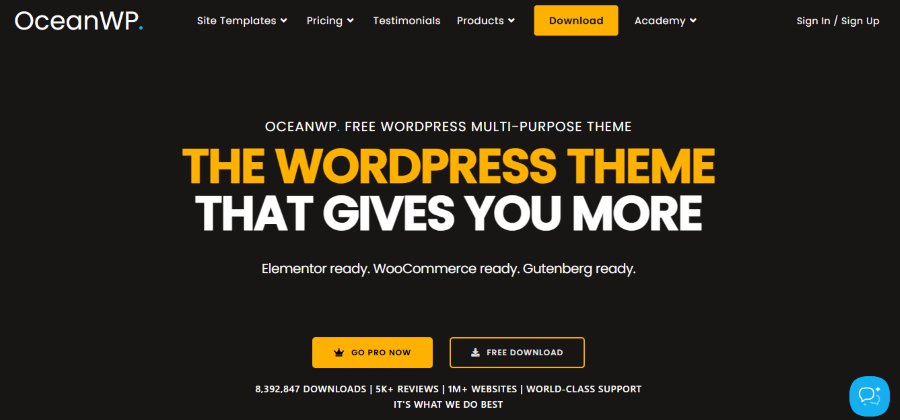
OceanWP was started by Nicolas Lecocq in 2016. It quickly became famous for offering “premium features” for free. Nicolas wanted to democratize high-quality web design, and although the company has since grown into a larger team, that spirit remains. It is slightly more “feature-heavy” than GeneratePress, but it keeps those features tucked away until you need them.
OceanWP is an excellent choice if you plan on expanding your blog into a business. If you think you might eventually sell an e-book, a course, or physical products, OceanWP has the best built-in tools for e-commerce while still maintaining a clean, minimalist aesthetic for your articles.
Key Blogger Features:
- Built-in Social Sharing: No need for slow third-party plugins to get “Share on X” buttons.
- Multiple Blog Styles: Choose between Grid, Masonry, or Large Image layouts with one click.
- Off-Canvas Filter: A clean way for users to filter your blog categories without cluttering the screen.
- Custom Page Titles: Change the look of your title area for different categories.
- Highly Customizable Mobile Menu: Ensure your navigation is easy to use for touchscreens.
Pricing:
- Annual Billing:
- Starter (1 site): $26/year
- Personal (3 sites): $32/year
- Business (10 sites): $53/year
- Agency (300 sites): $95/year
- Lifetime Access:
- Starter (1 site): $176/year
- Personal (3 sites): $222/year
- Business (10 sites): $356/year
- Agency (300 sites): $636/year.
Choosing the Right Minimalist Theme
When picking your theme, focus on how the text looks. Your readers are coming for your ideas, not your animations.
- If you want the fastest possible site, go with GeneratePress or Oxygen.
- If you want the easiest setup, go with Astra.
- If you want the most modern interface and features, go with Blocksy or Kadence.
- If you want a classic writer’s look for free, go with Hemingway.
Conclusion
In the end, choosing a minimalist WordPress theme is about keeping things simple and focused. A clean design helps your content stand out, loads faster, and gives your readers a better experience. You don’t need too many features to start a successful blog.
Pick a theme that matches your needs, set it up, and move forward. What really matters is the value you provide through your writing. Keep it simple, stay consistent, and your blog will grow over time.