The right WordPress theme in 2026 is important because website visitors now expect fast loading speeds, a clean design, and smooth navigation across all devices. If your site feels slow, outdated, or difficult to use, people will leave within seconds. The theme or site builder you choose directly affects your website’s performance, SEO rankings, user experience, and how easy it is for you to manage and grow your site.
We are comparing Kadence WP, GeneratePress, and Bricks Builder because these three WordPress themes represent the most popular and trusted approaches to building modern WordPress websites. Kadence focuses on ease of use and built-in features, GeneratePress is known for speed and clean performance, and Bricks Builder offers full visual design control. By comparing them side by side, you can clearly see their strengths, weaknesses, and which option best fits your needs in 2026.
The Real Cost of a Slow Website
Before we get into the nitty-gritty, let’s talk about why this choice matters for your wallet. If your website takes more than 3 seconds to load, you are essentially throwing money away. Research by Portent shows that a site that loads in 1 second has a conversion rate 3x higher than a site that loads in 5 seconds.
Using high-quality products like these three means:
- Happier Visitors: Nobody likes waiting for a page to “chug” along.
- Better SEO: Google officially uses page speed as a ranking factor.
- Less Stress: You won’t need 20 extra plugins to do basic things like building a header or adding a pop-up.
When you ignore these modern tools and stick with old, “bloated” themes, your site becomes a digital anchor. It’s heavy, hard to move, and eventually, it sinks your business goals.
Kadence vs GeneratePress
This is the classic debate. Both of these are “Gutenberg-first” themes. This means they work with the standard WordPress editor rather than replacing it. If you want a site that feels “native” to WordPress, this is where you start.
1. Kadence: The Feature-Packed Friendly Giant
Get 10% OFF on Kadence Theme
KADENCE10
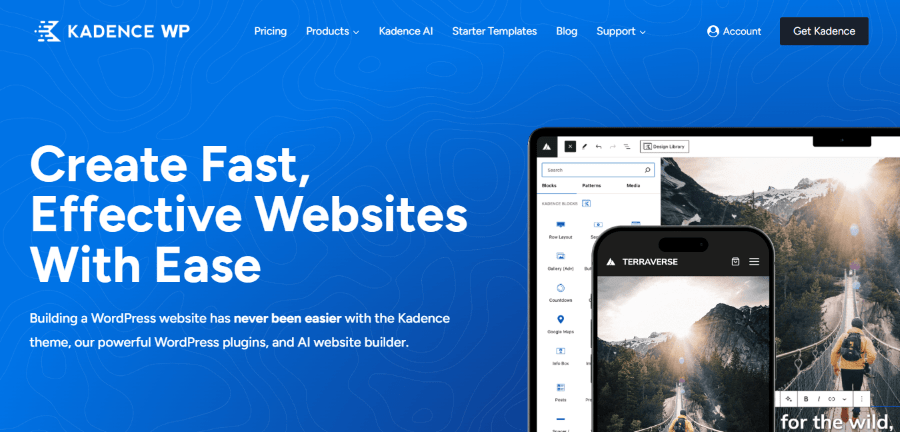
Kadence has taken the WordPress world by storm because it offers so much in its free version. It feels like a premium product even before you spend a dime.
The Workflow Experience Building with Kadence feels intuitive. You spend most of your time in the “Customizer” or using Kadence Blocks. Their drag-and-drop header and footer builder is arguably the best in the industry. You simply drag “elements” like your logo, a button, or a search bar into a grid, and it just works.
Unique Features in 2026
- Kadence AI: This is a game-changer for busy professionals. You tell the AI what your business does, and it populates your entire site with relevant text and royalty-free images. It takes the “blank page” fear away.
- Hooked Elements: This allows you to place custom content anywhere on your site based on rules. Want a “Sale” banner to only show up on blog posts in the “Marketing” category for logged-in users? Kadence makes that easy.
- Design Library: They offer “sections” rather than just full pages. You can browse a library of professionally designed “Contact” sections or “Hero” areas and drop them right into your page.
Kadence Pricing Plans
- Free Version: Includes the theme and basic blocks.
- Theme Kit Pro ($99/year): Gives you the basic Theme and basic Blocks. Great for most small businesses.
- Plus Plan ($169/year): This is for power users. It adds the Creative Kit, Custom Fonts, CAPTCHA, Theme Kit Pro, and Blocks Pro.
- Ultimate Bundle ($299): All pro features, and get every update and new product Kadence ever makes.
2. GeneratePress: The Lightweight Speed Champion
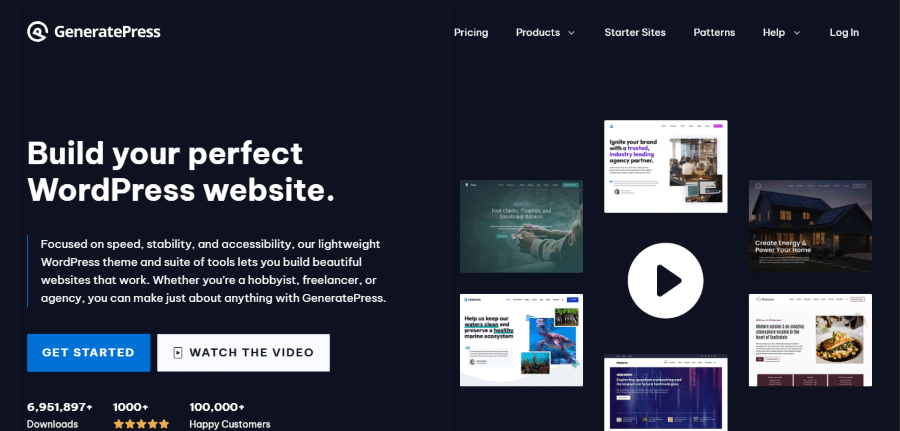
If Kadence is a feature-packed SUV, GeneratePress is a finely tuned racing bike. It is stripped of all unnecessary weight to give you the fastest possible performance.
The Workflow Experience GeneratePress is more minimalist. It doesn’t “hold your hand” as much as Kadence does. Instead, it gives you a clean, stable foundation. To get the most out of it, you use the “Elements” module. This is where you can create custom headers, footers, and layouts using their companion plugin, GenerateBlocks.
Unique Features in 2026
- The Elements System: While Kadence has something similar, the GP Elements system is famous for being incredibly stable and developer-friendly.
- Global Colors and Typography: Their system for managing styles is very lean. It doesn’t add extra code to your site, keeping your “PageSpeed” scores at 100.
- Modular Design: Don’t need the WooCommerce features? Turn them off. Don’t need the secondary navigation? Turn it off. This “modular” approach ensures your site only loads what it absolutely needs.
GeneratePress Pricing Plans
- Free Version: No free version available.
- Annual Plan ($59/year): Includes all premium modules, the Site Library, and support for up to 500 websites.
- GenerateCloud ($99): Create unlimited libraries, create unlimited public keys and 1 year of updates and support
Kadence vs GeneratePress: The Comparison
When comparing Kadence vs GeneratePress, it usually comes down to your technical comfort level.
- Kadence is more “visual.” You can do more without needing to understand how WordPress “hooks” work. It includes “extras” like a built-in table of contents and advanced forms.
- GeneratePress is “cleaner.” It is for the person who wants to build a site once and never worry about it breaking. It is the favorite of professional developers who build sites for clients.
Kadence vs Bricks Builder
This is where the conversation gets interesting. While Kadence enhances the WordPress experience, Bricks Builder changes it entirely.
1. Bricks Builder: The Visual Architect
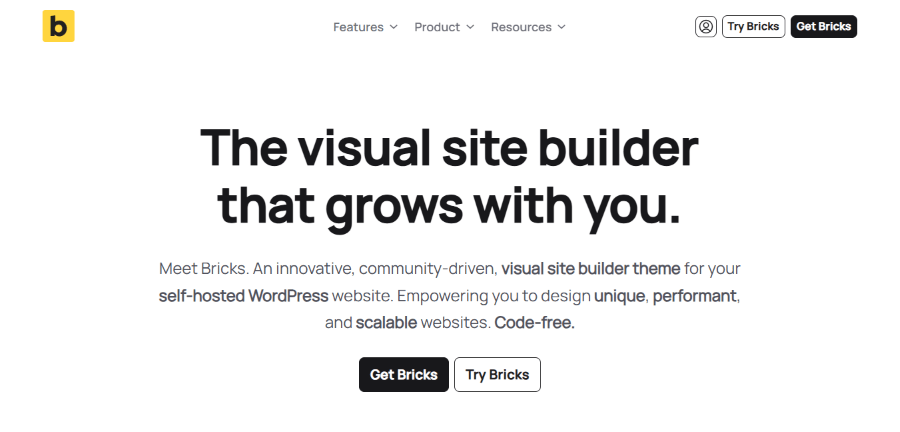
Bricks isn’t just a theme; it is a visual site builder. It replaces the WordPress Gutenberg editor with its own high-speed interface. Imagine a professional design tool like Figma, but it lives inside your website and builds the code for you.
The Workflow Experience In Bricks, you work on the “front end.” You click on a headline, change the color, and see the change instantly. It is incredibly fast. Unlike older builders like Elementor or Divi, which can feel “laggy,” Bricks feels like a desktop application.
Unique Features in 2026
- Class-Based Styling: This is a pro-level feature. You can create a “CSS Class” for your buttons. If you decide later that every button on your site should have a 10px rounded corner, you change it in one place, and the whole site updates. This saves hours of work.
- Query Loop Builder: This is the most powerful way to show your content. You can design exactly how your “Recent Posts” look with total visual control.
- Interactions: Want a menu to slide in from the left when a user clicks a specific icon? You can build that interaction visually without a single line of JavaScript.
Bricks Builder Pricing Plans
- Free Version: No free version available
- Starter – 1 Website ($79/year)
- Business – 3 Websites ($149/year)
- Agency – Unlimited Websites ($249/year)
2. Comparing the “Design Freedom”
When looking at Kadence vs Bricks Builder, the biggest difference is how much you can change.
Kadence is great if you like the “blocks” approach. You are limited by what the block editor can do, which is usually plenty for most people. It is safer because even if you switch themes, your content is still there in the block editor.
Bricks Builder offers 100% freedom. You can move things to the pixel, create complex animations, and build layouts that aren’t possible in a standard theme. However, this comes with “lock-in.” If you ever want to stop using Bricks, you will have to rebuild your design from scratch because it doesn’t use standard WordPress blocks.
Who wins the Kadence vs Bricks Builder battle?
- Kadence wins for efficiency and ease of use. It is perfect for someone who wants to “set it and forget it” while having a site that looks professionally designed.
- Bricks Builder wins for customization. It is for the creative professional or agency owner who wants to build unique, high-end websites that look like they cost $10,000 to develop.
If you are just starting and have a very tight budget, GeneratePress at $59/year is unbeatable. If you are building an online store, Kadence is the best investment because its “Shop Kit” saves you from buying $300 worth of extra WooCommerce plugins. If you are a designer starting an agency, the Bricks Builder lifetime deal at $599 is a professional tool that will pay for itself after one client project.
The Implications of Your Choice
What happens if you choose the wrong one? It isn’t the end of the world, but it can be annoying.
The “Kadence” Pitfall: Because Kadence has so many features, it is easy to get carried away. If you turn on every single feature and use 50 different “Pro” blocks on one page, your site will eventually slow down. It requires a bit of discipline to keep things lean.
The “GeneratePress” Pitfall: You might find yourself searching for “how to do X in GeneratePress” and finding a bunch of code snippets. If the sight of a few lines of PHP or CSS scares you, GeneratePress might feel a little frustrating at times.
The “Bricks Builder” Pitfall: Because you can do anything, you can also break anything. It is like giving a powerful chainsaw to someone who has never cut wood. You can create a site that looks terrible on mobile devices if you aren’t careful with the settings.
Feature Breakdown: The Nitty-Gritty
WooCommerce Support
If you are selling products, this section is for you.
- Kadence: The winner here. It includes features like “Ajax Add to Cart,” beautiful product galleries, and custom checkout layouts built-in.
- GeneratePress: Very solid, but basic. It handles the “bones” of a shop well, but you might need extra plugins for “fancy” features.
- Bricks Builder: Excellent. Since you can build every part of the shop visually, you can create a shopping experience that is truly unique to your brand.
Learning Curve
- Kadence: Easiest. If you can use a smartphone, you can use Kadence.
- GeneratePress: Medium. You need to understand how the WordPress Customizer works and how to use “Hooks.”
- Bricks Builder: Hardest. It uses a lot of professional design terminology (Padding, Margin, Flexbox, Grid). It takes a few days to really “get” it.
Making the Final Decision
We have compared Kadence vs GeneratePress and Kadence vs Bricks Builder, so where does that leave you?
Choose Kadence if: You are a business owner who wants a fast, beautiful website that is easy to manage. You want the “all-in-one” experience where you don’t have to go hunting for extra plugins to build a form or a popup. It is the most “comfortable” choice for most people.
Choose GeneratePress if: You are a blogger, a speed freak, or a developer. You want a site that is rock-solid and will stay fast for the next 10 years. You value stability over “flashy” new features and don’t mind a cleaner, more minimalist interface.
Choose Bricks Builder if: You are a creative professional or an agency. You want to build custom websites that stand out from the crowd. You want the power of a professional design tool mixed with the power of WordPress.